Learn about the Ver 1.70 update for Dungeon Keeper 2, including new features like the Maiden and Jack-In-The-Box Trap, and technical details for graphics enhancements.
Alright, let's talk about the VER 1.70 update for Dungeon Keeper 2. Just a heads-up, savegames from older versions might not play nice with this one, so be aware of that.
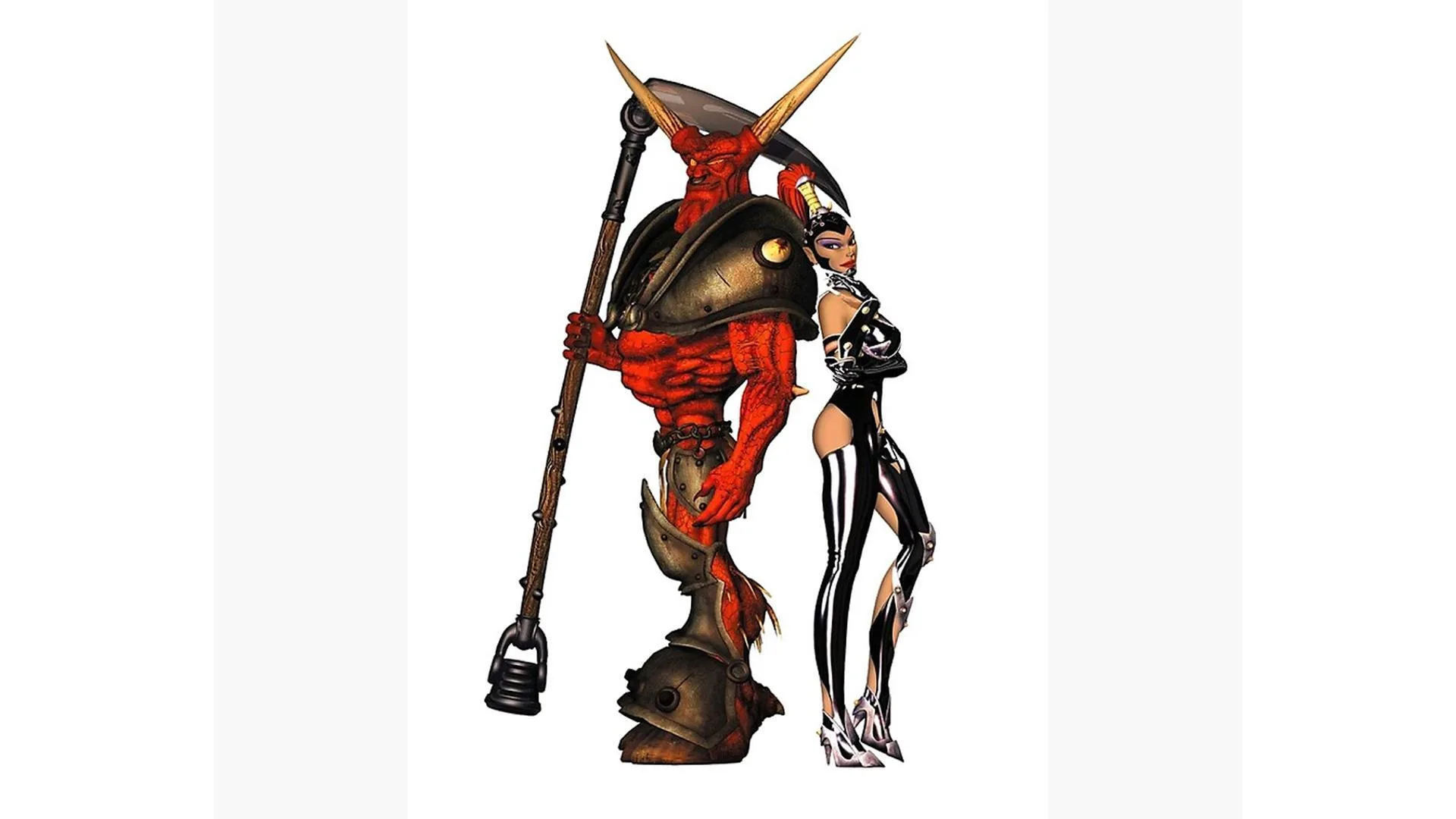
This update brings two cool new things to the game: the Maiden creature and the Jack-In-The-Box Trap. The Maiden is a real powerhouse, spitting webs and taking down enemies like a champ. You'll be able to use her in both Skirmish and Multiplayer modes, which is awesome for shaking up your strategies.
Then there's the Jack-In-The-Box Trap. This little gem literally scares the life out of your Imps, which is handy for keeping them in line, and it also dishes out damage to enemy Dungeon Hearts. It’s a neat way to mess with your opponents.
For those of you rocking a Matrox G400 card and fiddling with graphics settings, VER 1.70 includes a fix for Environment Mapped Bump Mapping (EMBM). Just make sure you're using the latest drivers from Matrox's website (www.matrox.com). To turn it on, you'll need to use the command lines '-enablebumpmapping' and '-enablebumpluminance' when you launch the game. Keep in mind, EMBM is an unsupported feature, so don't expect tech support to help if things go sideways. If you're using a different graphics card, trying to enable EMBM might cause crashes, so proceed with caution. For more on command lines, check out the ReadMe.txt file.
One last thing about installing this update: if you decide to uninstall it later, it won't clean up all the Dungeon Keeper 2 files automatically. After uninstalling, you'll need to manually delete the remaining files. If you installed the game in the default location, you'll find them in 'C:\Program Files\Bullfrog\Dungeon Keeper 2\'.
100% Human-Written. AI Fact-Checked. Community Verified. Learn how AntMag verifies content