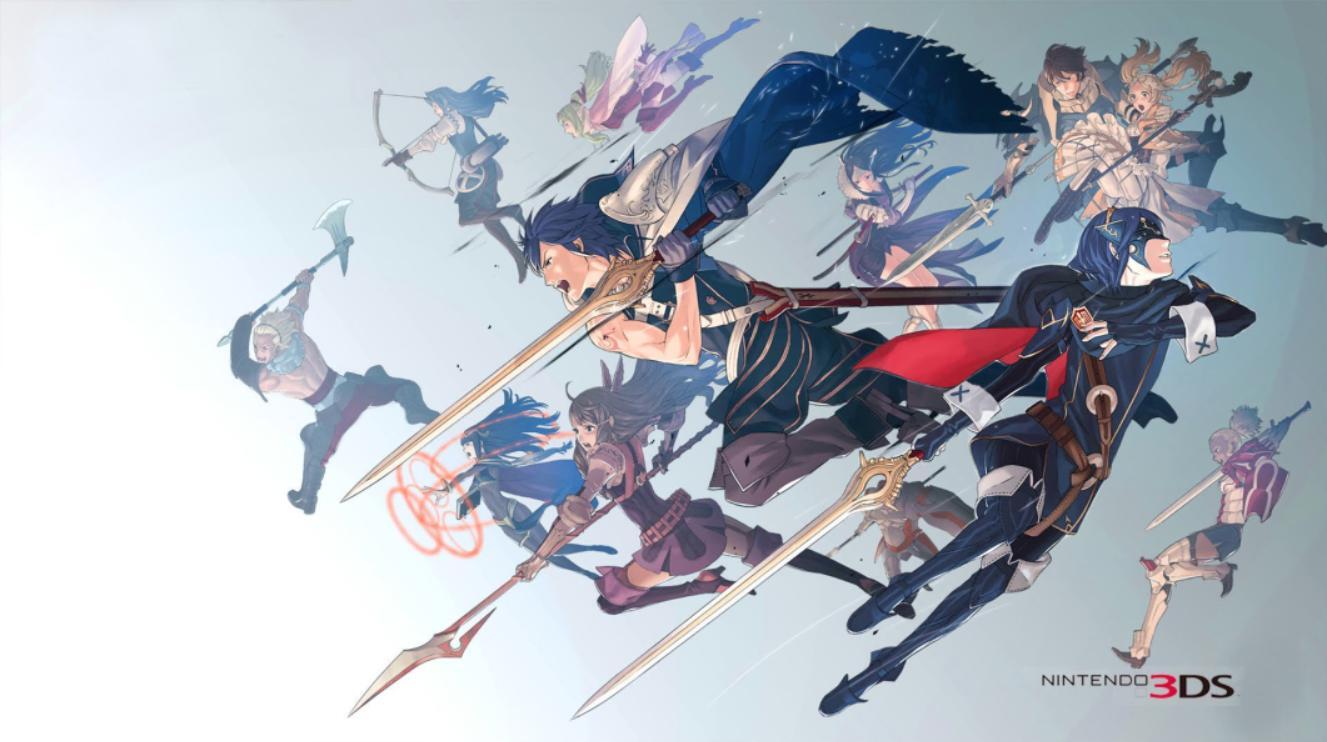
Master Fire Emblem: Awakening's controls! Learn soft resets, speeding up dialogue, skipping animations, and using the touch screen effectively. Your guide to seamless gameplay.
Hey there! So you're diving into Fire Emblem: Awakening, awesome choice! Let's get you up to speed on how to navigate the game smoothly. It's not just about the battles; knowing these little tricks can save you a ton of time and make the whole experience more enjoyable.
First off, if you ever mess up or just want to restart a map quickly, there's a handy soft reset. Just press and hold L + R + SELECT / START all at the same time. Boom, instant restart. Super useful if you make a big tactical blunder!
Need to get through dialogue or enemy turns faster? Try this: while holding the Down button on your D-pad, press A. This will speed up the text and animations. It's a lifesaver during those long story segments or when you've seen the same attack animation a hundred times.
Speaking of skipping, the START / SELECT button is your best friend for skipping pretty much anything. You can skip enemy turns, battle animations, and even cutscenes. Use it wisely to speed up grinding or get back to the action.
Want to turn off those flashy battle animations? If they're set to
100% Human-Written. AI Fact-Checked. Community Verified. Learn how AntMag verifies content