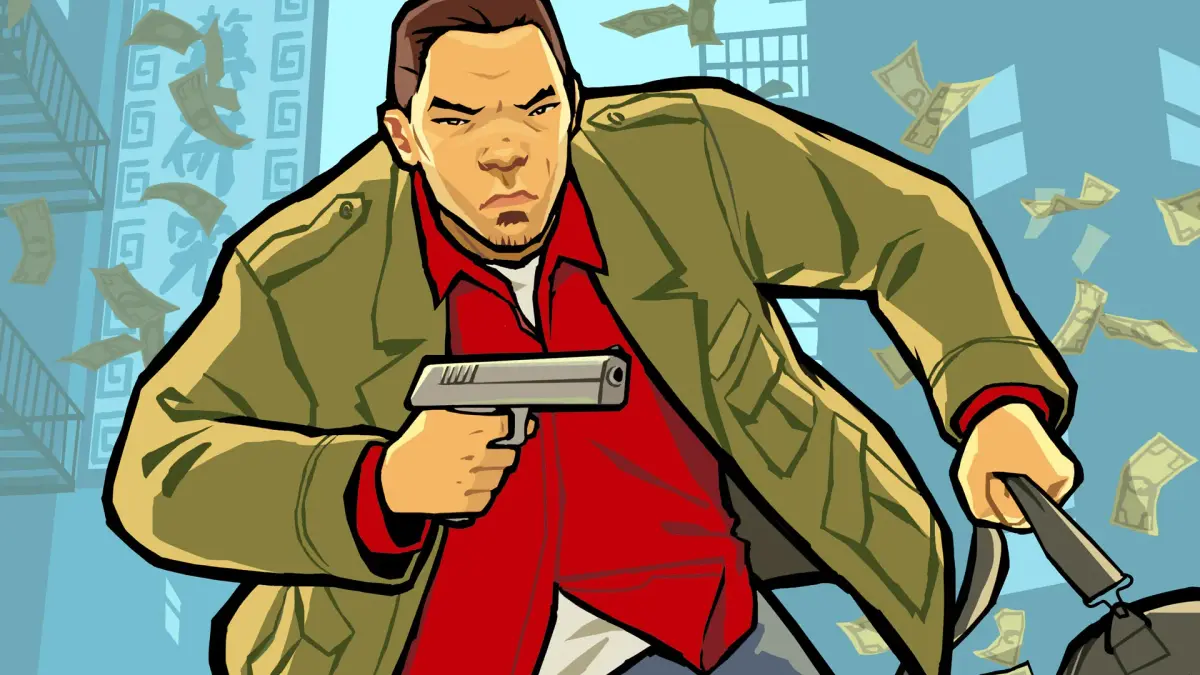
Master the GPS and PDA in Grand Theft Auto: Chinatown Wars. Learn to set routes, manage contacts, find points of interest, and utilize Safehouses effectively.
Alright, let's get you sorted with how to navigate Liberty City like a pro in Grand Theft Auto: Chinatown Wars. This section is all about using your in-game PDA and GPS to get around, find what you need, and manage your game saves and safehouses. Think of your PDA as your all-in-one tool for survival and success in the city.
First off, you can always get back to your main GPS screen by tapping the green arrow next to the Exit Button. Need to go somewhere specific? Just double-tap on your destination on the map, and a route will pop up. You can toggle this route on or off by tapping the little world icon on the bottom left of your screen.
When you dive into the GPS option in your PDA, you'll see the in-game map. You can slide this map around using the Analog Stick. This map is super handy because it shows you all the important spots: Safehouses, Dealers, Gas Stations, Pay 'N' Sprays, and even the Bomb Garage. If you ever lose track of yourself on the map, just hit the Triangle Button to re-center the view on your character.
On the left side of the screen, pressing the Square Button brings up a menu with some really useful options:
- Contacts: This shows your main story contacts and any Dealers you've encountered. It'll tell you how far away they are and let you set a GPS course directly to them.
- Points of Interest: This works similarly to Contacts but is for a wider range of locations. You'll find Safehouses, Pay 'N' Sprays, Gas Stations, Unique Stunt Jumps, Security Cameras, Odd Jobs, Rampages, Scratch Card Shops, and the Bomb Garage listed here. Keep in mind, most of these only show up on your map after you've actually visited, completed, or destroyed them.
- Favorites: This is where you can mark places you like to visit often, making them easy to find later.
- GPS On/Off: Simple enough – this lets you toggle the GPS route display on and off.
Once you're done with the GPS screen, just hit the Circle Button to head back to the Main Screen.
Game Saving
One of the biggest changes from previous GTA games is how saving works. In Chinatown Wars, you can save your game pretty much anywhere, anytime. When you save, the game automatically assigns it to the nearest active Safehouse, and that's where you'll respawn when you reload. You can also choose in the Settings menu whether you want the game to save automatically after missions.
Just a heads-up: the Nintendo DS version only gives you two save slots, so use them wisely! The PSP version is more generous, offering eight slots, and you can even back them up to your computer.
Safehouses
When you first start out, you'll only have one Safehouse. As you progress through the game, you'll be able to buy more and earn others. There are a total of twenty-one Safehouses scattered across Liberty City, and snagging all of them is a must if you're aiming for 100% completion. Don't worry, they'll all show up on your GPS once you've acquired them.
Safehouses have two main perks: a Garage and Seclusion. A Garage lets you store one vehicle, and it'll also repair it for you. Later in the game, you might need to jack certain vehicles for loot, and this is where the Garage comes in handy. A Secluded Safehouse is even better because it lets you search a jacked vehicle without any unwanted attention from the cops or gangs.
Here's a look at the purchasable Safehouses:
| Location | Cost | Garage | Secluded |
| Northwood (West) | $9,000 | Yes | Yes |
| Varsity Heights | $8,000 | Yes | No |
| Middle Park | $8,000 | No | No |
| The Meat Quarter | $9,000 | Yes | No |
| Suffolk | $9,000 | No | No |
| Colony Island | $11,000 | Yes | Yes |
| Little Bay | $12,000 | Yes | No |
100% Human-Written. AI Fact-Checked. Community Verified. Learn how AntMag verifies content