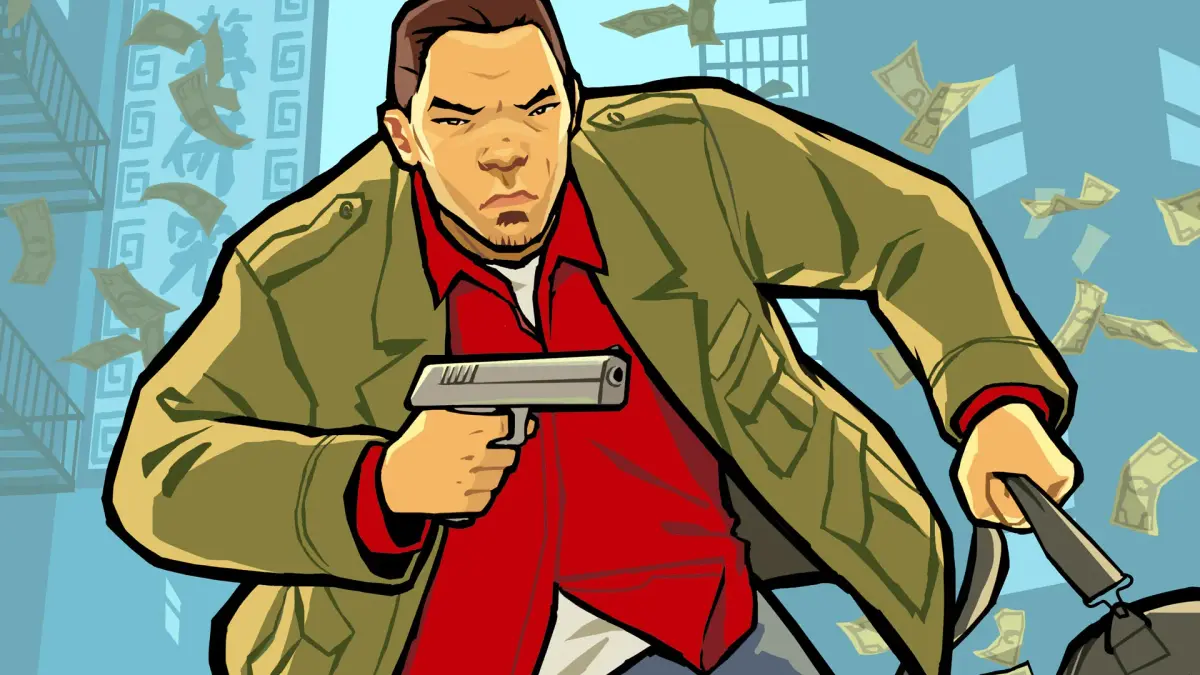
Explore the PlayStation Portable version of Grand Theft Auto: Chinatown Wars, including models, controls, graphics, and custom firmware.
The PSP version of Grand Theft Auto: Chinatown Wars utilizes the hardware capabilities of the console, offering a superior graphical and auditory experience compared to the NDS version. The PSP's more powerful hardware and larger screen result in significantly better graphics. The sound quality is also improved, featuring better versions of music tracks and several additional radio stations, including techno, metal, and traditional Chinese tunes.
PSP Models:
- PSP-1000: The largest and heaviest model, with a less durable analog stick design prone to detachment if the case is damaged.
- PSP-2000 and PSP-3000: Lighter and better designed than the PSP-1000. While some found the PSP-3000's display inferior to the PSP-2000's, the PSP-3000 is considered superior due to more memory, better processing, and the ability to connect to Component Video televisions for Progressive Scan mode, which is also good for HDMI conversion.
Analog Stick Issue: The PSP's analog stick is not rubberized, which can cause thumb slippage if the thumb is moist, making precise control difficult, especially during chases or races. A solution involves applying Plasti-Dip to the analog stick's disc to create a rubberized grip.
Controls:
- The PSP version lacks a touch screen, so NDS-specific touch tasks are replaced by Quick Time Events (QTEs). This can make some tasks, like assembling the Sniper Rifle, easier on the PSP.
- The PSP's analog stick provides an advantage over the NDS version. While slightly stiff, it is less problematic in Grand Theft Auto: Chinatown Wars than in other GTA titles on PSP like Liberty City Stories and Vice City Stories.
Custom Firmware (Softmodding):
- Softmodding a PSP is significantly easier than on PlayStation 2.
- You will need a Memory Stick Duo to Micro SD Card adapter and a sizable Micro SD Card (32-64GB or higher).
- Install PRO 6.60 custom firmware.
- Copy the Fast Recovery and PROUPDATE folders into the PSP > GAME folder. Run the Pro Update program to start the firmware.
- Benefits of custom firmware include faster loading times, longer battery life (by not using the UMD drive), and not needing to carry discs.
Game Crashes:
- Warning: You *NEED* to use a Sony Memory Stick Duo (minimum 2GB) for saving games or softmodding.
- Using a Micro SD card adapter, even for playing off the disc without softmods, can cause constant game crashes (averaging once per hour). This is due to an incompatibility between the game code and non-Sony, specifically non-MagicGate, devices. Prolonged gameplay can lead to freezes and the PSP turning itself off.
100% Human-Written. AI Fact-Checked. Community Verified. Learn how AntMag verifies content