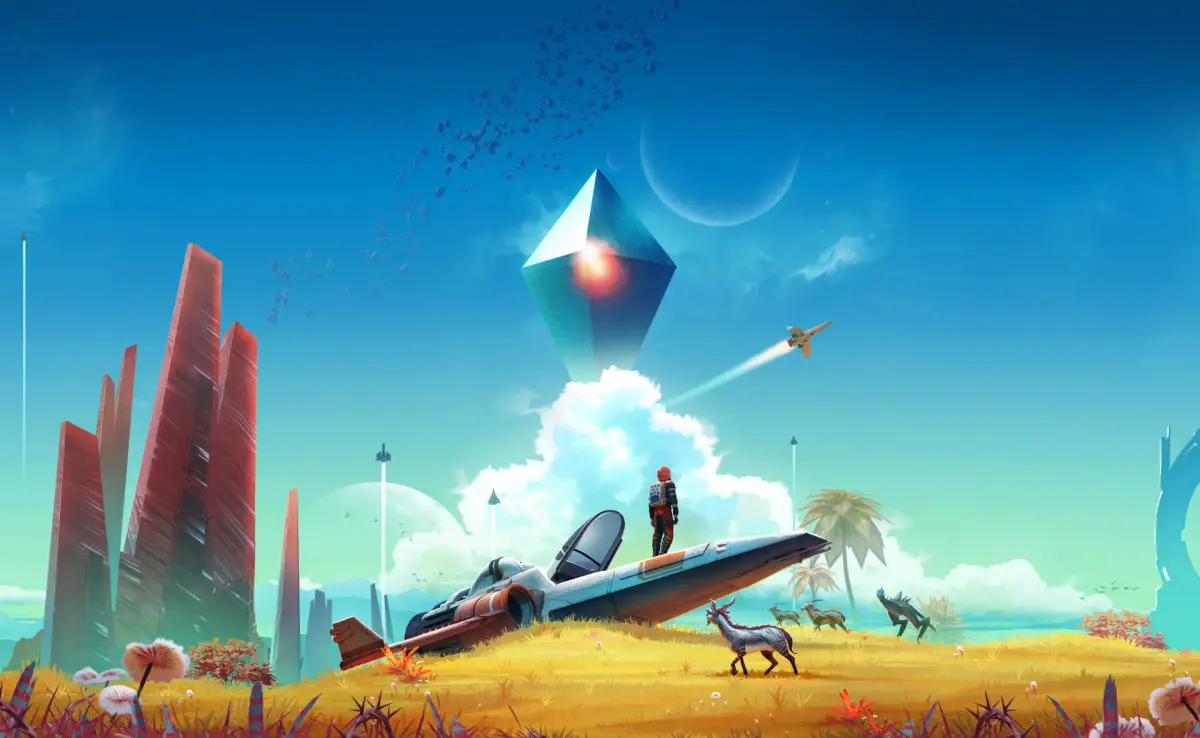
Learn how to use No Man's Sky's Photo Mode! Pause the game, adjust Field of View, time of day, filters, and even save locations for future adventures.
Hey there, fellow traveler! So you want to capture some of those epic No Man's Sky moments, huh? Let's dive into Photo Mode. It's super easy to get to – just open up your Quick Menu and look for the little camera icon. Give that a tap, and bam! You're in.
Now, here's a cool thing: Photo Mode actually pauses the game. This is a lifesaver if you suddenly need to step away for a call or the door. Unlike just opening the regular menus, which leaves you totally exposed, Photo Mode gives you a breather. It's not *officially* a pause button, but it totally works like one, which is pretty handy.
But the real magic is for getting those jaw-dropping screenshots. Photo Mode throws a bunch of tools at you so you can really fine-tune your shots. Want the perfect lighting? You can actually change the time of day. Imagine getting that golden hour glow or capturing a stunning night sky filled with planets and stars. You can even position the sun right where your cursor is – minimal fuss, maximum awesome.
One of the most useful features has got to be the Field of View (FOV) slider. You can pull it all the way back to 150 degrees. This gives you a seriously wide view of your surroundings. Not only does it make for a much more epic-looking shot, but it can also give you a tactical edge. If you're using Photo Mode to scout, that wider view lets you see incoming enemies way before they see you. Think of it like a built-in drone cam!
And of course, it comes with all the filters you'd expect, just like on your phone. Play around with them to give your screenshots that unique artistic flair before you share them.
Here's something really neat: when you take a photo, it actually embeds the URI (Uniform Resource Identifier) information. This is basically the exact location in the universe where you took that pic. Later on, if you create a new game in Creative Mode, you can use that URI to start on that specific planet. It's kind of like the 'seed' system in Minecraft. This means you can always go back to your favorite spots and explore them in a whole new way.
100% Human-Written. AI Fact-Checked. Community Verified. Learn how AntMag verifies content