
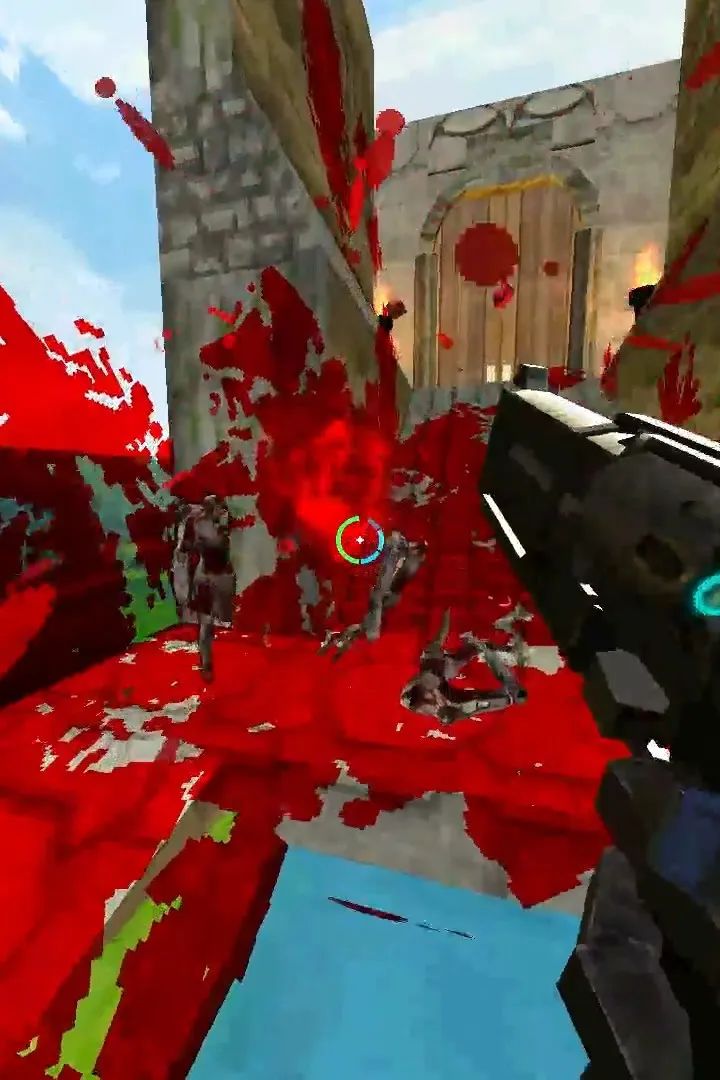
New to ULTRAKILL? This guide walks you through installing and setting up the game, ensuring you're ready to paint the town red. Get your blood fuel ready!
Hey there! So you're ready to dive into the glorious ultraviolence of ULTRAKILL? Awesome! Before we get to painting Hell red, let's make sure you've got the game installed and ready to go. It's pretty straightforward, but here's the rundown:
- Grab the Game: ULTRAKILL is available on Steam. If you haven't already, head over to the Steam Page and purchase the game. There's also a free demo if you want to try before you buy!
- Download and Install: Once you own it, Steam will handle the download and installation. Just follow the prompts on your Steam client. Make sure you have enough disk space – this game is packed with action!
- System Requirements: While ULTRAKILL is optimized, it's always a good idea to quickly check the system requirements on the Steam page to ensure your PC is up to snuff. You don't want any hiccups when the demon-slaying starts!
- Launch the Game: Once installed, you can launch ULTRAKILL directly from your Steam library. Click that big PLAY button and get ready!
That's pretty much it! You're all set to jump into the world of ULTRAKILL. Remember, the key is to stay moving, stay aggressive, and keep that blood meter full. Have fun out there!
100% Human-Written. AI Fact-Checked. Community Verified. Learn how AntMag verifies content