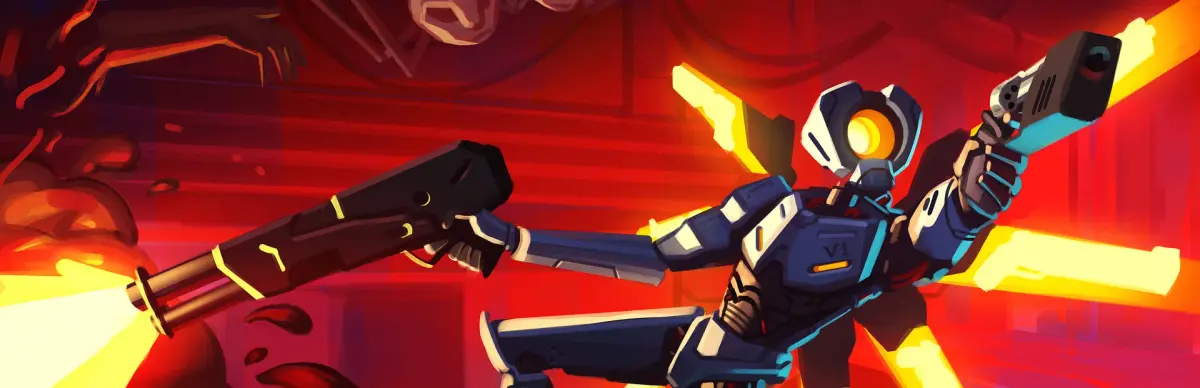
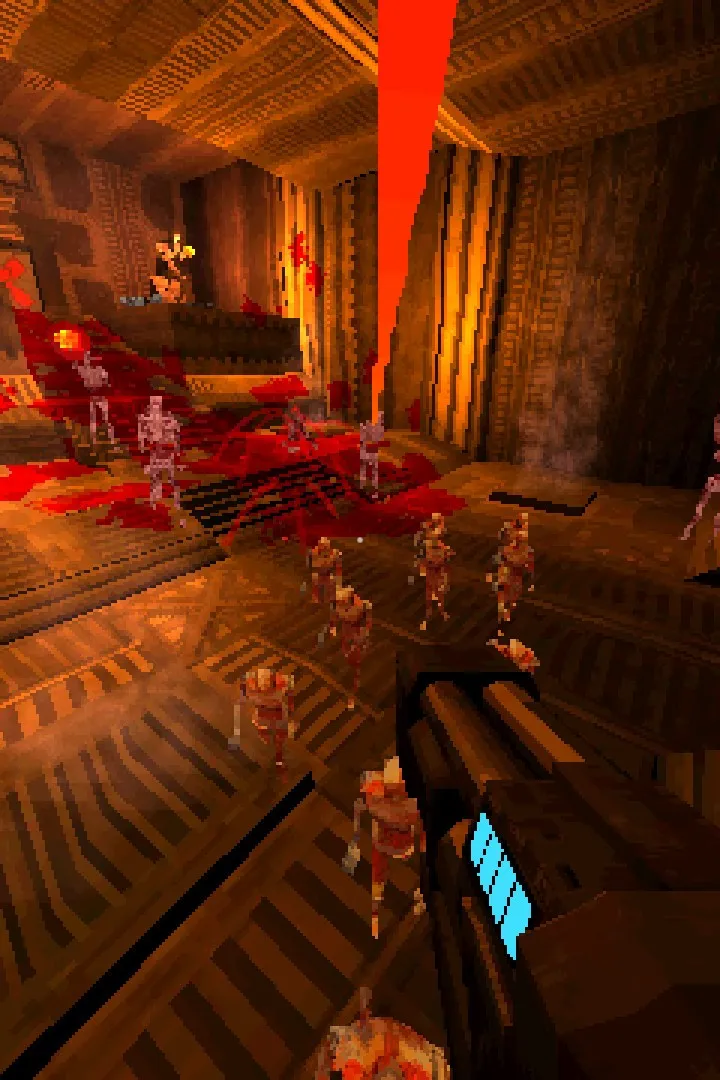
Check the ULTRAKILL system requirements to ensure smooth, high-octane gameplay. Verify your hardware can handle the game's fast-paced, visceral combat and impr.
To experience the visceral, high-octane combat of ULTRAKILL without a hitch, ensuring your system meets the game's requirements is paramount. While ULTRAKILL is known for its efficient optimization, pushing the graphical settings to their limits or running other demanding applications simultaneously can still strain your hardware. Here's a breakdown of what you'll generally need to keep the blood flowing and the frame rates high.
Minimum Requirements:
- Operating System: Windows 7 or later (64-bit recommended for smoother performance).
- Processor: A dual-core processor with at least 2.0 GHz is a good starting point. Think Intel Core i3 or AMD equivalent.
- Memory: 4 GB of RAM is the baseline. If you plan on multitasking or running other background applications, 8 GB will provide a much more comfortable experience.
- Graphics Card: A dedicated graphics card with at least 1 GB of VRAM is recommended. NVIDIA GeForce GTX 460 or AMD Radeon HD 5870 are examples of cards that should meet this.
- DirectX: Version 11 is required.
- Storage: A modest amount of free space, typically under 10 GB, is sufficient.
Recommended Requirements:
For the best visual fidelity and consistent frame rates, especially during intense boss fights or when utilizing particle effects, consider these recommendations:
- Processor: A quad-core processor, such as an Intel Core i5 or AMD Ryzen 5, will ensure smooth gameplay and faster loading times.
- Memory: 8 GB of RAM is ideal. This allows for more headroom and prevents stuttering during demanding sequences.
- Graphics Card: A graphics card with 2 GB or more of VRAM is highly recommended. NVIDIA GeForce GTX 970 or AMD Radeon R9 290 are good examples. This will allow for higher texture settings and more complex visual effects.
- Storage: While not a bottleneck for performance, having ample SSD storage will significantly reduce loading times between levels and restarts.
Always ensure your graphics drivers are up to date, as this can often resolve performance issues and introduce optimizations for newer games like ULTRAKILL. Checking the game's store page or official forums can provide the most current and precise system requirements.
100% Human-Written. AI Fact-Checked. Community Verified. Learn how AntMag verifies content