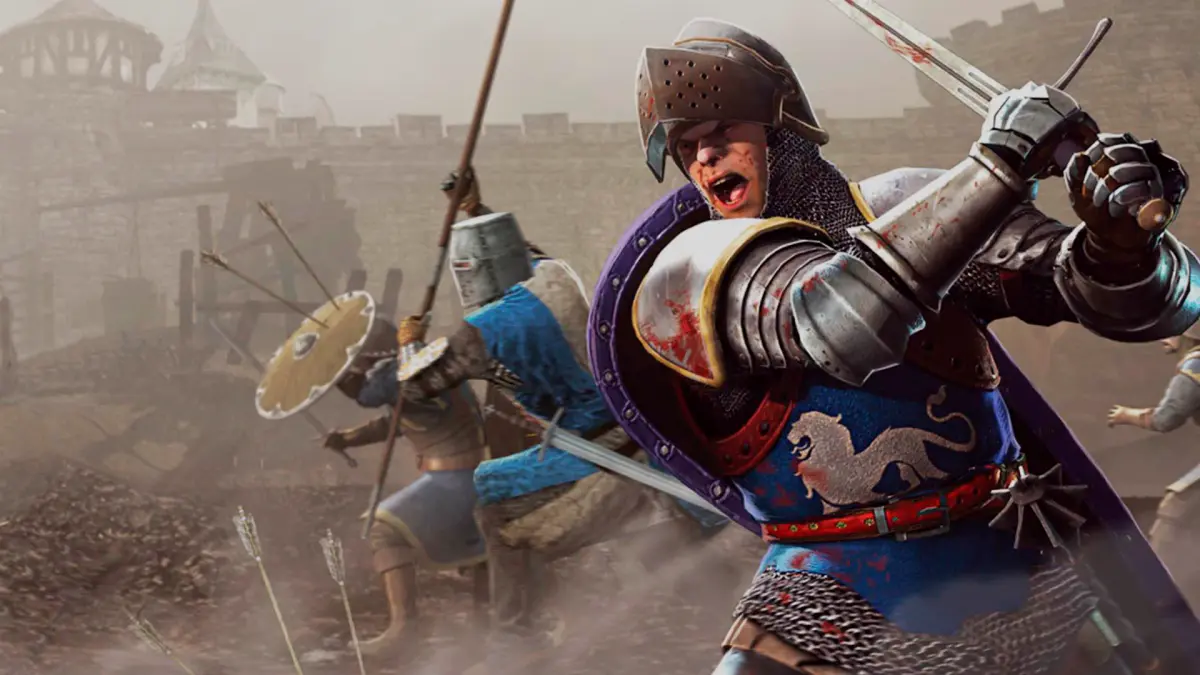
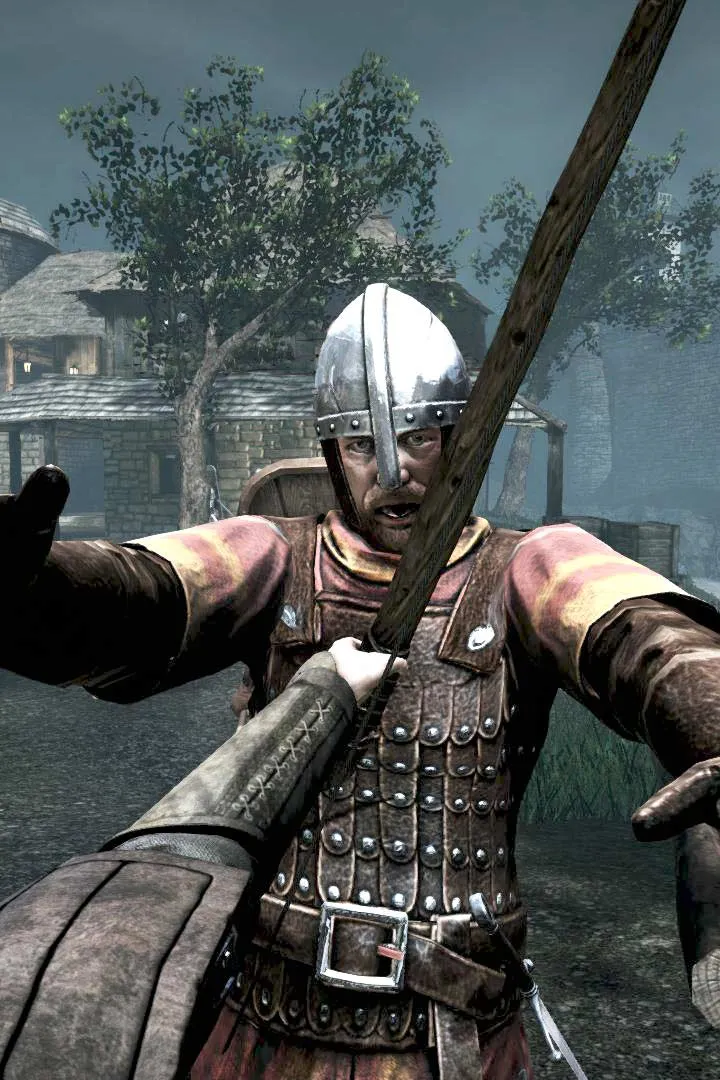
Learn the ins and outs of Chivalry: Medieval Warfare's controls and user interface. Master every action and navigate the battlefield with ease.
This guide provides a comprehensive overview of the controls and user interface for Chivalry: Medieval Warfare. Understanding these elements is crucial for effective gameplay and mastering the battlefield.
| Action | Button |
|---|---|
| Primary Attack | Left Mouse Button |
| Secondary Attack | Right Mouse Button |
| Block | Right Mouse Button (Hold) |
| Kick | Middle Mouse Button / Q |
| Feint | Right Mouse Button (Tap) |
| Special Attack (Charge) | Left Mouse Button (Hold) |
| Crouch | Ctrl |
| Jump | Spacebar |
| Sprint | Shift |
| Weapon Swap | 1, 2, 3 / Mouse Wheel |
| Use Item (e.g., Bandage) | 4 |
| Taunt | T |
| Emote | Y |
| Toggle HUD | H |
| Scoreboard | Tab |
| Chat | Enter |
| Voice Chat (Push-to-Talk) | V |
Mastering these controls will allow you to execute complex maneuvers, defend yourself effectively, and communicate with your team, ultimately leading to victory on the medieval battlefield.
100% Human-Written. AI Fact-Checked. Community Verified. Learn how AntMag verifies content