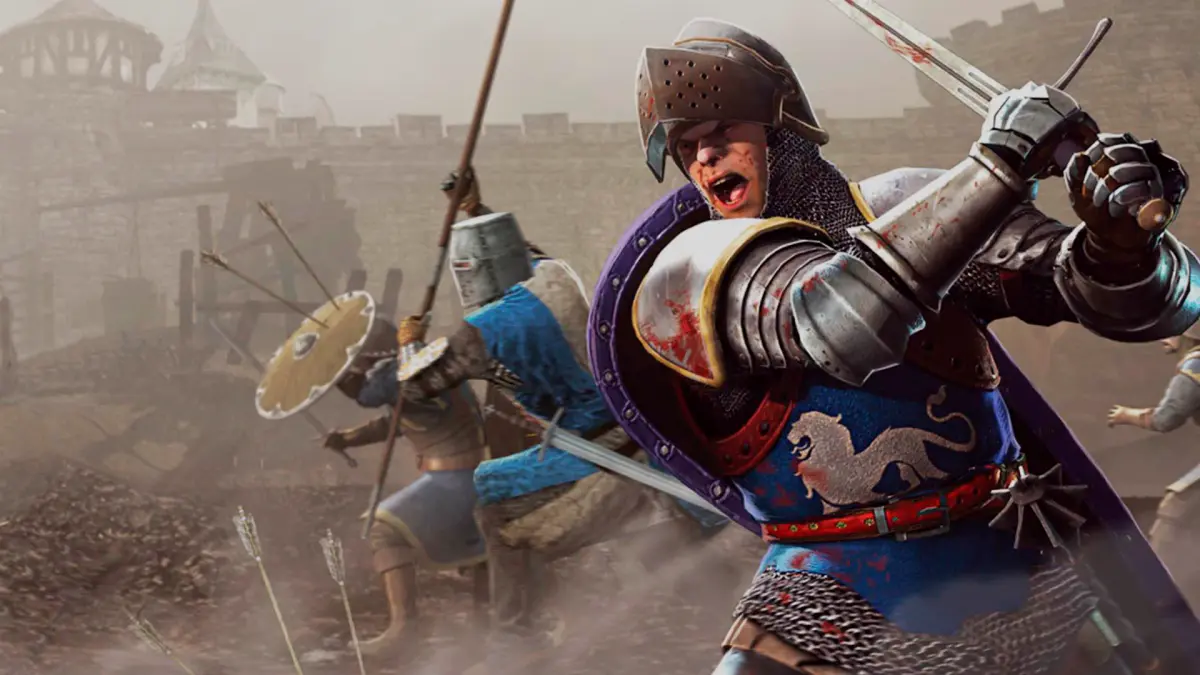
Master voice chat and communication etiquette for Chivalry: Medieval Warfare. Coordinate with teammates for glorious victories on the battlefield.
In the brutal battlefields of Chivalry: Medieval Warfare, effective communication can be the difference between a glorious victory and a humiliating defeat. While the game offers quick chat commands, voice chat provides an unparalleled level of coordination and camaraderie. However, with great power comes great responsibility. This section will guide you through optimizing your voice chat experience and maintaining proper etiquette to ensure a positive environment for all.
Voice Chat Setup & Optimization
Before you even step onto the battlefield, ensure your voice chat is configured correctly for optimal performance and clarity. A clear microphone and appropriate volume levels are crucial for effective communication.
- Accessing Voice Chat Settings:
- From the Main Menu, navigate to "Options."
- Select the "Audio" tab.
- Locate the "Voice Chat" section.
- Microphone Input Device:
- Ensure the correct microphone is selected from the dropdown menu. If you have multiple audio input devices, this prevents you from accidentally broadcasting through a webcam mic or other unintended source.
- Input Volume:
- Adjust this slider to ensure your voice is loud and clear without clipping or distortion. A good test is to speak normally and observe the input meter; it should peak in the green-yellow range.
- Voice Activation vs. Push-to-Talk (PTT):
- Voice Activation: Convenient, but can lead to unwanted background noise being broadcast. Only recommended if you have a very quiet environment and a good noise gate.
- Push-to-Talk (PTT): Highly recommended for most players. This ensures you only transmit when you intend to speak, preventing accidental broadcasts of keyboard clicks, breathing, or household noises.
- Assigning a PTT Key:
- In the "Options" menu, go to the "Controls" tab.
- Scroll down to the "Voice Chat" section.
- Assign a comfortable and easily accessible key for "Push to Talk." Common choices include Caps Lock, a mouse button, or a key near your movement keys.
- Output Volume:
- Adjust the "Voice Chat Volume" slider in the "Audio" options to ensure you can hear your teammates clearly without it overpowering game sounds or music.
Effective Communication Strategies
Voice chat is a powerful tool for teamwork. Use it wisely to gain an advantage over the enemy and support your allies.
- Callouts and Objectives:
- Objective Status: "Pushing the ram on Stoneshill!" or "Defending the last objective on Battlegrounds!"
- Enemy Positions: "Archer on the wall, left side!" (referring to the left from your perspective), "Vanguard flanking from the right!"
- Threats: "Catapult incoming!" or "Enemy behind us, watch your back!"
- Player Status: "Low health, retreating!" or "Need help on the objective!"
- Conciseness is Key:
- Keep your communications brief and to the point. In the heat of battle, long explanations are often missed.
- Example: Instead of "There's a bunch of enemies coming around the corner by the big tree, I think they're trying to get to our flank," try "Flankers, big tree, watch out!"
- Team-Specific Communication:
- Chivalry features a team-only voice chat. This means your communications are private to your Agatha Knights or Mason Order allies, preventing enemies from overhearing your strategies.
- Avoid Over-Communicating:
- Don't constantly talk. Only speak when you have important information to convey. Excessive chatter can be distracting and make it difficult for teammates to hear crucial callouts.
Voice Chat Etiquette: The Code of Chivalry
Just as a knight adheres to a code of honor, so too should players adhere to a code of conduct in voice chat. Maintaining a respectful and positive environment enhances the experience for everyone.
- Respectful Language:
- Avoid profanity, insults, and derogatory language. Remember that you are playing with real people, and a toxic environment benefits no one.
- No Spamming or Screaming:
- Do not spam the voice channel with unnecessary noises, music, or shouting. This is disruptive and can lead to players muting you, hindering effective communication.
- Minimize Background Noise:
- If using voice activation, ensure your environment is quiet. If you have a noisy background (e.g., loud music, conversations, pets), use Push-to-Talk to prevent broadcasting it.
- Constructive Criticism Only:
- If you need to offer advice, do so constructively and politely. "Hey, maybe try blocking more often against Vanguards?" is far more effective than "You suck, learn to block!"
- Muting Disruptive Players:
- If a player is consistently disruptive or abusive in voice chat, you have the option to mute them.
- How to Mute:
- Press 'Tab' to bring up the scoreboard during a match.
- Locate the player's name.
- Click the speaker icon next to their name to mute them.
- Use this feature judiciously. Muting someone means you won't hear their potentially useful callouts, but it's a necessary tool for maintaining your own enjoyment.
- Reporting Abuse:
- For severe and persistent harassment or abuse, consider reporting the player. While the in-game reporting system might be limited, consistent reports can lead to action.
By following these guidelines, you'll not only improve your own gameplay through better coordination but also contribute to a more enjoyable and chivalrous experience for the entire Chivalry: Medieval Warfare community.
100% Human-Written. AI Fact-Checked. Community Verified. Learn how AntMag verifies content