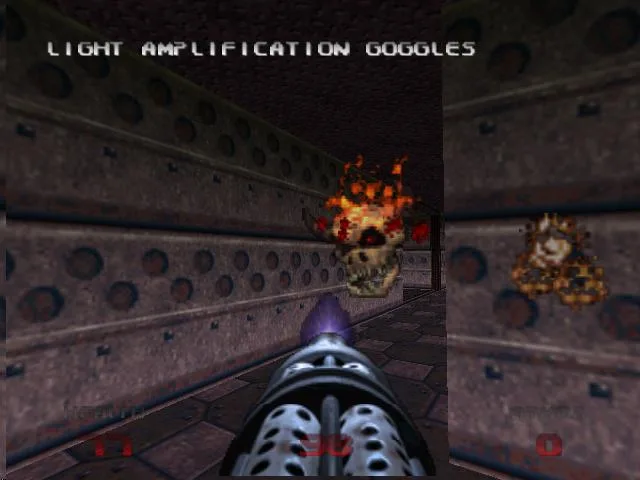
Learn how to access and customize Doom 64's options, including controls, volume, display settings like brightness and messages, and how to use passwords for level access.
Hey there! So you're diving into Doom 64, huh? Awesome choice! Let's talk about the 'Options' menu – it's super important for tweaking the game to your liking. You can get to it right from the main title screen, or if you need to make a quick change mid-game, just hit pause and dive in.
Options Breakdown:
- Control Pad: This is where you can really customize how you play. Ever wanted to swap your strafe button for the fire button? You can do that here! It's all about setting up the controls to feel just right for you.
- Control Stick: If you feel like your turning speed is a bit off, this is the place to fix it. Crank up the sensitivity, and your player will whip around faster. Find that sweet spot that works for your style.
- Volume: Gotta have your sound effects and music just right, right? Use the control stick (left and right) to adjust the volume for both. Get that perfect balance for maximum immersion.
- Display: This menu is packed with ways to tweak how the game looks on your screen.
- Brightness: Simple but effective. Use the control stick to make the game brighter or darker, ensuring you can see everything clearly, even in those shadowy corners.
- Center Display: If the game screen feels a little off-center, you can nudge it left or right here to get it just perfect.
- Messages: Want to see every little notification when you pick up an item, or prefer a cleaner screen? Toggle these messages on or off.
- Status Bar: This bar at the bottom shows your health, armor, and ammo. You can choose to have it on or off, depending on whether you like having that info constantly visible.
- Password: This is a lifesaver! If you need to take a break or want to jump to a specific level, you can use passwords. Make sure to jot down the password for the next level when you finish one – it's the only way to skip ahead!
100% Human-Written. AI Fact-Checked. Community Verified. Learn how AntMag verifies content