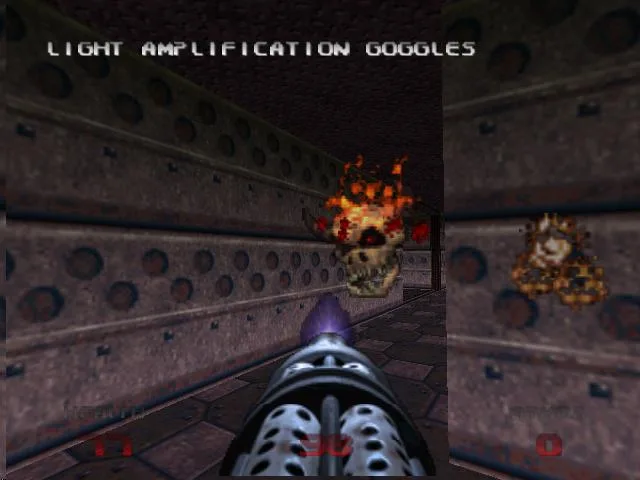
Learn how to pan and zoom the automap in Doom 64 using C-Right, L, and R buttons. Navigate your map effectively.
Walkthrough
- 1To pan around the automap (a map that shows your current location and surroundings), hold down the C-Right button. While holding C-Right, use the analog stick to move the view around the automap. You will not move in the game world while doing this.
- 2To zoom in on the automap, hold down the C-Right button. While holding C-Right, also hold down the L button. The longer you hold down L, the closer the zoom level will become.
- 3To zoom out on the automap, hold down the C-Right button. While holding C-Right, also hold down the R button. The longer you hold down R, the wider the zoom level will be.
Tips
- Experiment with holding L and R for different durations to achieve the desired zoom level.
- Remember that panning the map does not affect your character's movement in the game.
100% Human-Written. AI Fact-Checked. Community Verified. Learn how AntMag verifies content