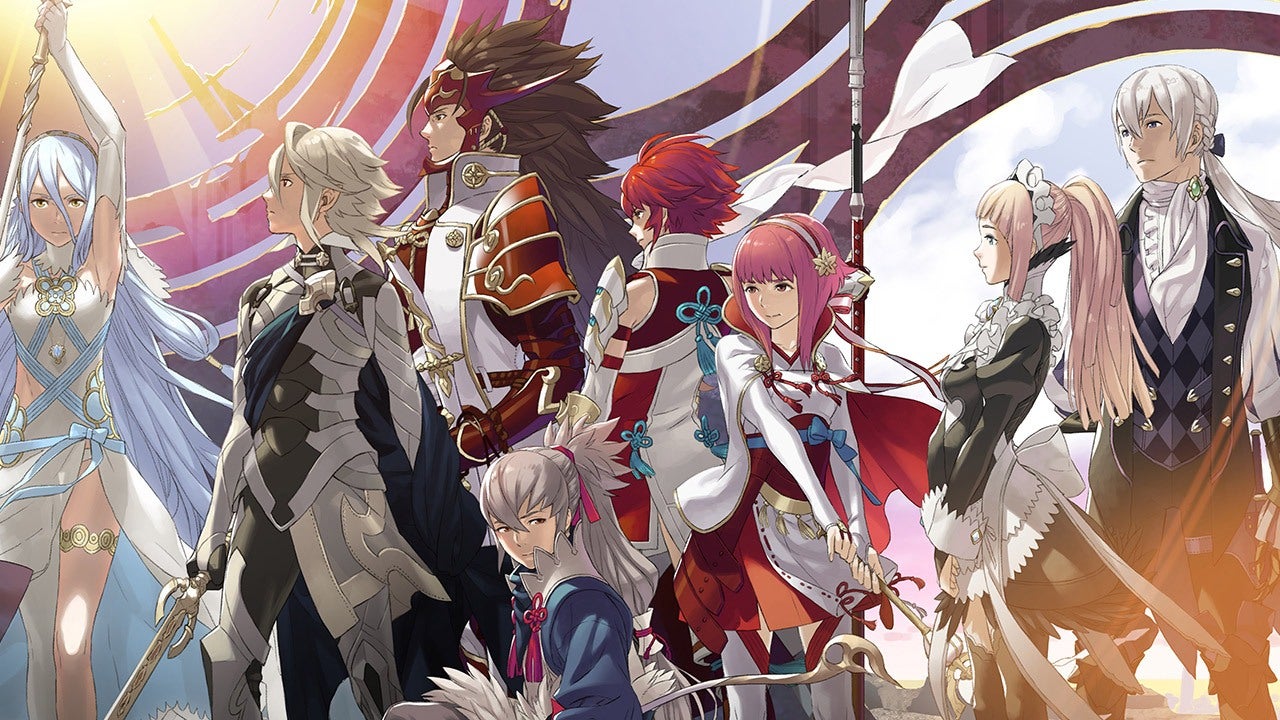
Explore the Records Hall in Fire Emblem Fates: Birthright. Discover the Compatibility feature with the Rainbow Sage, unlock Lore in the Library, rewatch cutscenes in the Theater, and re-read Support Logs.
Walkthrough
- 1Access the Records Hall from the main menu.
- 2Interact with the Compatibility feature to visit the Rainbow Sage. Here, you can see humorous, randomly generated secrets and feelings between two characters. This feature is purely for entertainment and does not affect the main story.
- 3Visit the Library to view Ancient Texts which explain the game's Lore. You may need to decipher their alphabet or use external resources. You can also view the Unit Roster here, which provides details about each unit's personality.
- 4Go to the Theater to rewatch animated cutscenes or listen to music tracks. Higher levels of the Records Hall unlock more music options.
- 5Use the Support Log to re-read previously viewed support conversations.
Tips
- The Support Log saves conversations the moment you view them. Even if you reset your game without saving, the log entry will remain.
- This allows you to view and store all S-rank (marriage) support conversations within a single playthrough.
100% Human-Written. AI Fact-Checked. Community Verified. Learn how AntMag verifies content