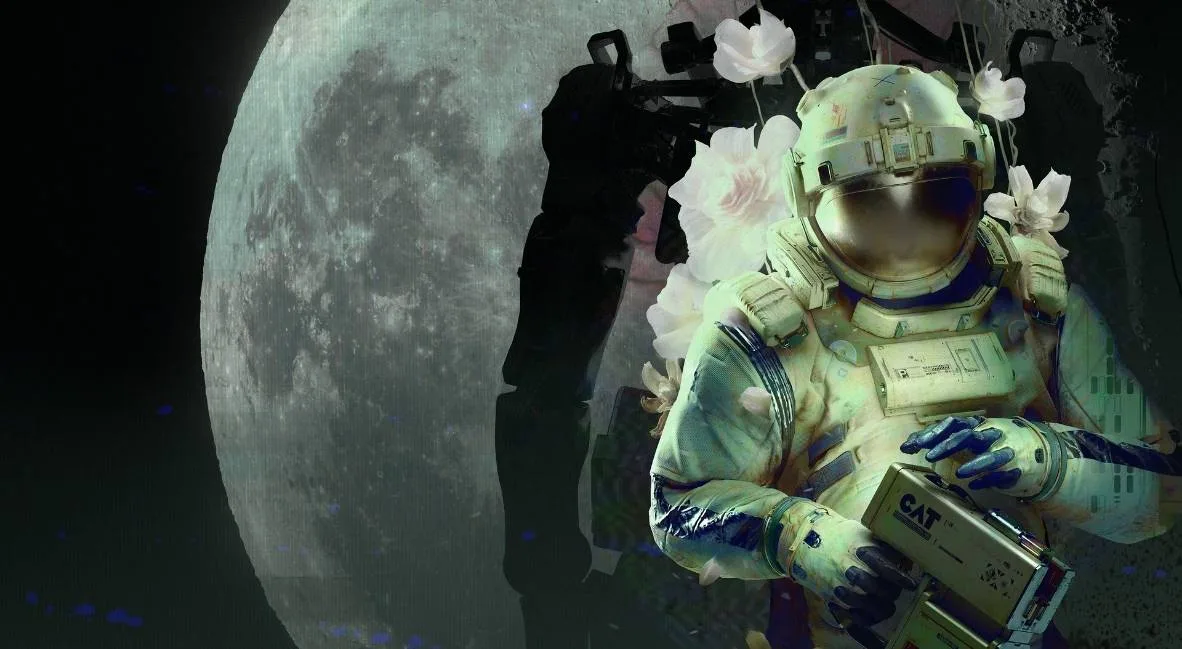
Learn how to unlock all General Achievements in Routine with this comprehensive walkthrough, including tips and strategies for each achievement.
Walkthrough
- 1Start in your room. Approach your helmet on the wall and press E/M1.
- 2Look at the computer screen to the right of the helmet. Click the FORM tab and complete the tutorial.
- 3Press the PRINT tab and PRINT ID. Grab the printed ID from the left side of the computer.
- 4Crouch (CTRL + Space + S) to pick up the fallen ID.
- 5Go to the computer beside the door and press OPEN DOOR. Leave your room and walk left towards the light.
- 6Watch the brief presentation. Approach the elevator door to the left.
- 7Enter the room to the right of the panoramic screen (Meeting Room A01) by pressing OPEN DOOR on its computer.
- 8Enter the second door on your right within Meeting Room A01.
- 9Collect your C.A.T. tool from the second table on the left.
- 10Use the computer on the right side of the meeting room to open another door. Find batteries (blue-colored) inside, either from the recycling center or underneath shelves by crouching.
- 11Insert a battery into your C.A.T. tool. Press R to view the charge meter. Each battery has three uses.
- 12Connect to the projection on the meeting room wall by pressing R, then the Wireless Access Point button.
- 13Go to the DATABASE page and find the elevator keycode (e.g., 4832 - this code is random per player).
- 14Return to the elevator door and enter the keycode on the KEYPAD page. Press OPEN DOOR.
- 15Enter the elevator and press GATEWAY on the computer to access the next area.
- 16Walk left towards the ASN terminal. Listen to the voice recording and view the screen.
- 17Go back towards the elevator and look right at the Tram Station.
- 18Follow the cables from the gate to the electrical box above the note on the wall. Aim with M2 and fire a pulse with M1 to open the gate.
- 19Walk through the opened gate to the Tram Station.
- 20Approach the Tram and get inside. Use the computer screen to choose a location: select the Mall.
- 21At the Mall, go to the front desk and press the IC assistance button. Follow the droid over the computer.
- 22Log in using your ID number (found on the front of your suit, e.g., 9601 - this ID is unique to each player).
- 23Select Business or Pleasure as your purpose. An error will pop up.
- 24Return to the front desk and press the IC assistance button again. Follow the IC bot to a different entrance into the mall.
- 25Climb down the ladder.
- 26Walk straight to the Wireless Access Point. Walk to its right, to the far end wall, and find a hatch with cables.
- 27Follow the cables to an electrical box. Aim with M2 and fire with M1 to open the hatch. Press CTRL to climb through.
- 28Inside, a gate will close. Crouch and look under the Checkout desk for a red button. Press it.
- 29Hide behind the desk as a bot breaks open the gate.
- 30Once the gate is open and the bot is out of the way, run left, then right towards Galaxy Video.
- 31Walk down the hall to the right of the Access Point (left side of Galaxy Video) to the security room. Read the note on the door; the meeting is moved to MEGAZONE.
- 32To reach MEGAZONE, go back to the plant area before the video store, through Union Plaza, straight towards the panel of screens, and take a left.
- 33Go down the hall, take a right, go around the center planter, and crouch (CTRL) under the shutters into MEGAZONE.
- 34In MEGAZONE, find a powered-on arcade machine (back row with the Gunshow image). Press E/M1 to interact and play the game by following the on-screen prompts to earn the achievement.
Tips
- The elevator keycode and your ID number are randomized for each player. Always check the Database or your suit for the correct codes.
- Bots in the mall area are hostile and cannot be fought. Use running (SHIFT) and hiding behind obstacles to avoid them.
- The C.A.T. tool requires batteries, which have a limited number of uses per battery.
Reach Chapter 01 achievement.
100% Human-Written. AI Fact-Checked. Community Verified. Learn how AntMag verifies content