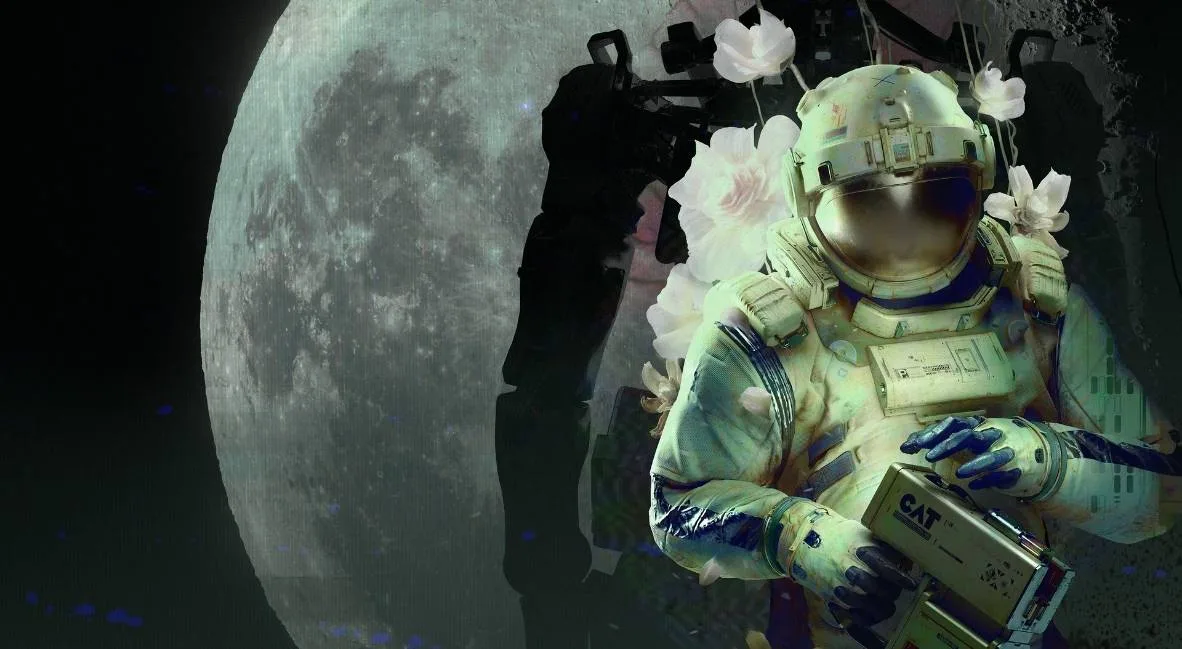
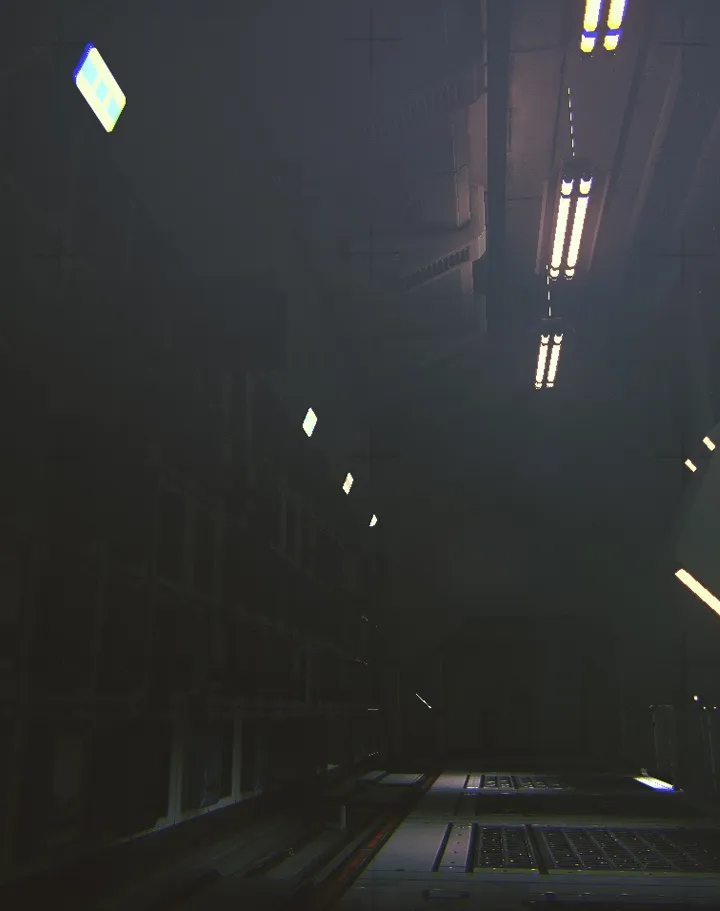
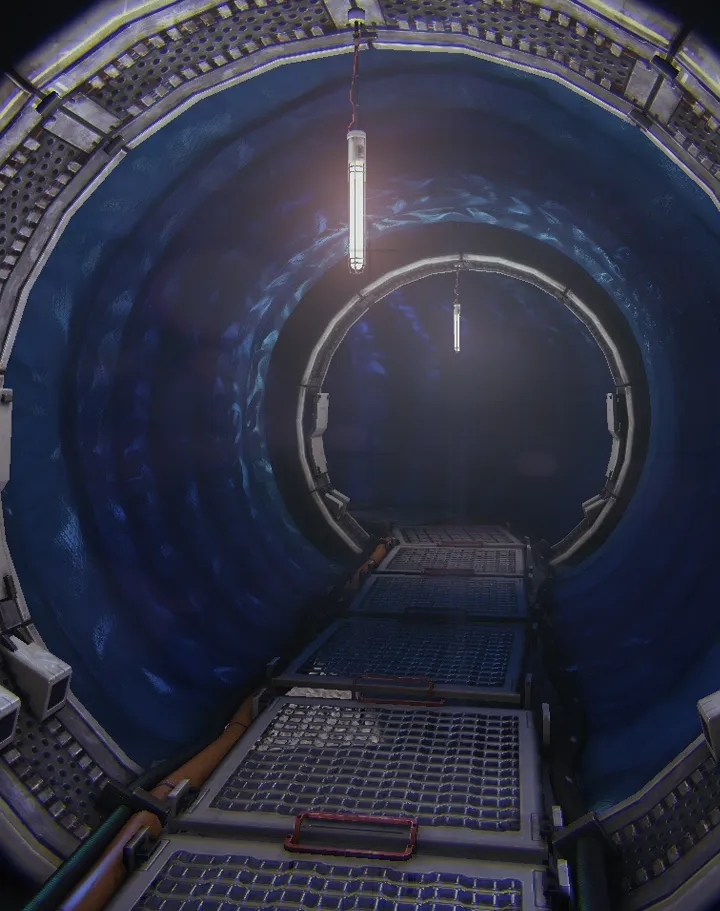
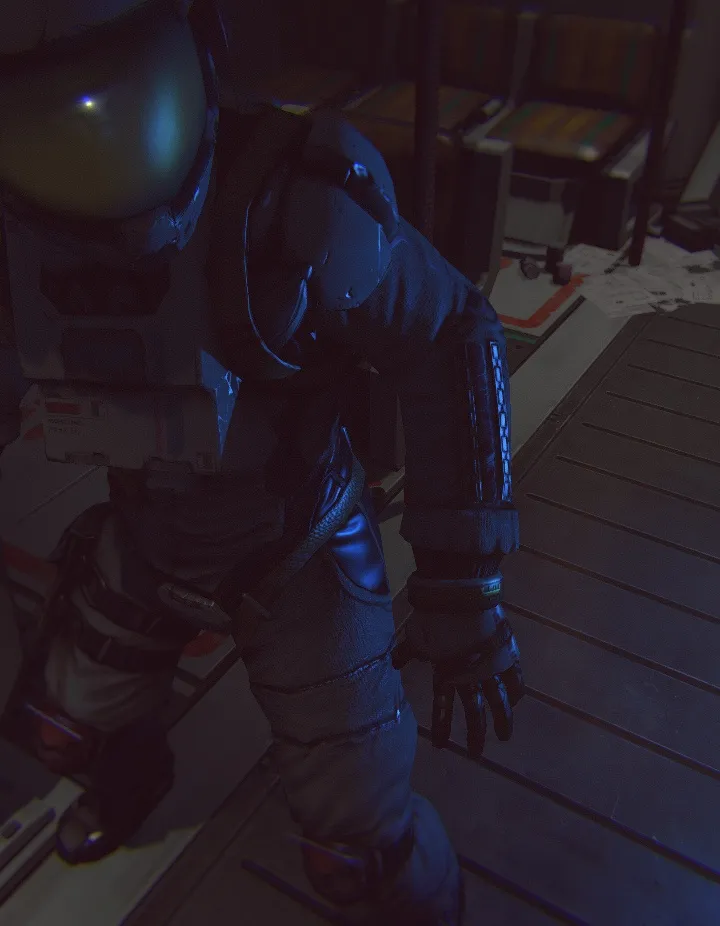
Routine plunges you into a single-player, first-person sci-fi horror experience on a derelict moon base. You’ll navigate eerie, abandoned sectors, manage your limited resources, and evade a relentless entity. Moment-to-moment gameplay involves careful exploration, puzzle-solving using your Interface Module, and tense stealth sequences as you uncover the mysteries of the missing crew and the station’s fate.
This guide covers your journey through Routine, from printing your ID in Chapter 1: Birth to navigating the surface of the moon in Chapter 5: Endure and realigning PRONGS in Chapter 6: Legacy. We’ll help you overcome challenging puzzles like the PRONG realignment, find critical items, and survive encounters with the roaming entity, ensuring you can progress through the atmospheric and often terrifying world Lunar Software has created.
Getting Started
Complete Routine's Chapter 1: Birth with this detailed walkthrough. Learn how to print your ID, use the C.A.T. tool, navigate the mall, and more.
Getting Started
Complete Routine's Chapter 1: Birth with this detailed walkthrough. Learn how to print your ID, use the C.A.T. tool, navigate the mall, and more.
Controls & UI — Routine Guide
Learn all about the controls and user interface in Routine. This guide covers movement, interaction, inventory, and essential UI elements to help you navigate the game.
This guide covers the essential controls and user interface elements for the game Routine. Understanding these will be crucial for navigating the game world, interacting with objects, and managing your inventory.
| Action | Button/Key |
|---|---|
| Move | WASD |
| Look | Mouse |
| Interact | E / M1 |
| Crouch | CTRL |
| Sprint | SHIFT |
| Look Closer | F |
| View C.A.T. Tool | R |
| Aim C.A.T. Tool | M2 |
| Fire C.A.T. Tool Pulse | M1 |
| Open Door | (Contextual Prompt) |
| Use Computer | (Contextual Prompt) |
| Select Tab/Button | M1 / E |
| Grab Item | E / M1 |
| Play Arcade Game | E / M1 |
C.A.T. Tool Usage: The C.A.T. tool is essential for interacting with various systems. You'll need batteries to power it, with each battery providing three uses. Use it to activate Wireless Access Points, override gates, and open doors by pulsing electrical boxes.
UI Elements: Pay attention to the meter on your C.A.T. tool to monitor battery charge. The game also provides contextual prompts for interactions and objectives.
Initial Setup & Controls — Routine Guide
Learn how to navigate Routine's initial setup, master essential controls like movement, interaction, and using the C.A.T. tool for a smooth start.
This guide covers the initial setup and controls for Routine, focusing on how to interact with the game world and its systems from the very beginning.
| Action | Button/Key |
|---|---|
| Interact / Grab | E / M1 |
| Look Closer | F |
| Crouch | CTRL |
| Jump | Space |
| Crouch + Jump | CTRL + Space |
| View C.A.T. Tool / Charge | R |
| Use C.A.T. Tool (Wireless Access Point) | R (then select Wireless Access Point button) |
| Aim C.A.T. Tool | M2 |
| Fire C.A.T. Tool Pulse | M1 |
| Run | SHIFT |
| Open Door | Open Door button on computer |
| Access Elevator | Gateway button on computer |
| Navigate Menus / Select Options | Mouse cursor + M1 / E |
Note: Specific button prompts and controls may vary slightly depending on your input device (keyboard/mouse or controller).
C.A.T. Tool Overview
Understand the C.A.T. tool in Routine. Learn its core functions for scanning, interaction, and module integration, vital for survival.
C.A.T. Tool Overview
Understand the C.A.T. tool in Routine. Learn its core functions for scanning, interaction, and module integration, vital for survival.

Similar guides you might like





100% Human-Written. AI Fact-Checked. Community Verified. Learn how AntMag verifies content