Learn how to navigate and interact with the world in Routine. This guide covers basic movement, using the C.A.T. tool, interacting with terminals, and avoiding hazards.
This guide covers the fundamental movement and interaction mechanics within Routine, focusing on how to navigate the environment, utilize your tools, and interact with various objects and systems.
| Action | Button/Key |
|---|---|
| Move | WASD |
| Look/Aim | Mouse |
| Interact | E / M1 |
| Look Closer | F |
| Crouch | CTRL |
| Jump | Space |
| Crouch + Jump | CTRL + Space |
| Use C.A.T. Tool (View Charge) | R |
| Aim C.A.T. Tool | M2 |
| Fire C.A.T. Tool Pulse | M1 |
| Run | SHIFT |
Throughout the game, you will need to interact with computers, terminals, and objects to progress. Many interactions involve pressing the 'E' or 'M1' key. Some actions, like printing your ID or opening doors, require specific button presses on computer interfaces.
Movement is crucial for survival. You can walk, run using 'SHIFT', and crouch using 'CTRL' to navigate tight spaces or hide from threats. Crouching is essential for reaching items under shelves or passing through low openings.
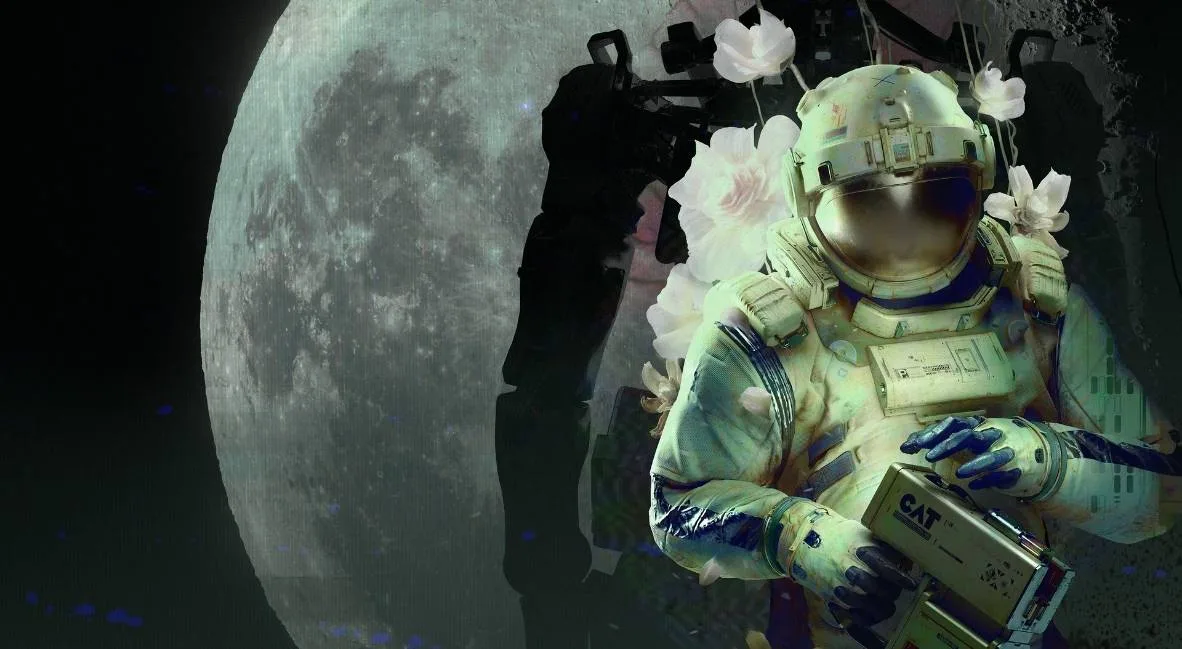
The C.A.T. tool is your primary interaction device. You'll use it to interface with Wireless Access Points to save progress and view tasks, override gates by firing pulses, and access databases for important codes. Remember to manage its battery life, as each battery has a limited number of uses.
Be aware of your surroundings, especially in areas with hostile bots. You cannot fight these enemies, so your primary strategy will be to avoid them by running or hiding behind obstacles. Pay attention to environmental cues and notes left on walls for guidance.
100% Human-Written. AI Fact-Checked. Community Verified. Learn how AntMag verifies content