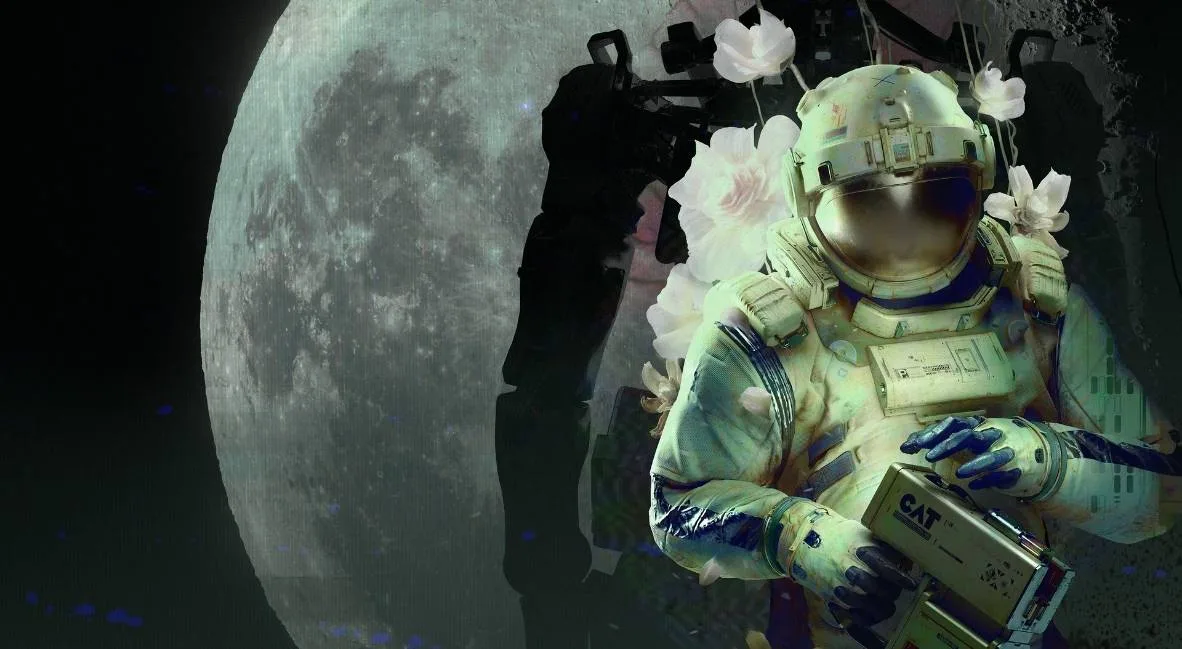
Follow this walkthrough for Routine to get William's Keycard, print your ID, and access terminals to progress through Chapter 1: Birth.
Walkthrough
- 1After the intro cutscene, approach your helmet on the wall and press E/M1.
- 2Look at the computer screen to the right of the helmet.
- 3Click the FORM tab and complete the tutorial.
- 4Press the PRINT tab and PRINT ID. Grab the ID from the left side of the computer.
- 5Crouch (CTRL + Space) to pick up the ID if it falls.
- 6Go to the computer beside the door and press OPEN DOOR.
- 7Leave your room and walk left towards the panoramic screen.
- 8Go to the elevator door computer and note that a password is required.
- 9Enter the room to the right of the panoramic screen (Meeting Room A01) by pressing OPEN DOOR.
- 10Enter the second door on your right within Meeting Room A01.
- 11Collect the C.A.T. tool from the second table on the left.
- 12Go to the right side of the meeting room and use the computer to open another door.
- 13Find batteries (blue) inside. One can be found in the recycling center under the shelves (crouch to access).
- 14Equip a battery to your C.A.T. tool.
- 15Approach the projection on the meeting room wall, press R to view your tool, and press the Wireless Access Point button.
- 16Go to the DATABASE page and find the elevator keycode (e.g., 4832 - this is randomized, so check your own Database).
- 17Leave Meeting Room A01 and go to the elevator door.
- 18Enter the keycode on the keypad and press OPEN DOOR.
- 19Inside the elevator, press GATEWAY on the computer to access the next area.
- 20Exit the elevator and walk left to the ASN terminal. Listen to the voice recording and view the screen for a required access code.
- 21Return towards the elevator and look right at the Tram Station.
- 22Examine the note on the wall to the left of the Tram Station gate.
- 23Follow the cables from the gate to the box on the wall above the note. Aim your C.A.T. tool (M2) and fire a pulse (M1) to open the gate.
- 24Walk through the opened gate to the Tram Station.
- 25Approach the Tram and get on. Use the computer screen inside to select a location. Choose the Mall.
- 26Upon arriving at the Mall, go to the front desk and press the IC assistance button.
- 27Follow the droid to the computer and log in using your ID number (found on the front of your suit, e.g., 9601 - this is randomized, so check your own ID).
- 28Select Business or Pleasure when prompted for your purpose.
- 29An error will occur. Go back to the front desk and press the IC assistance button again.
- 30Follow the IC bot to a different entrance into the mall.
- 31Climb down the ladder.
- 32Walk straight from the bottom of the ladder to the wall with cables.
- 33Follow the cables to an electrical box. Aim your C.A.T. tool (M2) and fire (M1) at the terminal to open a hatch.
- 34Crouch (CTRL) to climb through the hatch.
- 35A gate will close you in. Crouch and look under the Checkout desk for a red button. Press it.
- 36Hide behind the desk as a bot breaks open the gate.
- 37Once the bot is out of the way, run left, then right towards Galaxy Video.
- 38Walk down the hall to the right of the Galaxy Video Access Point to reach the security room. Read the note on the door indicating the meeting is moved to MEGAZONE.
- 39Return to the plant area before Galaxy Video and go back through Union Plaza.
- 40Go straight towards the panel of screens, then take a left.
- 41Go all the way down the hall, then take a right into an area with purple lighting.
- 42Crouch (CTRL) to get under the shutters into MEGAZONE.
Tips
- Press F to look closer at computer screens if you have trouble reading.
- Your C.A.T. tool uses batteries, each with three uses. Press R to view the current charge.
- Hostile bots roam certain areas. You cannot fight them; run (SHIFT) or hide behind obstacles to avoid them.
- In MEGAZONE, find the powered-on arcade machine (back row with Gunshow image) and interact with it to play the game and earn an achievement.
- Chapter 01 Achievement: Reach Chapter 01
100% Human-Written. AI Fact-Checked. Community Verified. Learn how AntMag verifies content