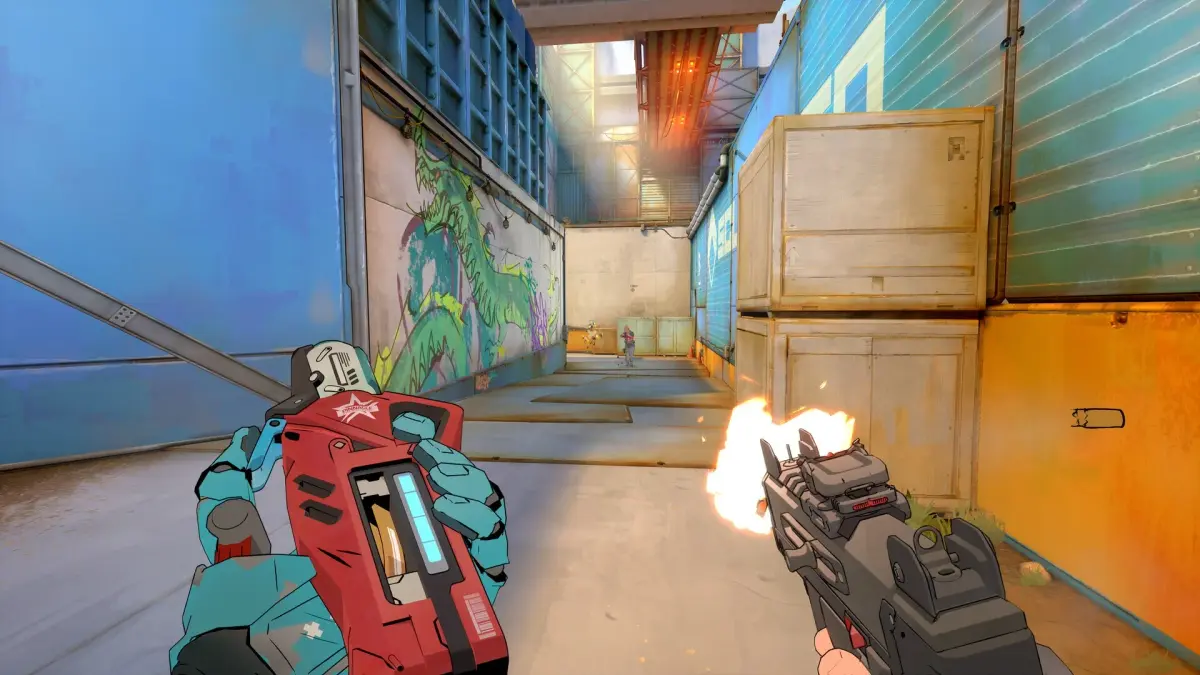
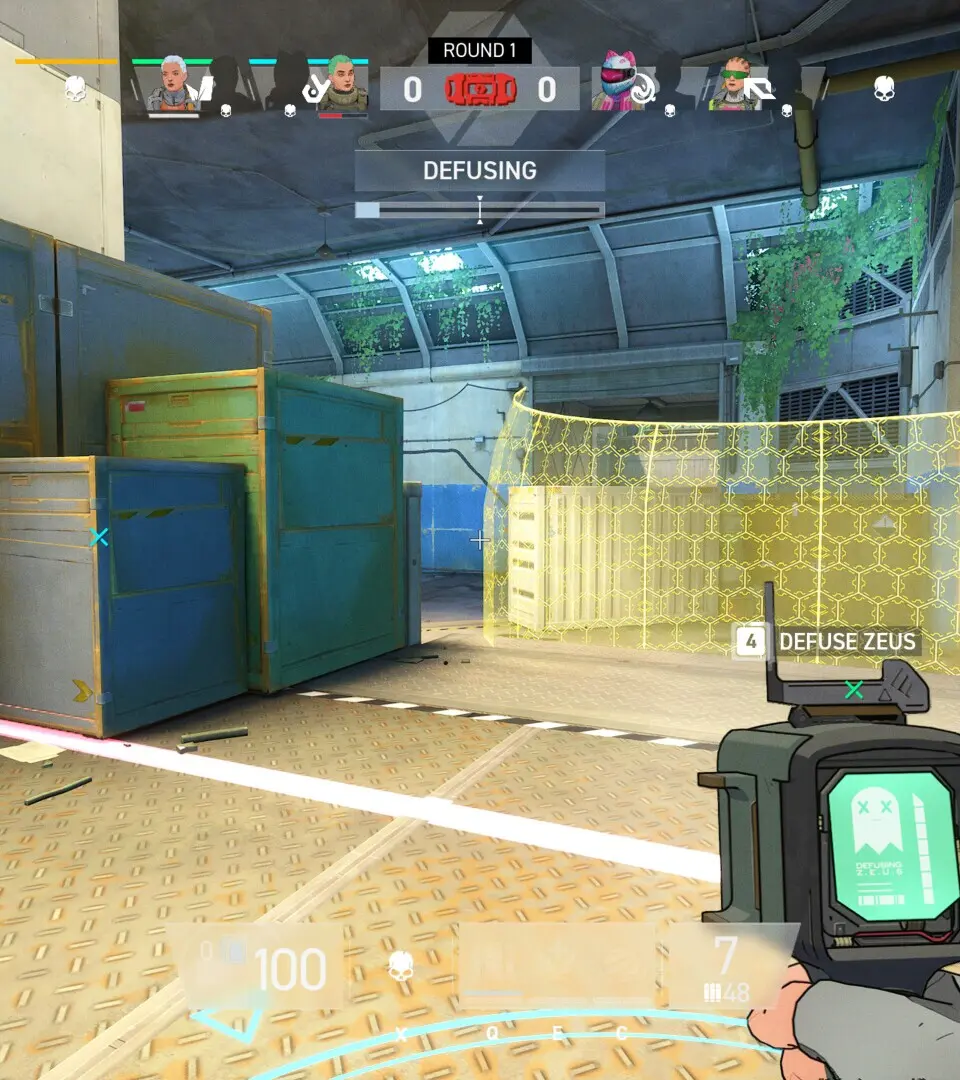
Master Spectre Divide controls and keybindings for FPS movement and dual character switching. Customize your layout for optimal gameplay and synergy.
Spectre Divide utilizes standard FPS controls, but with the added complexity of character switching. The default keybindings are generally intuitive, but customization is highly recommended to suit your playstyle. Here are the essential controls:
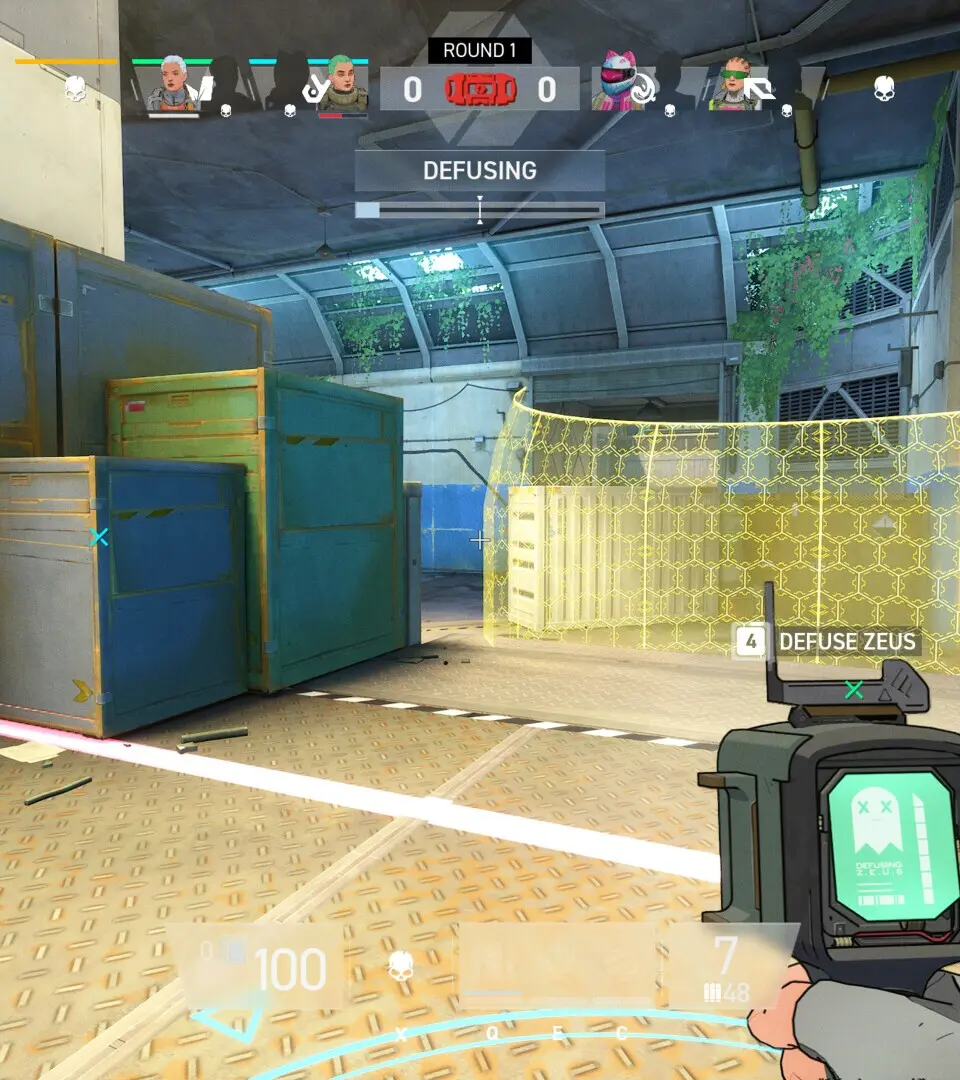
- Movement: W, A, S, D
- Jump: Spacebar
- Crouch: Ctrl (Toggle/Hold)
- Sprint: Shift
- Primary Fire: Left Mouse Button
- Aim Down Sights (ADS): Right Mouse Button
- Ability 1: Q
- Ability 2: E
- Ultimate Ability: F
- Character Switch: Z (Default) - This is a critical binding; ensure it's easily accessible.
- Reload: R
- Melee: V
- Interact: F (Contextual)
- Scoreboard: Tab
- Communication Wheel: C
It is highly advisable to spend time in the training range to practice character switching and ability usage. Consider remapping 'Character Switch' to a mouse button or another easily reachable key if you find the default 'Z' awkward during intense firefights. Smooth character transitions are vital for maximizing your combat effectiveness.
100% Human-Written. AI Fact-Checked. Community Verified. Learn how AntMag verifies content