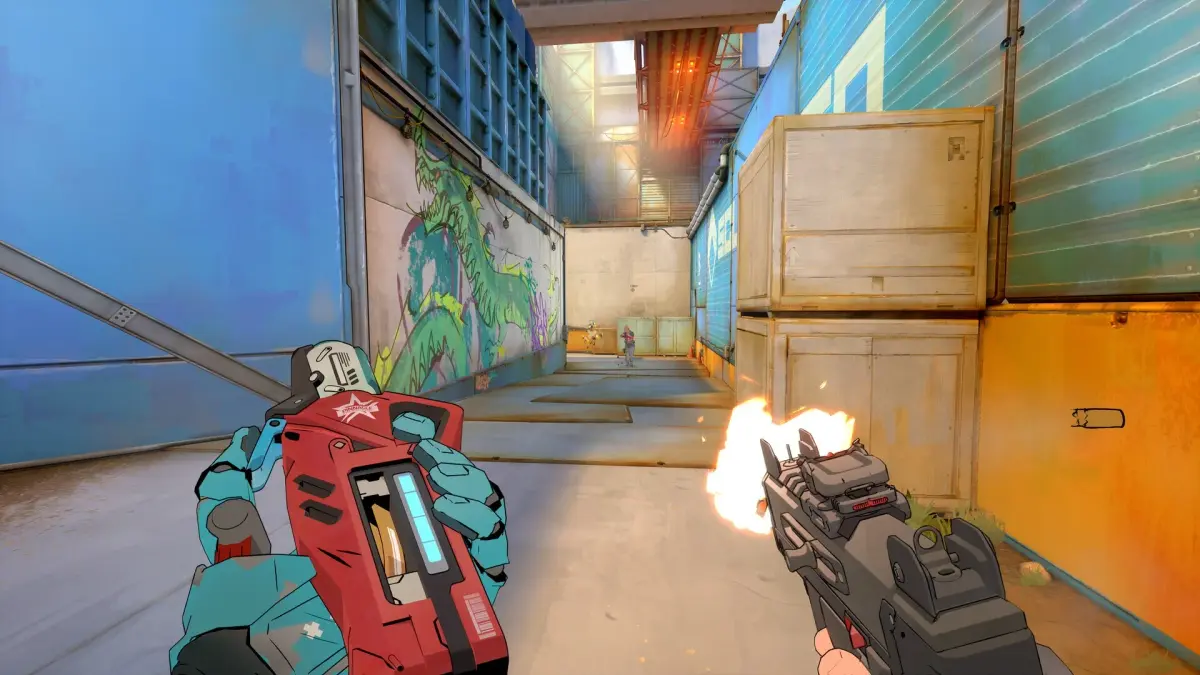
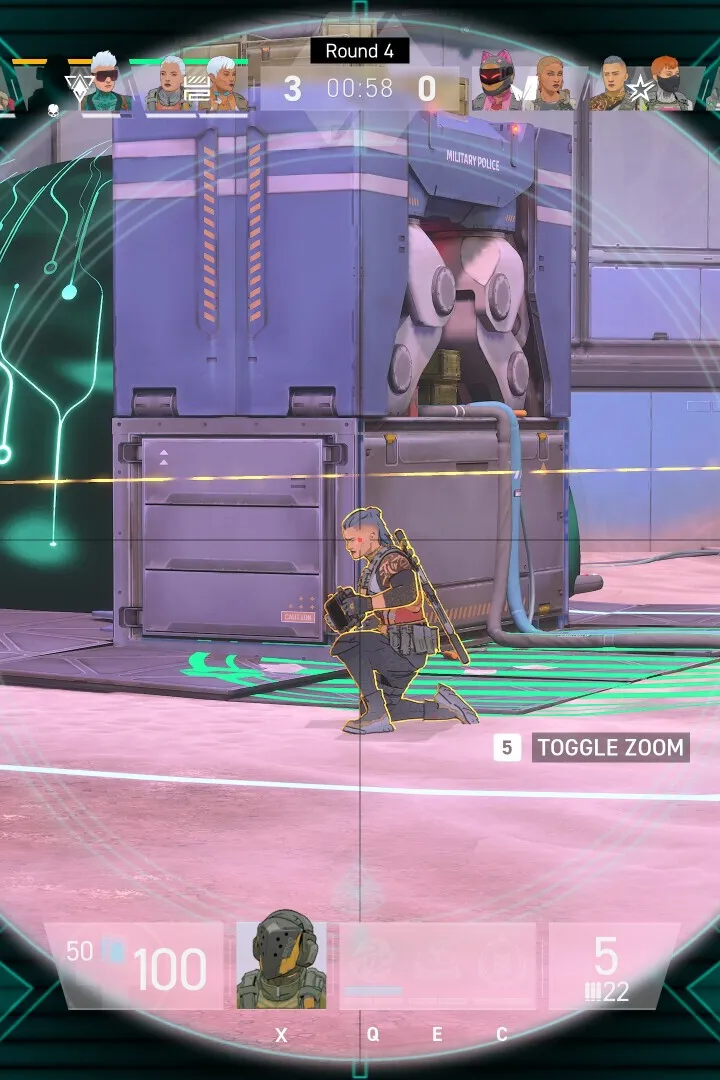
Learn the ins and outs of Spectre Divide's controls and user interface. This guide covers all essential actions, button prompts, and UI elements to enhance your gameplay experience.
This guide details the controls and user interface for Spectre Divide. Understanding these elements is crucial for effective gameplay and navigating the game's systems.
| Action | Button/Key |
|---|---|
| Move Forward | W / Up Arrow |
| Move Backward | S / Down Arrow |
| Strafe Left | A / Left Arrow |
| Strafe Right | D / Right Arrow |
| Jump | Spacebar |
| Crouch | Ctrl |
| Sprint | Shift |
| Primary Fire | Left Mouse Button |
| Secondary Fire / Aim Down Sights | Right Mouse Button |
| Reload | R |
| Interact / Use | E |
| Weapon Swap (Next) | Mouse Wheel Up / 3 |
| Weapon Swap (Previous) | Mouse Wheel Down / 2 |
| Melee Attack | V / F |
| Ability 1 | Q |
| Ability 2 | F |
| Map | M |
| Inventory | I / Tab |
| Pause Menu | Esc |
UI Elements:
- Health Bar: Displays your current health. Depletes when taking damage.
- Shield Bar: Shows your current shield energy. Regenerates over time when not taking damage.
- Ammo Count: Indicates the remaining ammunition for your currently equipped weapon.
- Minimap: Provides a tactical overview of your immediate surroundings, including objectives and enemy positions.
- Objective Marker: Highlights the current primary objective's location.
- Ability Icons: Show the status and cooldowns of your character's special abilities.
- Crosshair: Centered on the screen, indicates where your weapon will fire.
100% Human-Written. AI Fact-Checked. Community Verified. Learn how AntMag verifies content