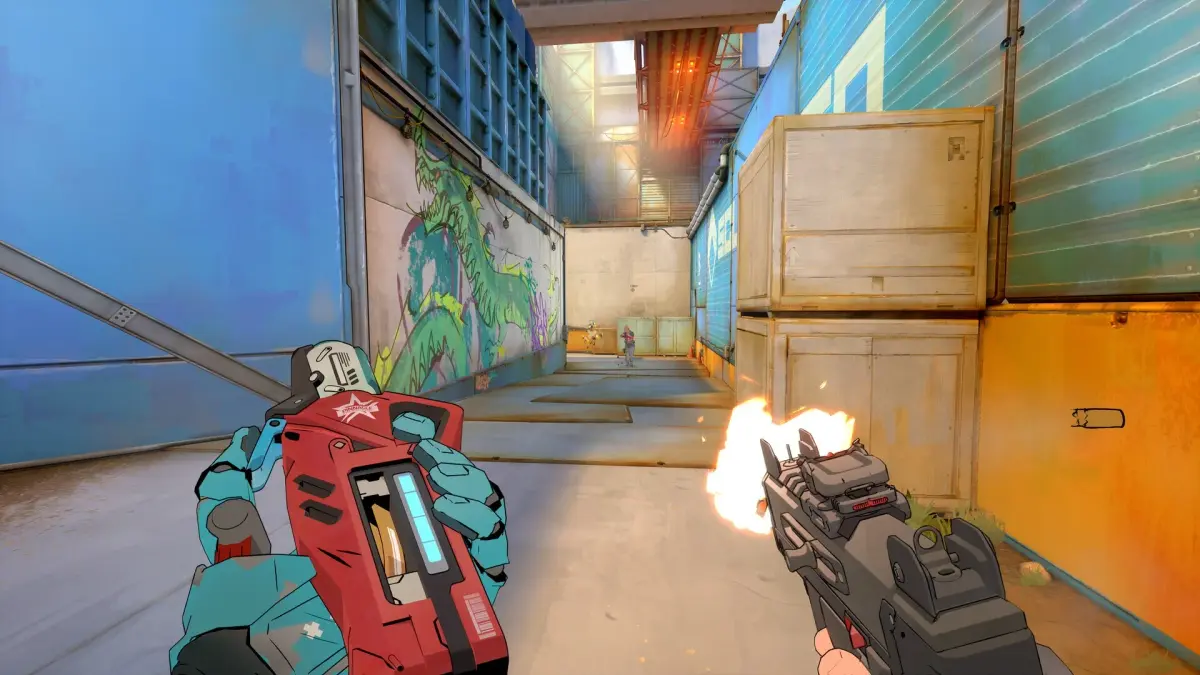
Analyze your performance in Spectre Divide with detailed post-match stats. Learn how to leverage game statistics for continuous improvement.
The battle is over, but your fight for mastery in Spectre Divide is just beginning. A thorough post-match analysis is crucial for identifying strengths, shoring up weaknesses, and ultimately climbing the ranks. This section will guide you through effectively dissecting your performance and leveraging the in-game statistics for continuous improvement.
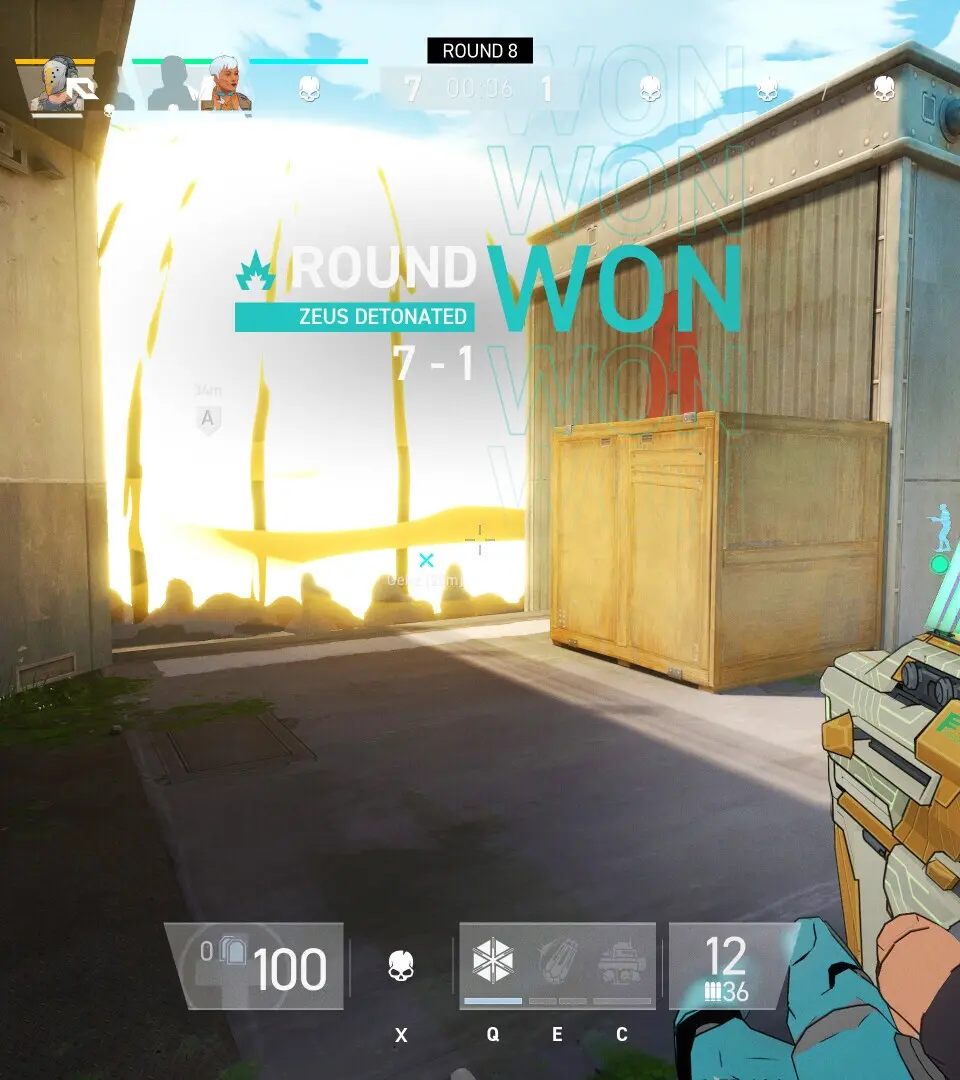
Accessing Your Match Report
Immediately after a match concludes, you'll be presented with a summary screen. Do not skip this! Take a moment to review the initial highlights. For a more detailed breakdown, navigate to the "Match Report" tab, typically found in the top-right corner of the post-game lobby. You can also access past match reports from the main menu under "Career Profile" > "Match History".
Key Statistical Categories & What They Mean
The Match Report is packed with data. Here's how to interpret the most vital statistics:
- Kills/Deaths/Assists (KDA): Your fundamental combat efficiency. A high KDA indicates effective engagement and survival. Don't just look at the raw numbers; consider the context. Did you secure crucial objective kills or just farm easy targets?
- Damage Dealt: This stat reflects your overall contribution to enemy elimination. High damage without many kills might mean you're softening targets for teammates, which is valuable, but also consider if you're failing to secure the final blow.
- Damage Taken: How much punishment you absorbed. High damage taken might indicate poor positioning, over-aggression, or effective tanking for your team. Compare this with your KDA – if you're taking a lot of damage and dying frequently, adjustments are needed.
- Objective Score: Crucial for game modes like "Control Point" or "Payload Escort." This stat measures your direct contribution to completing the game's primary objective. A high objective score often outweighs a slightly lower KDA in terms of overall impact.
- Accuracy (Weapon Specific): Found under the "Weapon Statistics" sub-tab. This shows how many of your shots hit their mark. Low accuracy with a high damage dealt might suggest spray-and-pray tactics. Aim for consistent accuracy, especially with precision weapons like the "Spectre's Kiss" sniper rifle.
- Headshot Percentage: A direct indicator of your aiming precision. Higher headshot percentages mean more efficient kills. Practice aiming for the head in the training grounds with the "Ghostfire" assault rifle to improve this.
- Utility Usage: For specialists with deployable abilities (e.g., "Sentinel Turret" from the Engineer class or "Smoke Grenade" from the Scout), this tracks their effectiveness. Did your turrets get many kills? Did your smoke provide effective cover?
Actionable Walkthrough Steps for Improvement
- Identify Your Role & Performance:
- Damage Dealers (e.g., "Vanguard" class with "Annihilator" LMG): Focus on high KDA, damage dealt, and headshot percentage. If these are low, review your engagement distances and target prioritization.
- Objective Specialists (e.g., "Breacher" class with "Rampart Shield"): Prioritize Objective Score and Damage Taken (if you're tanking). A low objective score means you're not fulfilling your primary role.
- Support/Utility (e.g., "Medic" class with "Healing Drone"): Look at healing output, utility usage, and assists. Your KDA might be lower, but your team contribution should be high.
- Review Specific Engagements (Death Cam & Replays):
- After a particularly frustrating death, use the "Death Cam" feature to see how you were eliminated. Did you expose yourself unnecessarily? Were you flanked?
- For more in-depth analysis, access the "Replay Viewer" from the main menu. Watch your entire match from your perspective, or even from your opponents' perspectives. Pay attention to:
- Your positioning on maps like "Crimson Citadel" or "Forgotten Oasis".
- Your decision-making during firefights.
- How you used your abilities (e.g., did you deploy your "Flashbang" effectively?).
- Compare with Teammates and Opponents:
- The Match Report allows you to compare your stats with other players in the lobby. This isn't about shaming, but about learning.
- If an opponent consistently outperformed you with the same weapon (e.g., they had a higher KDA with the "Vortex SMG"), consider watching their replay if available, or adjusting your own playstyle.
- Set Specific Goals for the Next Match:
- Based on your analysis, pick one or two areas to focus on. For example: "Next match, I will improve my headshot percentage by 5%" or "I will prioritize staying on the control point in 'Crimson Citadel'."
- Track these goals over several matches to see if your adjustments are paying off.
- Weapon and Loadout Optimization:
- Examine the "Weapon Statistics" tab. Are you consistently underperforming with a particular weapon attachment (e.g., the "Precision Stock" vs. "Ergonomic Grip" on your "Spectre's Kiss")? Experiment with alternatives in the "Loadout Customization" screen.
- Consider if your chosen specialist ability (e.g., "Overcharge" vs. "Cloak" for the Assassin class) is truly complementing your playstyle and the map's demands.
By consistently engaging in this detailed post-match analysis, you'll gain invaluable insights into your gameplay, allowing you to refine your strategies, master your chosen specialists, and dominate the battlefields of Spectre Divide.
100% Human-Written. AI Fact-Checked. Community Verified. Learn how AntMag verifies content