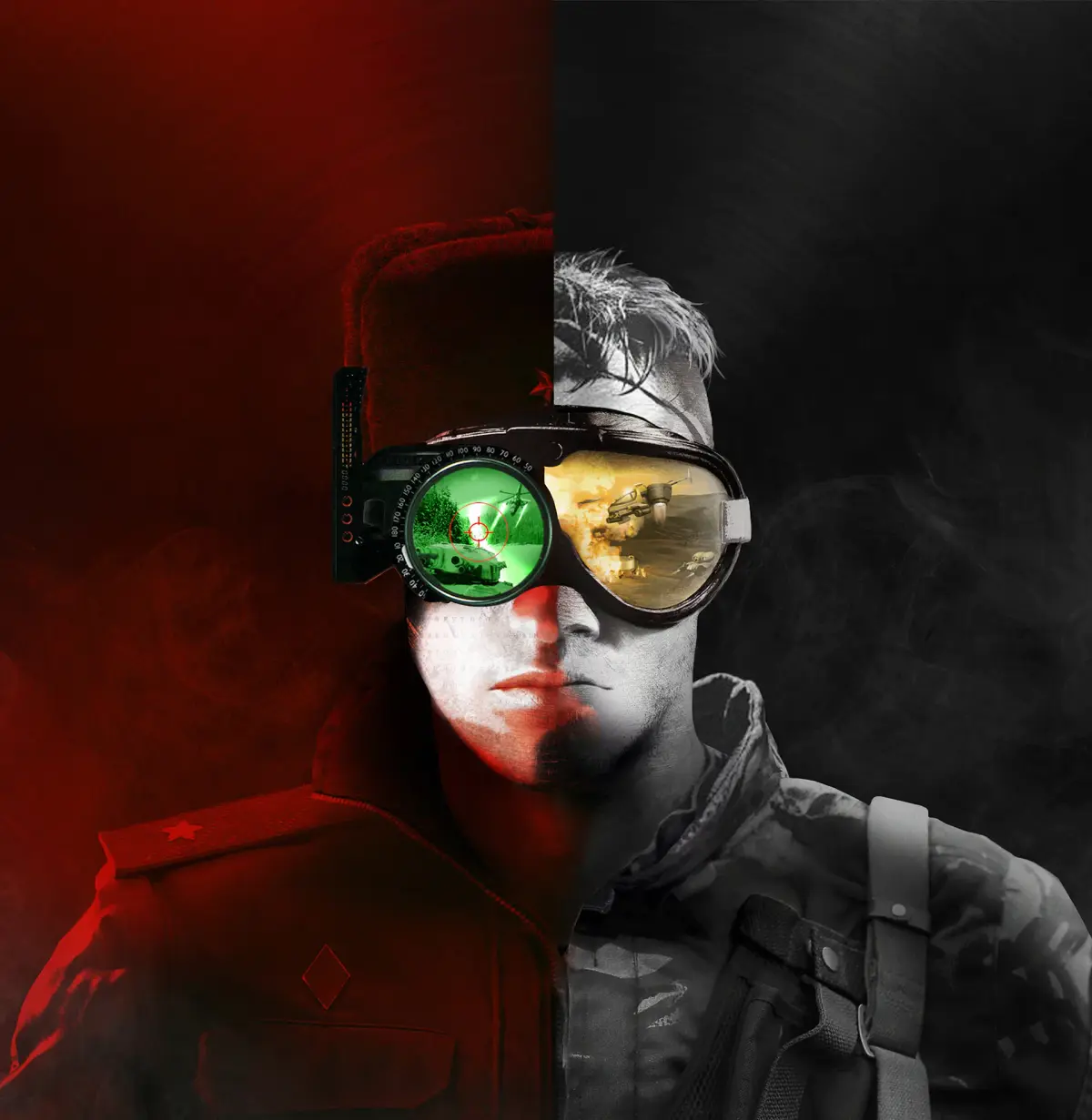
View concept sketches and 3D models in the Command & Conquer Remastered Collection's Art Gallery, showcasing the creative evolution of GDI, Nod, and their envi.
Dive into the visual heart of the Command & Conquer Remastered Collection by exploring its extensive Art Gallery. This section showcases the stunning evolution of the game's iconic art style, from early concept sketches to fully rendered 3D models. Discover the creative process behind the GDI and Nod forces, their vehicles, structures, and the war-torn landscapes they inhabit. It's a treasure trove for fans who appreciate the meticulous detail and artistic vision that defined these legendary real-time strategy games.
The Art Gallery within the Command & Conquer Remastered Collection is a dedicated space for players to appreciate the visual development of both Tiberian Dawn and Red Alert. It features a vast array of concept art, character models, vehicle dess, and environmental sketches, offering a unique glimpse into the creative journey of the original games. This feature allows fans to zoom in on intricate details, understand des choices, and relive the aesthetic charm that made these titles so memorable.
- Tiberian Dawn Gallery: Explore the gritty, futuristic dess of GDI and Nod.
- Red Alert Gallery: Witness the distinct art style of the Allied and Soviet factions.
- Unit and Structure Showcases: View detailed models of iconic units and buildings.
- Concept Art and Sketches: Delve into the early stages of visual development.
- Cinematic Artwork: Appreciate the visual flair of the game's iconic cutscenes.
Navigating the Art Gallery
Accessing the Art Gallery is straightforward. From the main menu of the Remastered Collection, navigate to the 'Bonus Content' section. Within 'Bonus Content,' you will find the 'Art Gallery' option. Upon selection, you'll be presented with categories for each game and then further sub-categories for units, structures, characters, and environments. You can typically use your mouse to click and drag to pan around images, and a zoom function is usually available for closer inspection of the detailed artwork.
What to Look For
Pay close attention to the evolution of unit dess. For instance, compare the early sketches of the Mammoth Tank to its final in-game appearance. Similarly, observe how the iconic Nod Obelisk of Light was conceptualized. The gallery also offers insights into the environmental des, showcasing how different maps were envisioned. It's a fantastic way to deepen your appreciation for the craftsmanship involved in bringing these classic RTS games back to life with enhanced visuals.
100% Human-Written. AI Fact-Checked. Community Verified. Learn how AntMag verifies content