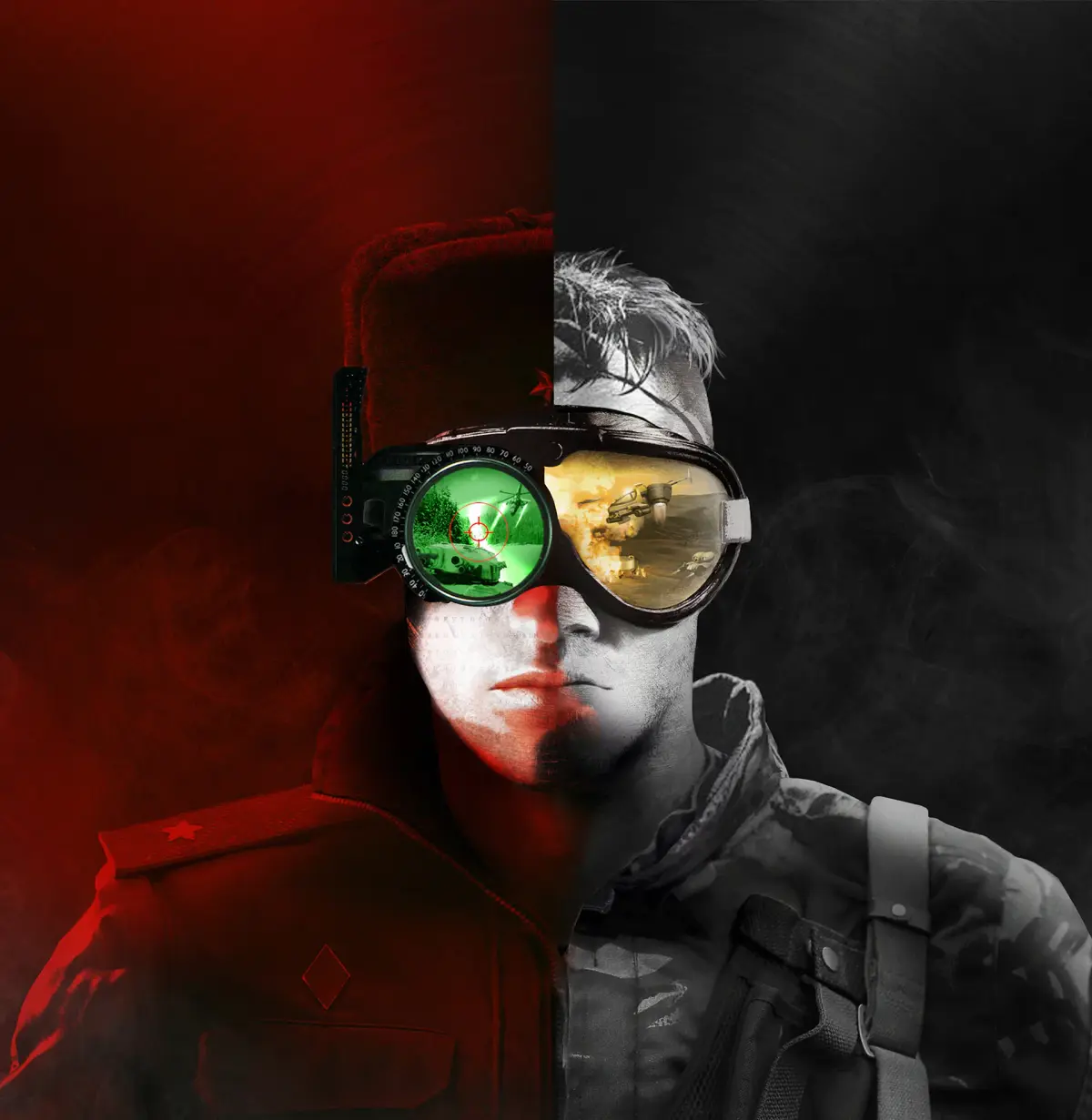
Learn to use the Original Graphics Toggle in Command & Conquer Remastered Collection, switching between remastered and classic 2D visuals with Scroll Lock.
One of the most celebrated features of the Command & Conquer Remastered Collection is the ability to seamlessly switch between the newly remastered high-definition graphics and the beloved original 2D visuals. This toggle allows players to experience the game in two distinct ways, catering to both nostalgia and modern visual preferences.
The remastered graphics bring a significant visual upgrade to the classic titles. Units, buildings, and environments are rendered with much higher detail, sharper textures, and improved lighting effects. This modern interpretation aims to preserve the spirit of the original art style while enhancing it for contemporary displays. However, for many long-time fans, the charm of the original pixel art and the iconic look of the early 3D models hold a special place in their hearts. The inclusion of the original graphics toggle ensures that this nostalgic experience is readily accessible.
How to Use the Graphics Toggle:
Switching between the remastered and original graphics is incredibly simple and can be done on the fly during gameplay. The default keybind for this function is typically the 'Scroll Lock' key. Pressing 'Scroll Lock' will instantly transition the game's visuals from the high-definition remastered version to the classic 2D graphics, and pressing it again will switch back.
Benefits of the Graphics Toggle:
- Nostalgia Factor: For players who grew up with the original Command & Conquer and Red Alert, the ability to play with the original graphics is a powerful draw. It allows them to relive those classic gaming moments with the familiar visuals they remember.
- Performance Options: While the remastered graphics are stunning, they do require more processing power. For players with older or less powerful hardware, switching to the original graphics can significantly improve performance and frame rates, making the game more playable.
- Visual Comparison: The toggle provides an excellent opportunity to directly compare the advancements made in the remaster. You can see firsthand the level of detail and polish that has been applied to the new graphics by switching back and forth.
- Artistic Appreciation: It allows players to appreciate the artistic vision of both the original development team and the remastering team. You can see the foundational art style and how it has been respectfully evolved.
- Accessibility: For players who may find the higher detail of the remastered graphics overwhelming or distracting, the simpler, classic visuals can be more accessible and easier to parse during intense gameplay.
Where to Find the Toggle:
The primary method for toggling graphics is the 'Scroll Lock' key during gameplay. Additionally, you may find options within the game's settings menu to configure graphical preferences, though the in-game toggle is the most immediate way to switch.
Table of Graphics Options:
| Graphics Mode | Description | Keybind |
|---|---|---|
| Remastered Graphics | High-definition visuals with modern rendering, textures, and lighting. | N/A (Default) |
| Original Graphics | Classic 2D pixel art and early 3D models as originally released. | Scroll Lock |
The inclusion of the original graphics toggle is a testament to the developers' commitment to honoring the legacy of Command & Conquer while delivering a modern gaming experience. It ensures that the Remastered Collection appeals to a broad audience, from those seeking a faithful recreation of their childhood memories to those eager to experience these timeless classics with a fresh coat of paint.
100% Human-Written. AI Fact-Checked. Community Verified. Learn how AntMag verifies content