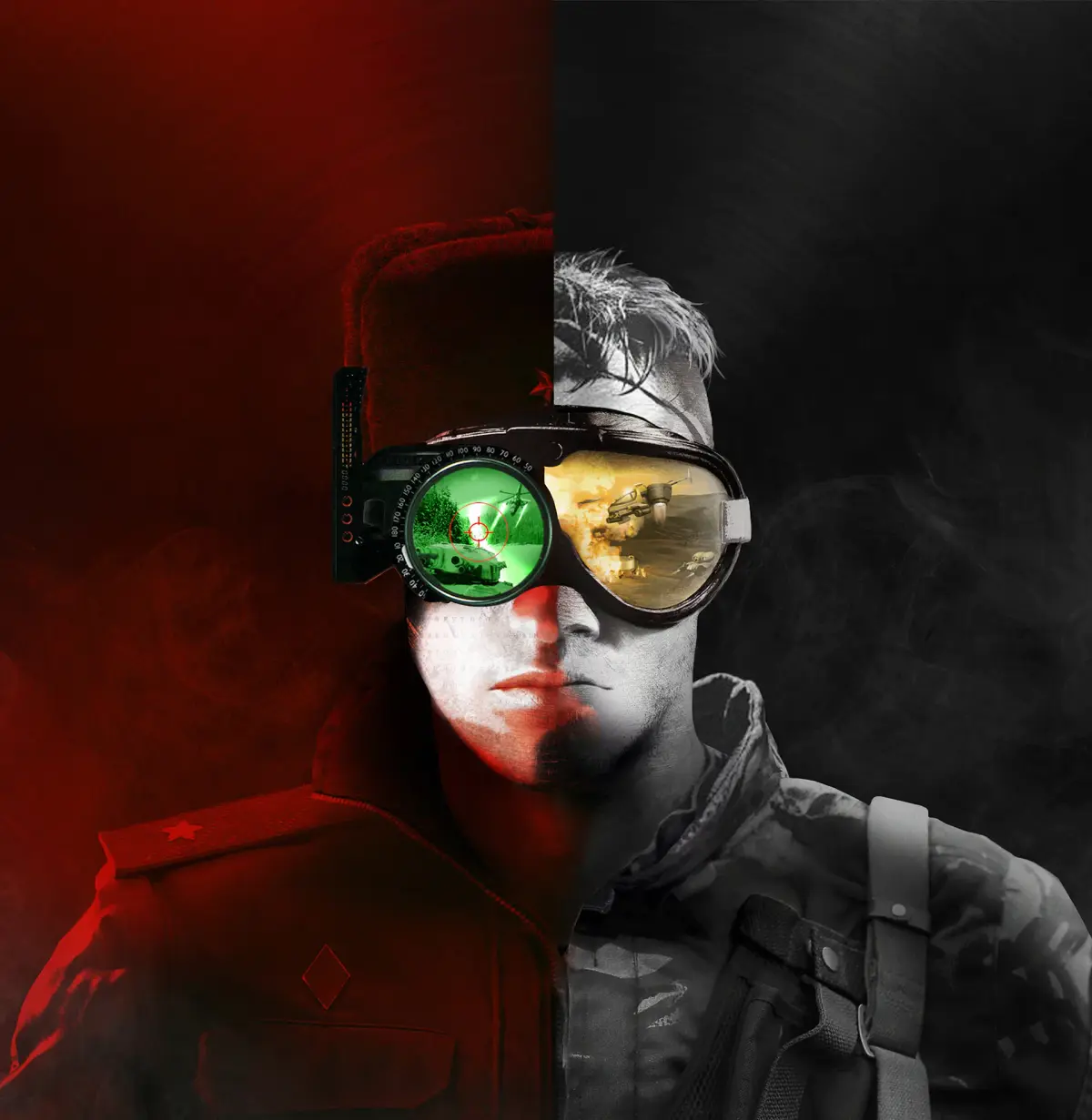
Understand Command & Conquer mods: standalone vs. installer. Learn how to install, uninstall, and manage mods for the Remastered Collection effectively.
The vibrant modding community for Command & Conquer offers a wealth of new content, from unit rebalances to entirely new campaigns. Understanding the difference between standalone mods and installer-based mods is crucial for managing your game and avoiding conflicts.
Modding can dramatically extend the life and enjoyment of the Command & Conquer Remastered Collection. However, the methods by which mods are distributed and installed can vary significantly. Some mods are designed to be dropped directly into game folders, while others come with dedicated installers that automate the process. Each approach has its own set of advantages and disadvantages, impacting ease of use, compatibility, and potential for system issues.
Standalone Mods
Standalone mods are typically distributed as compressed archives (like .zip or .rar files) containing all the necessary game files. These mods are designed to be manually placed into specific directories within your Command & Conquer Remastered Collection installation.
- How they work: You download the mod archive, extract its contents, and then copy the extracted folders and files into designated locations within your game's directory (e.g., the `Data` folder or a specific mod folder).
- Advantages:
- Granular Control: You have full control over which files are being modified and where they are placed.
- Easy to Uninstall: Typically, uninstalling involves simply deleting the mod's files or folders.
- Compatibility: Often designed to be more compatible with other standalone mods, as you can manually manage file overwrites.
- Transparency: You can see exactly what files are being changed.
- Disadvantages:
- Manual Process: Requires more technical knowledge and careful attention to instructions.
- Risk of Errors: Incorrectly placed files can lead to game crashes or corrupted installations.
- Overwriting Issues: If multiple mods modify the same game files, you'll need to manually resolve conflicts, which can be complex.
Installer-Based Mods
Installer-based mods come with their own executable (.exe) file that guides you through the installation process. These installers are designed to automatically detect your game installation and place the mod files in the correct locations.
- How they work: You download the installer, run it, and follow the on-screen prompts. The installer handles copying files, creating necessary folders, and sometimes even making registry edits.
- Advantages:
- Ease of Use: Significantly simpler for less technical users. The process is largely automated.
- Reduced Risk of Errors: Installers are generally programmed to place files correctly, minimizing the chance of manual installation mistakes.
- Uninstallation: Most installers provide an uninstaller option, making removal straightforward.
- Disadvantages:
- Less Control: You have less insight into exactly which files are being modified or where they are being placed.
- Potential for Conflicts: If you install multiple installer-based mods, they might overwrite each other's files without warning, leading to instability.
- System Impact: Some installers might make system-level changes that can be harder to undo if issues arise.
- Compatibility: May not always be compatible with other mods or with different versions of the game.
Choosing the Right Method
For beginners, installer-based mods are often the easiest way to get started with modding. They offer a streamlined experience with less risk of accidental damage to your game installation.
However, for users who want more control, are installing multiple mods, or are troubleshooting compatibility issues, standalone mods offer greater flexibility. They require more effort but provide a deeper understanding and management of the modding process.
Best Practices for Both Methods
- Backup Your Game Files: Before installing any mod, especially installer-based ones, back up your Command & Conquer Remastered Collection installation folder.
- Read Instructions Carefully: Always read the mod author's installation instructions thoroughly, regardless of the method.
- Install Mods One at a Time: This makes it easier to identify which mod is causing problems if issues arise.
- Check for Mod Managers: Some communities develop mod managers that can help organize and switch between different mods, simplifying the process for both standalone and installer types.
By understanding these differences, you can confidently explore the vast world of Command & Conquer mods, enhancing your gameplay experience with new content and features.
100% Human-Written. AI Fact-Checked. Community Verified. Learn how AntMag verifies content