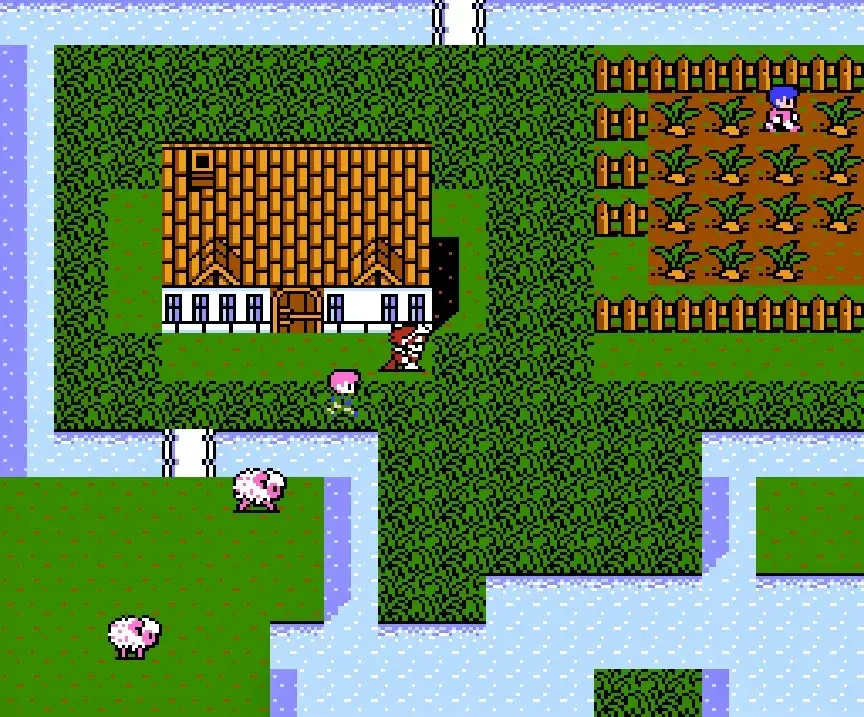
Learn the turn-based combat, random encounters, and simple controls of Final Fantasy III. Master movement, menus, and saving to conquer the game!
Hey there! So you're diving into Final Fantasy III? Awesome choice! It's a classic turn-based RPG where you and the enemies take turns attacking. This gives you plenty of time to think about your next move, which is super helpful when things get hectic. You'll run into enemies pretty often through random encounters as you explore dungeons, the overworld, and even sometimes in towns. Don't worry, the controls are pretty straightforward, and the interface, while a bit busy at first, is easy to get the hang of after just a few minutes.
Here's a quick rundown of the controls:
| Action (Towns + Dungeons) | Input |
| Move around the area | D-pad |
| Run, cancel out of menus | B |
| Confirm selection, talk, open chests, etc. | A |
| Talk to NPC party members | Y |
| Open menu | X |
| Zoom in or zoom out | L |
| Open/close menu | R |
| Action (In-battle) | Input |
| Navigate menu | D-pad |
| Cancel selection | B |
| Confirm selection | A |
| Attempt to flee battle | L+R |
| Action (Overworld) | Input |
| Move around | D-pad |
| Cancel out of menu, exit transportation | B |
| Confirm selection, enter transportation | A |
| Talk to NPC party members | Y |
| Open menu | X |
| Zoom in or zoom out | L |
| Open/close menu | R |
When you're in the menu, you can use the L or R buttons to quickly switch between characters instead of backing out and selecting them one by one. It's a small thing, but it really speeds things up!
The touchscreen is also super intuitive. Just tap near your character to walk, or tap the edges of the screen to run. Need to interact with something? Just tap on it! You can even tap menu options instead of using the D-pad. Easy peasy.
Now, about saving – this is important! You can only save your game properly when you're on the Overworld. If you're in a town or deep in a dungeon, wrap things up and head back out to the Overworld to save your progress. If you're in a real hurry and can't get to the Overworld, you can use a quicksave while inside a dungeon. Just remember, once you load that quicksave, it's gone. So, unless you want to lose all the progress you made since your last Overworld save, you'll need to quicksave again if you plan on continuing. Sorry, no save-scumming right before a boss fight this time around!
100% Human-Written. AI Fact-Checked. Community Verified. Learn how AntMag verifies content