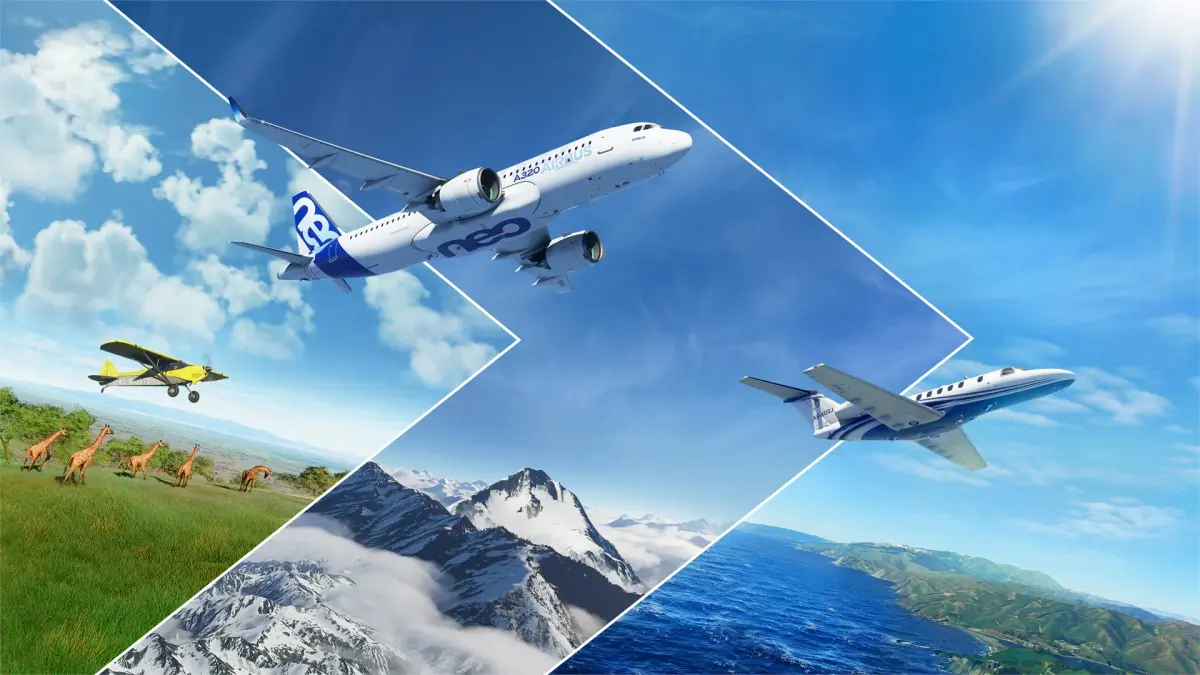
Understand the four forces of flight and core aerodynamics in Microsoft Flight Simulator. Master these fundamentals before taking off from airports like KSEA o.
Understanding the Fundamentals: The Four Forces of Flight
Mastering flight in Microsoft Flight Simulator isn't just about knowing which buttons to press; it's about understanding the invisible forces that govern every aircraft. Before you even think about taking off from your home airport (e.g., Seattle-Tacoma International Airport (KSEA) or London Heathrow (EGLL)), a solid grasp of the four fundamental forces of flight – Lift, Weight, Thrust, and Drag – will elevate your piloting skills from novice to virtuoso. These forces are constantly interacting, and your control inputs directly manipulate them.
1. Lift: The Upward Push
Lift is the force that directly opposes weight, keeping your aircraft airborne. It's primarily generated by the wings as air flows over and under them, creating a pressure differential. The shape of the wing, known as an airfoil, is crucial here.
- How it Works: As air flows over the curved upper surface of the wing, it travels a greater distance and thus speeds up, causing a drop in pressure. Conversely, air flowing under the flatter lower surface travels a shorter distance, maintaining higher pressure. This pressure difference creates an upward force – lift.
- Key Controls & Strategies:
- Airspeed: The faster you go, the more air flows over the wings, increasing lift. This is why you need to reach a certain speed (e.g., VR - Rotation Speed for a Boeing 747-8 Intercontinental is around 160-180 knots) before takeoff.
- Angle of Attack (AoA): This is the angle between the wing's chord line (an imaginary line from the leading edge to the trailing edge) and the oncoming air. Increasing AoA increases lift, up to a point. Exceeding the critical AoA will lead to a stall.
- Flaps: These movable surfaces on the trailing edge of the wing increase both lift and drag. Deploying flaps (e.g., using the
F7key or the dedicated flap lever in the cockpit of aircraft like the Cessna 172 Skyhawk) allows for slower takeoff and landing speeds by increasing the wing's effective area and curvature. - Wing Design: Different aircraft (e.g., the high-aspect ratio wings of a Diamond DA62 vs. the swept wings of an Airbus A320neo) are designed for different lift characteristics.
- In-Game Application: When performing a takeoff, gradually increase your pitch (nose up) after reaching rotation speed to increase AoA and generate sufficient lift for liftoff. During landing, use flaps to maintain a slower, controlled descent rate while still generating enough lift to avoid stalling.
2. Weight: The Downward Pull
Weight is the force of gravity acting on the aircraft, pulling it towards the Earth. It's a constant force, but its effective impact changes with the aircraft's configuration.
- How it Works: Every component of the aircraft, from the fuselage to the fuel in the tanks, contributes to its total weight. This force acts through the aircraft's center of gravity (CG).
- Key Considerations & Strategies:
- Fuel Load: In the Fuel & Payload menu (accessible from the World Map or in-flight via the toolbar), adjusting fuel load directly impacts weight. A heavier aircraft requires more lift (and thus more speed or a higher AoA) to stay airborne and will have a longer takeoff roll.
- Payload: Similarly, passenger and cargo weight in the Fuel & Payload menu affects total weight. Be mindful of the aircraft's maximum takeoff weight (MTOW) specified in its documentation. Overloading can lead to dangerous flight characteristics.
- Center of Gravity (CG): The distribution of weight is as important as the total weight. An aft (rearward) CG can make an aircraft unstable, while a forward CG can make it difficult to rotate for takeoff. The Fuel & Payload menu allows you to visualize and adjust CG.
- In-Game Application: Before any flight, especially long-haul journeys in aircraft like the Boeing 787-10 Dreamliner, always check your fuel and payload settings. Ensure your CG is within the acceptable limits to prevent unexpected handling issues. For shorter flights, consider reducing fuel to improve performance.
3. Thrust: The Forward Push
Thrust is the force that propels the aircraft forward, overcoming drag. It's generated by engines, whether they are propellers or jets.
- How it Works:
- Propeller Aircraft (e.g., Cessna 152, TBM 930): The propeller blades act like rotating wings, creating a pressure difference that pulls the aircraft forward.
- Jet Aircraft (e.g., F/A-18E Super Hornet, A320neo): Jet engines work by expelling a high-velocity stream of hot gas rearward, creating an equal and opposite reaction force that pushes the aircraft forward (Newton's Third Law).
- Key Controls & Strategies:
- Throttle: This is your primary control for thrust (e.g., using the
F3key to increase,F2to decrease, or a physical throttle quadrant). Increasing throttle increases engine power and thus thrust. - Engine Management: For complex aircraft, managing engine parameters like N1 (fan speed), EGT (exhaust gas temperature), and fuel flow is crucial for optimal thrust and engine longevity. Pay attention to the Primary Flight Display (PFD) and Multi-Function Display (MFD) for these readings.
- Reverse Thrust: After landing, many jet aircraft (and some turboprops) can deploy reverse thrust (e.g., by holding
F2after touchdown) to rapidly decelerate. This is particularly useful on shorter runways or in adverse weather.
- Throttle: This is your primary control for thrust (e.g., using the
- In-Game Application: During takeoff, apply full or near-full thrust (depending on the aircraft and runway length) to accelerate. During cruise, adjust thrust to maintain your desired airspeed and altitude. When descending, reducing thrust will allow gravity and drag to slow you down.
4. Drag: The Resisting Force
Drag is the force that opposes the aircraft's motion through the air, acting in the opposite direction of thrust. It's the enemy of efficiency.
- How it Works: Drag is primarily caused by two factors:
- Parasite Drag: This includes form drag (due to the aircraft's shape), skin friction drag (due to air rubbing against the surface), and interference drag (where different parts of the aircraft meet).
- Induced Drag: This is a byproduct of lift generation. As wings generate lift, they create wingtip vortices, which increase drag. Induced drag is higher at slower speeds and higher angles of attack.
- Key Controls & Strategies:
- Airspeed: Parasite drag increases with the square of airspeed. Induced drag decreases with airspeed. There's an optimal speed where total drag is minimized, often referred to as "best glide speed" or "long-range cruise speed."
- Configuration: Extending landing gear (e.g.,
Gkey) and flaps significantly increases drag. These are used to slow the aircraft for landing or to increase descent rate without gaining excessive speed. - Aerodynamic Cleanliness: Retracting landing gear and flaps after takeoff, and maintaining a streamlined aircraft profile, minimizes drag for efficient cruise flight.
- Spoilers/Speed Brakes: These surfaces (e.g.,
/key) are deployed to intentionally increase drag, primarily for rapid descent or to reduce speed on approach. They disrupt airflow over the wings, reducing lift and increasing drag.
- In-Game Application: After takeoff, retract your landing gear and flaps as soon as safely possible to reduce drag and accelerate. During cruise, aim for an efficient airspeed that balances thrust and drag. On approach, deploy flaps and landing gear incrementally to manage your speed and descent profile effectively. Use spoilers judiciously to control your descent rate without overspeeding.
Practical Application: The Takeoff Roll
Let's walk through a critical phase of flight, applying these principles:
- Pre-Flight Checks: Before even starting engines, ensure your Fuel & Payload (Weight) is within limits and balanced. Set your flaps to the takeoff position (e.g., 10 degrees for a Cessna 172, or a specific setting for an Airbus A320neo as per the Flight Management System (FMS) calculations). This increases initial lift.
- Throttle Up (Thrust): Line up on the runway (e.g., Runway 34R at KSEA). Smoothly advance the throttle to full power. Feel the aircraft accelerate. You're generating maximum thrust to overcome drag and build speed.
- Monitoring Airspeed: Keep a close eye on your airspeed indicator on the PFD. As speed increases, so does the potential for lift.
- Rotation (Lift & Weight): Once you reach the aircraft's specific rotation speed (VR), gently pull back on the yoke/stick (pitch up). This increases your Angle of Attack, generating sufficient lift to overcome the aircraft's weight. The nose wheel will lift off the ground.
- Liftoff: Continue to gently pitch up. The main landing gear will leave the runway as lift fully overcomes weight. You are now airborne!
- Climb Out (Thrust, Lift, Drag): Maintain a positive climb rate. Retract landing gear (reduces drag) and then gradually retract flaps (reduces drag, but also lift, so ensure sufficient airspeed). Adjust pitch and thrust to maintain your desired climb speed.
By understanding these interconnected forces, you'll not only become a more proficient pilot but also gain a deeper appreciation for the incredible engineering behind every aircraft in Microsoft Flight Simulator.
100% Human-Written. AI Fact-Checked. Community Verified. Learn how AntMag verifies content