
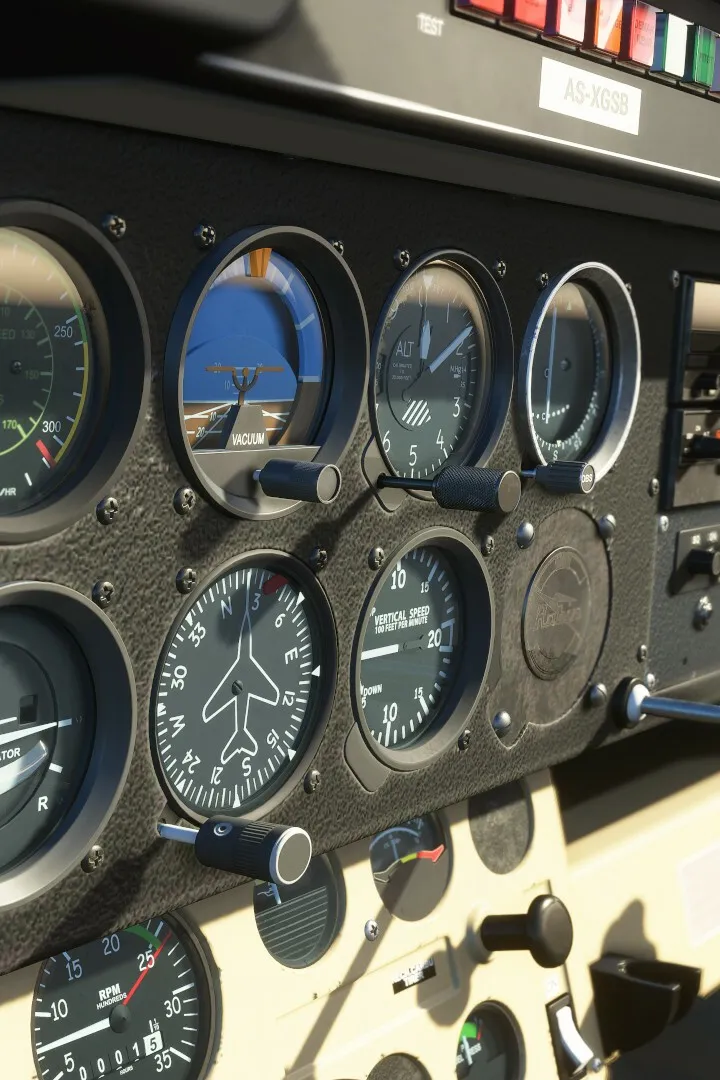
Navigate the skies of Microsoft Flight Simulator with ease. This guide breaks down the user interface, from basic controls to advanced navigation, helping you master every aspect of the simulator.
This guide provides an in-depth look at the user interface (UI) within Microsoft Flight Simulator. It covers the various training modules designed to teach players how to fly, ranging from basic handling to complex IFR navigation and specialized aircraft operations.
Lessons Overview
Microsoft Flight Simulator offers a comprehensive Flight Training system with multiple lesson series, totaling 43 individual lessons as of Sim Update XI (SU11). These series include:
- Basic Handling (8 lessons) in the Cessna 152
- Take-off and Landing (7 lessons) in the Cessna 152
- VFR Navigation (5 lessons) in the Cessna 152
- Glider Training (7 lessons) in the DG Flugzeugbau DG-1001e neo
- Airliner Training (2 lessons) in the Airbus A320neo
- Bush Pilot (7 lessons) in the ICON A5
- IFR Navigation (7 lessons) in the Cessna 172 Skyhawk
Mechanics of Flight Training
Each lesson series is broken down into manageable lessons, guided by voice prompts, instrument highlights, and visual markers. Most series conclude with a test that can be failed. Players can tackle lessons in any order, skip them, or repeat them as needed.
Basic Handling Series
This series focuses on the fundamental controls and instruments of an aircraft, using the Cessna 152. It includes:
- Introduction: Covers simulator controls, camera manipulation, instrument interaction, and the toolbar menu. (Estimated length: 5 minutes)
- Aircraft Essentials: Familiarizes players with the yoke, rudder pedals, throttle, RPM indicator, airspeed indicator, and altimeter. (Estimated length: 4 minutes)
- Familiarization Flight: Introduces simple maneuvers like pitching and turning around Sedona, using Quickview and Smartcam. (Estimated length: 5 minutes)
- Attitude (Pitch): Teaches climbing, cruising, and descending, and the relationship between pitch and speed. (Estimated length: 2 minutes)
- Turns (Roll): Explains how to initiate turns using the yoke and rudder, and how to maintain a desired bank angle using the attitude indicator. (Estimated length: 2 minutes)
100% Human-Written. AI Fact-Checked. Community Verified. Learn how AntMag verifies content