
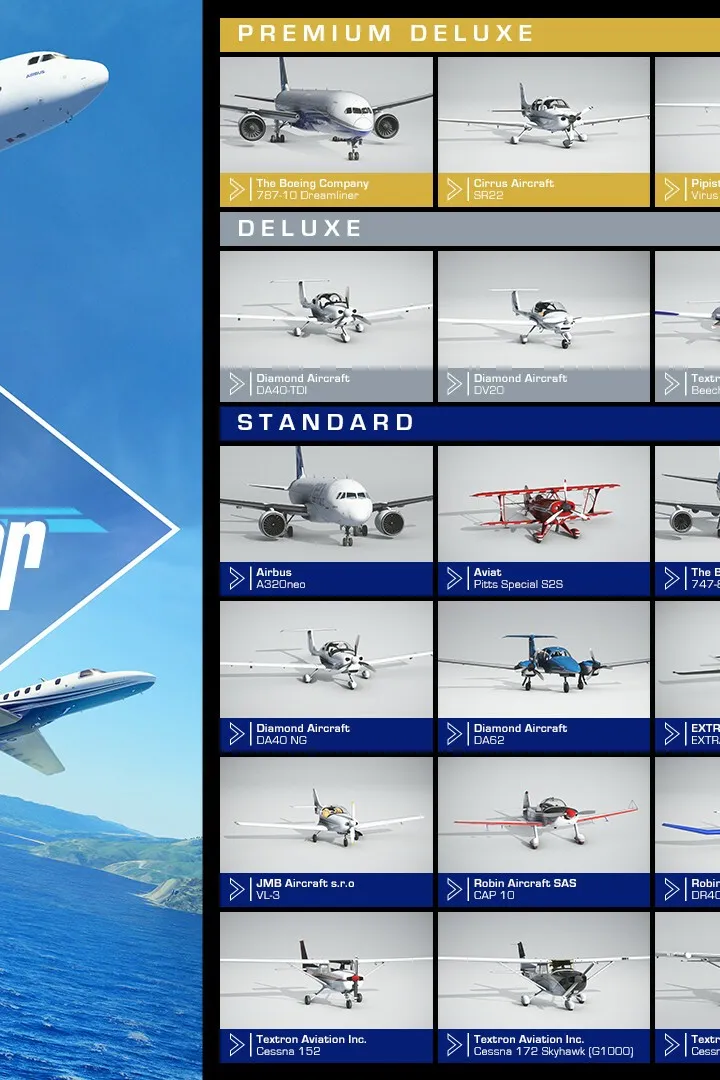
Explore Microsoft Flight Simulator's Flight Training. Learn about basic handling, take-offs, landings, VFR/IFR navigation, glider, airliner, and bush pilot lessons with detailed guides.
Walkthrough
- 1Basic Handling (8 lessons in Cessna 152): Covers simulator controls, aircraft essentials (yoke, pedals, throttle, airspeed, altimeter), familiarization flights, pitch control (climb, cruise, descend), and roll control (turns).
- 2Take-off and Landing (7 lessons): Focuses on taxiing, taking off, and various landing techniques including deadstick and landing without elevator.
- 3VFR Navigation (5 lessons): Teaches departure, dead reckoning, landmark navigation, arrival, and first solo navigation.
- 4Glider Training (7 lessons): Includes aerotow, winch launches (basic and advanced), basic handling, slipping approaches, thermal identification, and ridge soaring.
- 5Airliner Training (2 lessons): Covers A320 takeoff and landing.
- 6Bush Pilot (7 lessons): Focuses on short-field takeoffs and landings, updrafts, downdrafts, water takeoffs and landings, and a bush flying test.
- 7IFR Navigation (7 lessons): Includes climb and descent, turning, speed control, VOR basics, NDB basics, ILS approach, and an IFR test.
Tips
- Lessons are guided with voice prompts, instrument highlights, and glowing markers.
- Tests at the end of most series must be passed without guidance aids.
- Lessons can be taken in any order, skipped, and repeated.
- Estimated lesson lengths vary from 2 to 5 minutes, with some tests potentially longer.
100% Human-Written. AI Fact-Checked. Community Verified. Learn how AntMag verifies content