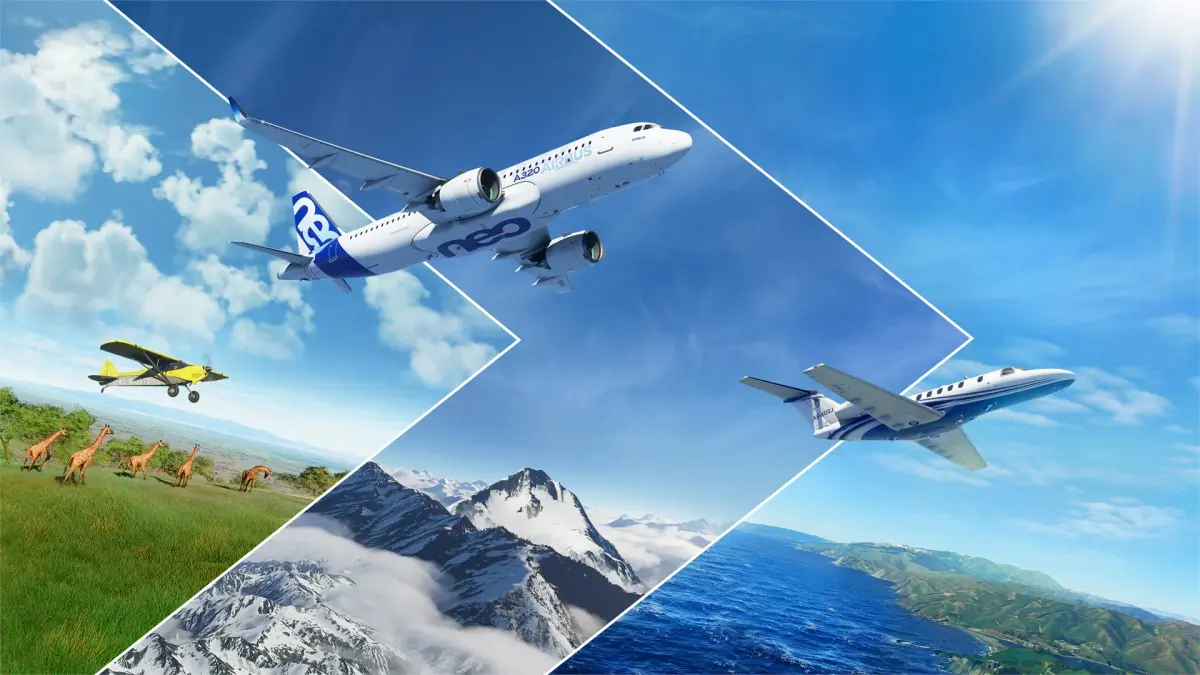
Your guide to your first Microsoft Flight Simulator flight. Learn setup, aircraft choice, takeoff, level flight, and landing for an amazing experience.
Embarking on your very first flight in Microsoft Flight Simulator is a momentous occasion. This section is dedicated to guiding you through that initial experience, ensuring it's as smooth, enjoyable, and confidence-building as possible. We'll cover what to expect, how to prepare, and the key steps to get you airborne.
The moment you load into your first flight, you'll be struck by the stunning visuals and the sheer scale of the simulation. It's designed to be accessible, even for those with no prior flight experience. By following a few simple steps, you can transform potential overwhelm into a thrilling introduction to the world of virtual aviation.
Step 1: Installation and Initial Setup
Before you can fly, ensure the simulator is fully installed. Once launched, you'll be presented with the main menu. Before heading to the tarmac, it's wise to:
- Configure Controls: If you have a joystick or gamepad, connect it and go to 'Options' > 'General Options' > 'Controls'. Calibrate your device and adjust sensitivity. For your very first flight, consider enabling 'Assistance Options' like 'Auto-Rudder' and 'Landing Assistance' to simplify control.
- Review Tutorials: The simulator has excellent introductory tutorials. It's highly recommended to complete at least the first few, which cover basic controls, takeoff, and landing.
Step 2: Planning Your First Flight
For your inaugural flight, simplicity is key. We recommend the following:
- Select 'Free Flight': This mode allows you to start anywhere with your chosen aircraft and settings.
- Choose a Simple Aircraft: The Cessna 172 Skyhawk is the quintessential beginner aircraft. It's stable, forgiving, and has a relatively straightforward cockpit. Other good options include the Icon A5 or the Robin CAP 10.
- Pick a Familiar or Simple Airport: If you know a local airport, choose that. Otherwise, select a large, well-known airport with a long runway, such as KLAX (Los Angeles International Airport) or EGLL (London Heathrow).
- Set Clear Weather and Daytime: Navigate to the 'Weather' settings and select 'Clear' for all conditions. Ensure the time is set to 'Day'. This will give you the best visibility and make it easiest to learn.
Step 3: Your First Takeoff
Once you load into the flight, you'll be at the airport. Here’s what to do:
- Taxi to the Runway: If you enabled ground services, they might taxi you. Otherwise, use your rudder controls (or the designated keys/buttons) to steer the aircraft to the runway.
- Line Up: Position the aircraft on the centerline of the runway.
- Apply Throttle: Gradually increase the throttle. For the Cessna 172, you'll likely need about 70-80% throttle to start.
- Maintain Direction: Use your rudder to keep the aircraft straight on the runway.
- Lift Off: As you gain speed (around 50-60 knots for the C172), gently pull back on your yoke/stick to raise the nose. The aircraft will become airborne.
- Climb: Continue to pull back gently to establish a climb. Aim for a steady climb rate.
Step 4: Flying Straight and Level
Once you're at a safe altitude (e.g., 1000-2000 feet above ground level):
- Reduce Throttle: Lower the throttle to a cruise setting (around 55-60% for the C172).
- Maintain Altitude: Use small, gentle movements of the yoke/stick to keep the aircraft level. Watch your altimeter.
- Maintain Heading: Use the rudder and yoke to keep your aircraft pointed in the desired direction, referencing the heading indicator.
- Use Trim: The trim controls (often on the yoke or a separate dial) allow you to relieve pressure on the controls, making it easier to maintain a steady flight path without constant input.
Step 5: Your First Landing
Returning to the airport is a critical skill:
- Plan Your Approach: Turn towards the airport and aim to al with the runway.
- Reduce Speed and Deploy Flaps: As you get closer, reduce throttle and deploy flaps (usually a button or key). Flaps increase lift and drag, allowing you to fly slower.
- Stable Descent: Aim for a steady descent rate. Make small adjustments to throttle and pitch.
- Flare: Just before touchdown, gently pull back on the yoke/stick to cushion the landing. This is called flaring.
- Brake: Once on the ground, use your rudder pedals (or designated buttons) to brake and slow down.
Your first flight is a learning experience. Don't worry about perfection. The goal is to get a feel for the controls and enjoy the incredible sensation of flight. Welcome to the skies!
100% Human-Written. AI Fact-Checked. Community Verified. Learn how AntMag verifies content