
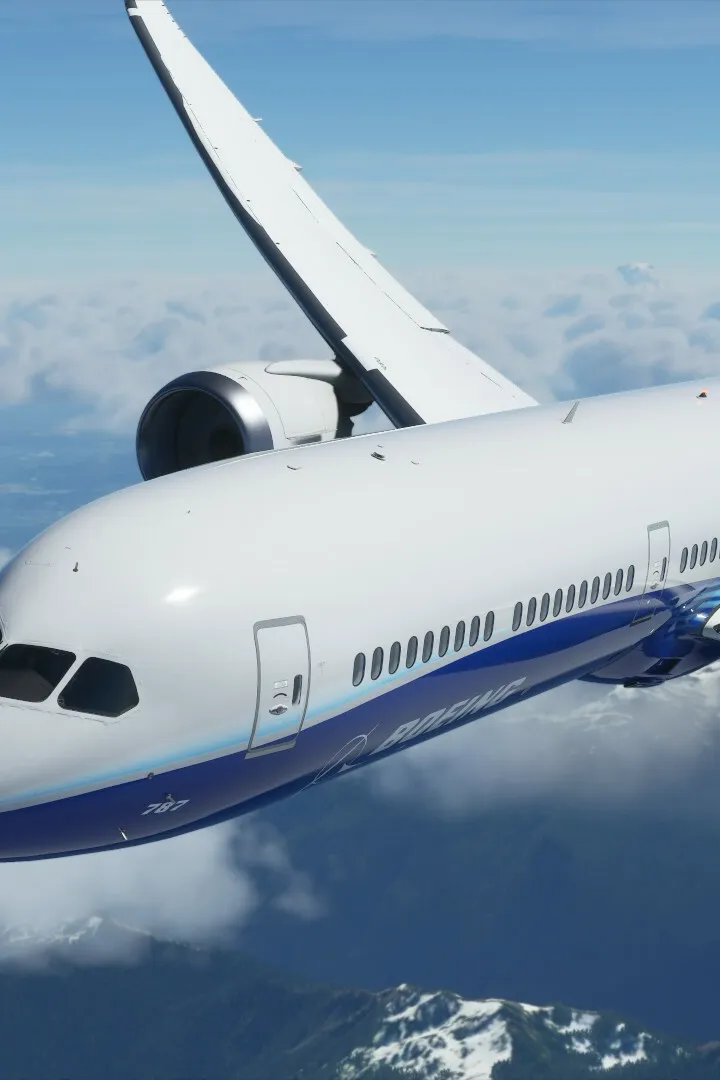
Start your flight simulation journey with practical beginner tips for Microsoft Flight Simulator, focusing on smooth takeoffs and building early confidence.
Starting your journey in Microsoft Flight Simulator can be exhilarating but also a bit overwhelming. This section provides essential beginner tips to help you get airborne smoothly and build confidence. We'll focus on practical advice that will make your initial flights enjoyable and educational, setting you up for success.
The world of flight simulation is vast, and Microsoft Flight Simulator offers an incredibly detailed and realistic experience. To make the most of it from the start, it's crucial to approach it systematically. These tips are designed to ease you into the simulator, helping you avoid common pitfalls and focus on learning the core mechanics of flying.
1. Start with the Tutorials
The simulator includes a comprehensive set of tutorials designed specifically for new pilots. These cover fundamental concepts like basic flight controls, takeoff, landing, and navigation. Don't skip them! They are the best way to learn the simulator's interface and basic aerodynamics in a controlled environment.
2. Configure Your Controls Wisely
While keyboard and mouse can work, a gamepad or a dedicated joystick is highly recommended for a more intuitive and realistic flying experience. In the 'Options' menu, under 'General Options' > 'Controls', take time to:
- Calibrate your device: Ensure all axes are recognized correctly.
- Adjust Sensitivity: Start with lower sensitivity settings. This makes the aircraft less twitchy and easier to control. You can increase it later as you get more comfortable.
- Set Dead Zones: A small dead zone can prevent unwanted control inputs from minor imperfections in your joystick or gamepad.
3. Utilize Assistance Options
Microsoft Flight Simulator offers a robust 'Assistance' menu ('Options' > 'General Options' > 'Assistance'). For beginners, it's wise to enable helpful features:
- Landing Assistance: Provides visual cues and can even assist with flaring.
- Auto-Rudder: Automatically applies rudder during takeoff and landing to keep you on the runway centerline.
- Traffic and Ground Services: Handles tasks like taxiing and parking, allowing you to focus on flying.
As you gain experience, you can gradually disable these assists to increase the challenge and realism.
4. Choose Simple Aircraft and Clear Weather
When starting in 'Free Flight' or after tutorials, select a forgiving aircraft like the Cessna 172 Skyhawk or the Icon A5. These aircraft are stable and have simpler cockpits. Also, begin your flights with 'Clear' weather conditions and daytime settings. This allows you to focus on flying without the added complexity of wind, clouds, or poor visibility.
5. Learn the Basic Instruments
Familiarize yourself with the primary flight instruments:
- Attitude Indicator (Artificial Horizon): Shows your aircraft's pitch and bank relative to the horizon.
- Altimeter: Displays your current altitude.
- Airspeed Indicator: Shows your speed.
- Heading Indicator: Displays your current heading.
Understanding these will help you maintain control and navigate.
6. Practice Takeoffs and Landings Repeatedly
These are often the most challenging aspects for new pilots. Don't be discouraged by bumpy landings or go-arounds. Use the 'Landing Challenges' under 'Activities' or simply repeat takeoffs and landings at an airport until you feel comfortable. Focus on a stable approach, a smooth flare, and controlled braking.
7. Don't Be Afraid to Use the Pause Button
If you find yourself in a difficult situation or need a moment to consult your instruments or a guide, don't hesitate to pause the simulation. This allows you to analyze your situation and plan your next move without pressure.
8. Explore the World Map and Bush Trips
Once you're comfortable with basic flight, use the 'World Map' to plan short flights to nearby airports. The 'Bush Trips' are also excellent for practicing navigation in a guided, scenic manner.
By following these beginner tips, you'll build a solid foundation for your Microsoft Flight Simulator adventures. Enjoy the process of learning and the incredible freedom of flight!
100% Human-Written. AI Fact-Checked. Community Verified. Learn how AntMag verifies content