
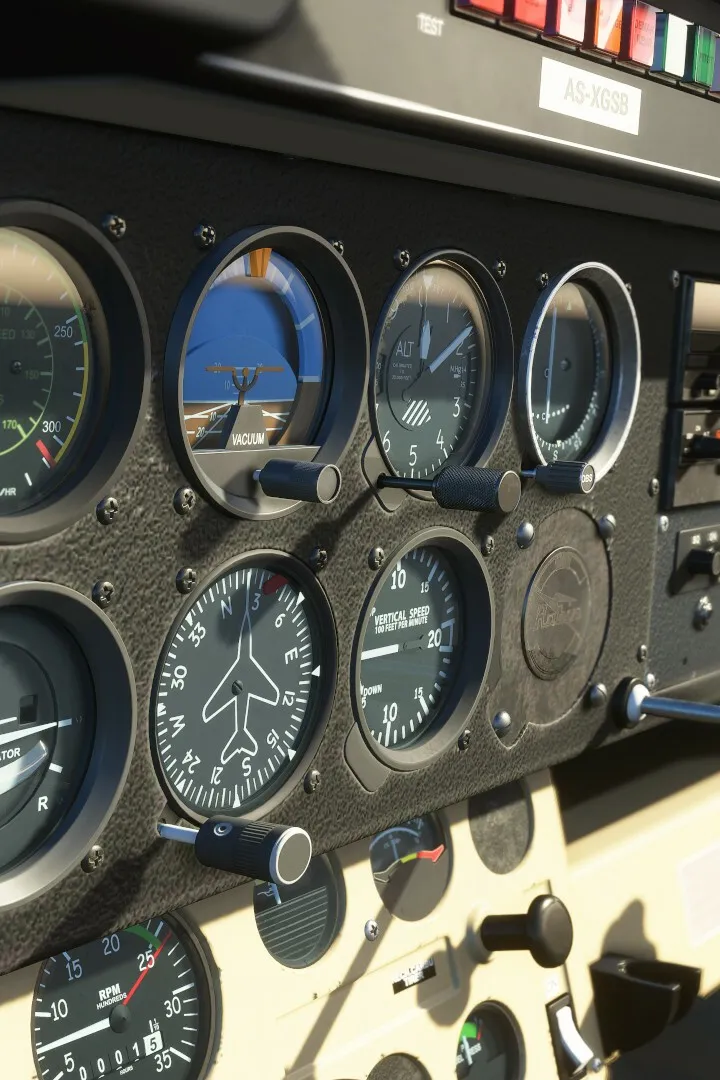
Learn how to customize your aircraft liveries in Microsoft Flight Simulator. This guide covers the basics of changing paint schemes and making your aircraft unique.
Hey there! So you want to give your aircraft a unique look in Microsoft Flight Simulator? That's awesome! While the game itself doesn't have a built-in livery editor, you can totally customize your planes using third-party tools. It's like giving your favorite aircraft a fresh coat of paint, but way cooler.
Most of the customization happens through what are called 'Community' or 'Add-on' liveries. These are created by other players and can be downloaded and installed into your game. Think of it as a massive online gallery where people share their awesome designs.
To get started, you'll usually find these liveries on websites dedicated to flight simulator add-ons. Once you download a livery pack, it's typically a simple drag-and-drop process into your simulator's 'Community' folder. Just make sure you follow the specific instructions that come with each download, as some might have a slightly different installation method.
It's a fantastic way to personalize your flying experience and see your favorite planes in all sorts of new colors and designs. Happy flying and happy customizing!
100% Human-Written. AI Fact-Checked. Community Verified. Learn how AntMag verifies content