
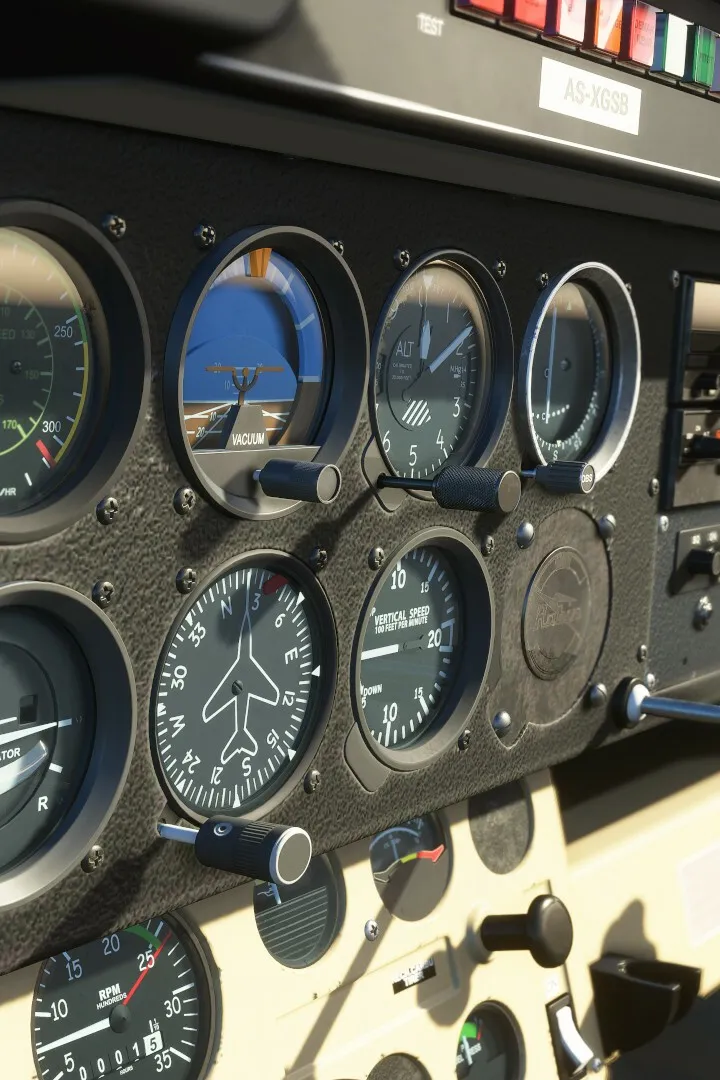
Discover the essential peripherals for Microsoft Flight Simulator. Enhance your experience with recommended joysticks, throttles, rudder pedals, and VR headsets for ultimate immersion.
This guide covers recommended peripherals for Microsoft Flight Simulator. While the simulator can be played with a keyboard and mouse, a dedicated flight controller setup is highly recommended for a more immersive and realistic experience.
- Joysticks/Flight Sticks: Offer precise control over pitch, roll, and yaw, mimicking a real aircraft's control column.
- Throttle Quadrants: Provide realistic control over engine power, allowing for smoother adjustments than a simple slider.
- Rudder Pedals: Essential for controlling yaw and rudder, and often include toe brakes for realistic taxiing and landing.
- HOTAS (Hands On Throttle-And-Stick): A popular setup that combines a joystick and throttle quadrant, keeping critical controls within easy reach.
- VR Headsets: For the ultimate immersive experience, virtual reality headsets place you directly in the cockpit. Ensure your PC meets the demanding specifications for VR.
- TrackIR/Head Tracking: Allows for natural head movement to look around the cockpit and outside the aircraft without using a mouse or hat switch.
Choosing the right peripherals can significantly enhance your enjoyment and realism in Microsoft Flight Simulator.
100% Human-Written. AI Fact-Checked. Community Verified. Learn how AntMag verifies content