
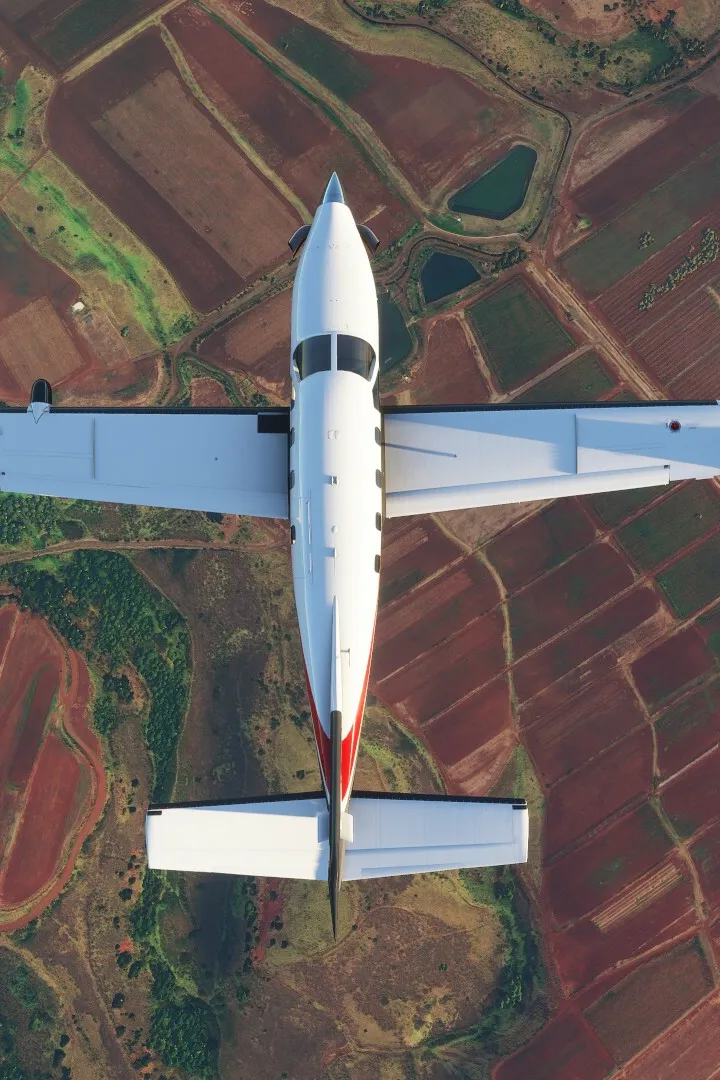
Learn how to install and set up Microsoft Flight Simulator with our comprehensive guide. Covers initial setup, controls, and basic flight training lessons to get you airborne.
This guide covers the initial setup and installation process for Microsoft Flight Simulator. It details the various flight training modules available, from basic handling to advanced navigation and specific aircraft types.
Installation & Setup Overview:
- The game features a comprehensive Flight Training section designed to teach players how to fly.
- Lessons range from fundamental taxiing and landing to complex airliner operations.
- The training is divided into several series, each focusing on different aspects of flight.
Flight Training Series:
- Basic Handling: 8 lessons in the Cessna 152, covering aircraft controls, pitch, roll, and level flight.
- Take-off and Landing: 7 lessons focusing on essential ground and air maneuvers.
- VFR Navigation: 5 lessons on visual flight rules navigation.
- Glider Training: 7 lessons with the DG Flugzeugbau DG-1001e neo, including aerotow and ridge soaring.
- Airliner Training: 2 lessons for the Airbus A320neo, covering takeoff and landing.
- Bush Pilot: 7 lessons in the ICON A5, focusing on challenging environments like water takeoffs and short-field landings.
- IFR Navigation: 7 lessons in the Cessna 172 Skyhawk, covering instrument flight rules navigation.
Each lesson series, except Airliner Training, concludes with a test that can be failed. Lessons can be repeated at any time.
100% Human-Written. AI Fact-Checked. Community Verified. Learn how AntMag verifies content