Build relationships with NPCs in PC Building Simulator 2 to unlock exclusive components and special jobs. Improve your rapport for greater rewards.
NPC Interactions & Relationships
While PC Building Simulator 2 primarily focuses on the intricate art of computer assembly and repair, the game introduces a subtle yet impactful layer of NPC interactions and relationships. These aren't just static quest givers; your rapport with various characters can unlock exclusive components, special jobs, and even influence your daily income. Mastering these social dynamics is crucial for maximizing your workshop's potential.
Understanding Relationship Levels
Each significant NPC in the game has a hidden relationship meter that progresses through several stages. You can generally gauge your standing by the tone of their emails and the types of jobs they offer. Higher relationship levels lead to better rewards and opportunities.
- Neutral: Standard job requests, basic payment.
- Friendly: Occasional bonus objectives, slightly increased pay, access to basic component discounts from their associated vendors.
- Trusted: Regular high-paying jobs, early access to new components, significant vendor discounts, and unique narrative quests.
- Ally: The highest tier. Unlocks exclusive, high-end components, major vendor discounts, and often provides access to story-critical missions or special workshop upgrades.
Key NPCs and How to Influence Them
Tim (Your Mentor)
Tim is your initial guide and a consistent source of early-game jobs. Building a strong relationship with him is paramount for understanding game mechanics and unlocking essential tools.
- Strategy:
- Always complete his jobs promptly: Tim values efficiency. Delivering his requested PC builds or repairs on time (or even early) provides a significant relationship boost.
- Exceed expectations: If a job requests a specific benchmark, try to surpass it. For example, if he asks for a 3DMark score of 8000, aim for 8500+. This often triggers a bonus email from Tim praising your work.
- Follow his advice: Early in the game, Tim will offer tips via email. Acknowledging these tips (even if just by reading the email) contributes to your relationship.
- Benefits:
- Unlocks advanced tools in the Shop, such as the Thermal Paste Applicator and the Cable Management Tool.
- Provides access to tutorial-style jobs that introduce new game mechanics (e.g., water cooling, overclocking).
- Eventually unlocks the Workshop Expansion I, giving you more build bays.
The Esports Team (e.g., "Pixel Pushers," "Frame Fighters")
These clients represent the competitive gaming scene. They demand high performance and often have specific brand preferences.
- Strategy:
- Meet performance targets precisely: Esports teams are all about benchmarks. Ensure your builds hit or exceed the requested 3DMark or Cinebench scores.
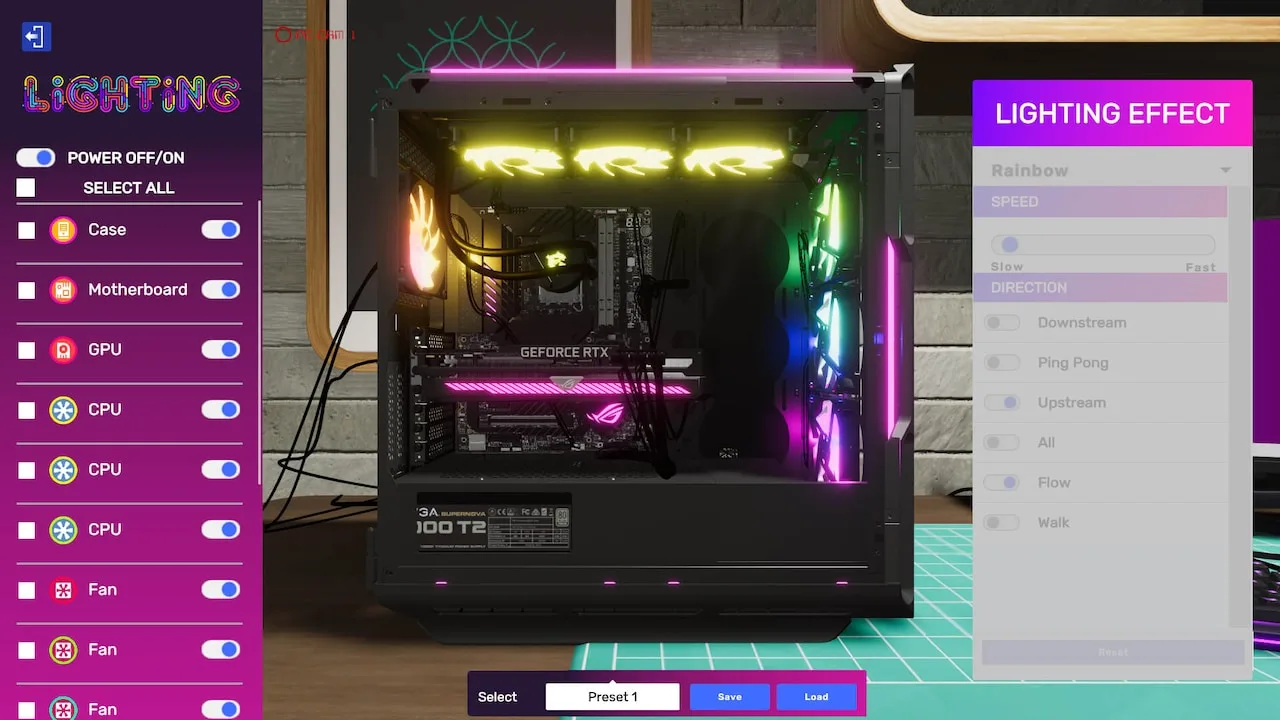
- Adhere to aesthetic requests: Many esports clients have specific RGB lighting schemes or case preferences. Using components like the NZXT H510 Elite with its tempered glass and RGB fans, or ensuring all RGB is synced via software like Corsair iCUE or Razer Synapse, will impress them.
- Recommend upgrades: When performing repairs, suggest logical upgrades that would benefit their gaming performance (e.g., upgrading from an HDD to an SSD, or a GTX 1660 to an RTX 3060). Use the Tablet to send upgrade proposals.
- Benefits:
- Access to high-paying, complex builds.
- Unlocks exclusive discounts on high-end GPUs (e.g., NVIDIA RTX 4090, AMD Radeon RX 7900 XTX) and CPUs (e.g., Intel Core i9-13900K, AMD Ryzen 9 7950X3D) from their sponsored vendors in the Shop.
- Occasionally provides unique aesthetic components like custom-painted cases or team-branded GPU backplates.
The Art Studio (e.g., "Digital Canvas," "Render Realm")
These clients prioritize raw processing power, RAM, and storage for their creative endeavors.
- Strategy:
- Focus on multi-core performance: For rendering and design, CPUs with many cores (e.g., AMD Threadripper series) and ample RAM (32GB or 64GB DDR5 is often requested) are key.
- Provide fast, large storage: NVMe SSDs like the Samsung 990 Pro are highly valued for their speed. Ensure sufficient storage capacity.
- Optimize cooling: Rendering can generate a lot of heat. Implementing robust cooling solutions, such as custom water loops with large radiators (e.g., EK-Quantum Surface P360), will be appreciated.
- Benefits:
- Access to jobs requiring specialized workstations.
- Unlocks discounts on high-capacity RAM modules (e.g., Corsair Vengeance DDR5 64GB Kit), professional-grade GPUs (e.g., NVIDIA Quadro series), and large NVMe SSDs.
- May offer unique decorative items for your workshop.
The Office / Business Clients (e.g., "Corporate Solutions," "Data Dynamics")
These clients often require reliable, stable systems for productivity, sometimes with specific software installations or network configurations.
- Strategy:
- Prioritize stability and reliability: Avoid overclocking unless specifically requested. Use reputable, well-reviewed components.
- Ensure clean cable management: Business clients appreciate a tidy internal build. Spend extra time on cable routing.
- Install requested software: Pay close attention to emails requesting specific operating systems (e.g., Windows 11 Pro) or productivity suites.
- Benefits:
- Consistent, steady income from less demanding jobs.
- Unlocks discounts on business-oriented components like reliable PSUs (e.g., Seasonic Focus Plus Gold), basic motherboards, and office software licenses.
- Can lead to bulk orders for multiple identical systems, offering significant profit.
General Relationship Building Tips
- Read all emails carefully: Client requests can be subtle. Missing a detail (e.g., "must be red RGB," "no more than 300W PSU") can negatively impact relationships.
- Use the "Ask Client" option: If you're unsure about a specific requirement, don't guess! Use the in-game email system to clarify. This shows professionalism and avoids mistakes.
- Deliver on time, every time: Punctuality is highly valued. Use the Calendar on your workshop wall to track deadlines.
- Maintain a clean workshop: While not directly tied to NPC relationships, a tidy workspace (accessible via the Clean Up option on your desk) can subtly influence your efficiency and mood, indirectly leading to better job performance.
- Upgrade your tools: Investing in better tools (e.g., Advanced Screwdriver, Thermal Camera) from the Shop allows you to perform tasks more efficiently and accurately, leading to higher client satisfaction.
By actively engaging with your clients and understanding their unique needs, you'll not only earn more money but also unlock a wider array of challenges and opportunities, truly mastering the art of PC building in PC Building Simulator 2.
100% Human-Written. AI Fact-Checked. Community Verified. Learn how AntMag verifies content