PC Building Simulator 2 expands beyond endings. Learn about the robust post-game content and new possibilities after completing main objectives.
Congratulations, aspiring PC builder! Reaching the "end" of PC Building Simulator 2 is less about a definitive conclusion and more about unlocking a new realm of possibilities for your workshop. Unlike traditional RPGs, there isn't a single "final boss" or a cutscene that wraps everything up. Instead, the game transitions into a robust post-game experience focused on mastery, customization, and continuous expansion.
Achieving the "End" (Career Mode Completion)
The primary "ending" in PC Building Simulator 2's Career Mode is marked by reaching Level 30 and successfully completing the final storyline mission, "The Ultimate Build."
- The Ultimate Build: This mission typically involves a complex, multi-component build for a high-profile client, often requiring the latest and most expensive hardware. Expect demands for extreme overclocking, intricate liquid cooling loops, and specific aesthetic requirements.
- Key Components to Stock: To prepare for this, ensure your inventory is well-stocked with top-tier components like the NVIDIA GeForce RTX 4090, AMD Ryzen 9 7950X3D, high-capacity DDR5 RAM (e.g., Corsair Dominator Platinum RGB 64GB), and premium liquid cooling parts such as the EK-Quantum Velocity² D-RGB CPU block and Arctic Liquid Freezer II 420 AIOs.
- Strategy: Pay close attention to the client's budget and performance targets. Don't be afraid to experiment with different component combinations in the 3DMark and Cinebench R23 benchmarks to optimize performance before finalizing the build. Remember to apply thermal paste correctly and manage cable routing for maximum aesthetic and thermal efficiency.
Upon successful completion, you'll receive a significant monetary bonus, a unique workshop customization item (e.g., the "Master Builder Trophy"), and a congratulatory message from your in-game mentor, signaling your graduation from apprentice to master.
Post-Game Activities: Your Workshop, Your Rules
The true longevity of PC Building Simulator 2 lies in its post-game content. With the main career arc complete, you're free to pursue various avenues, limited only by your imagination and ambition.
1. Endless Job Opportunities
The job board never truly empties. New client requests will continue to appear daily, offering a steady stream of income and challenges. These jobs often feature:
- Complex Diagnoses: Clients will bring in PCs with increasingly obscure issues, requiring advanced troubleshooting skills and knowledge of various software tools (e.g., OCCT for stability testing, Virus Scanner for malware).
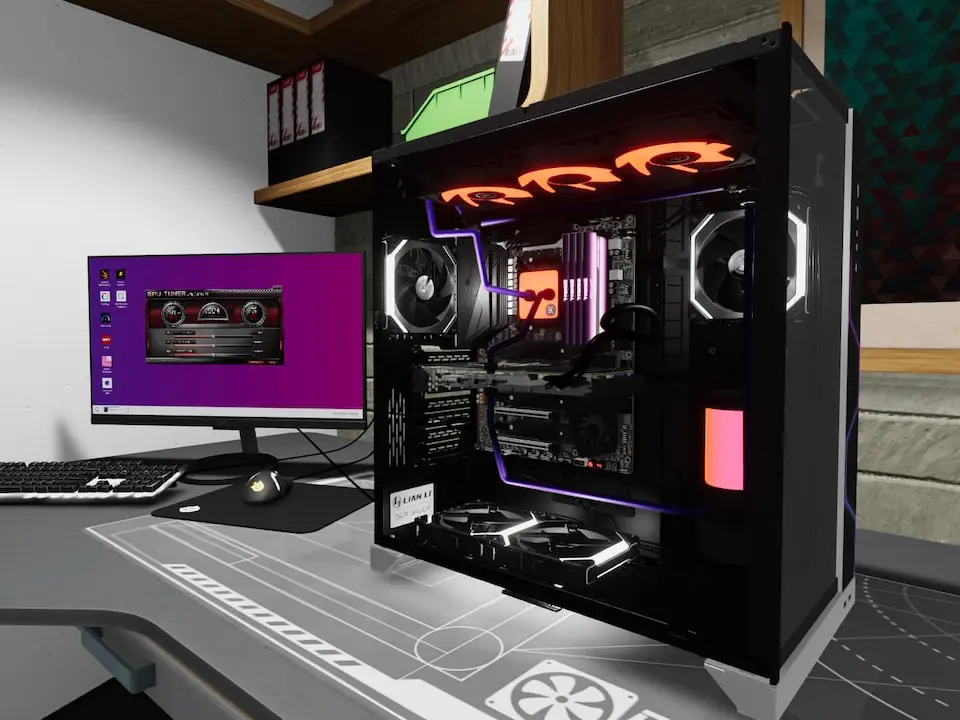
- Niche Builds: Expect requests for specific themes (e.g., "all white build," "RGB overload"), silent PCs, or compact SFF (Small Form Factor) systems, pushing your creativity and component compatibility knowledge.
- High-Value Upgrades: Many clients will seek upgrades to their existing systems, demanding careful component selection to ensure compatibility and performance gains within a given budget.
2. Workshop Customization & Expansion
With your newfound wealth, you can fully invest in transforming your workshop into the ultimate PC building sanctuary. Access the Shop menu and navigate to the Workshop Upgrades and Decorations tabs.
- Functional Upgrades: Prioritize upgrades like the Advanced Workbench (for faster assembly), the Expanded Storage Rack (to hold more components), and the Automated Cable Routing Tool (a massive time-saver).
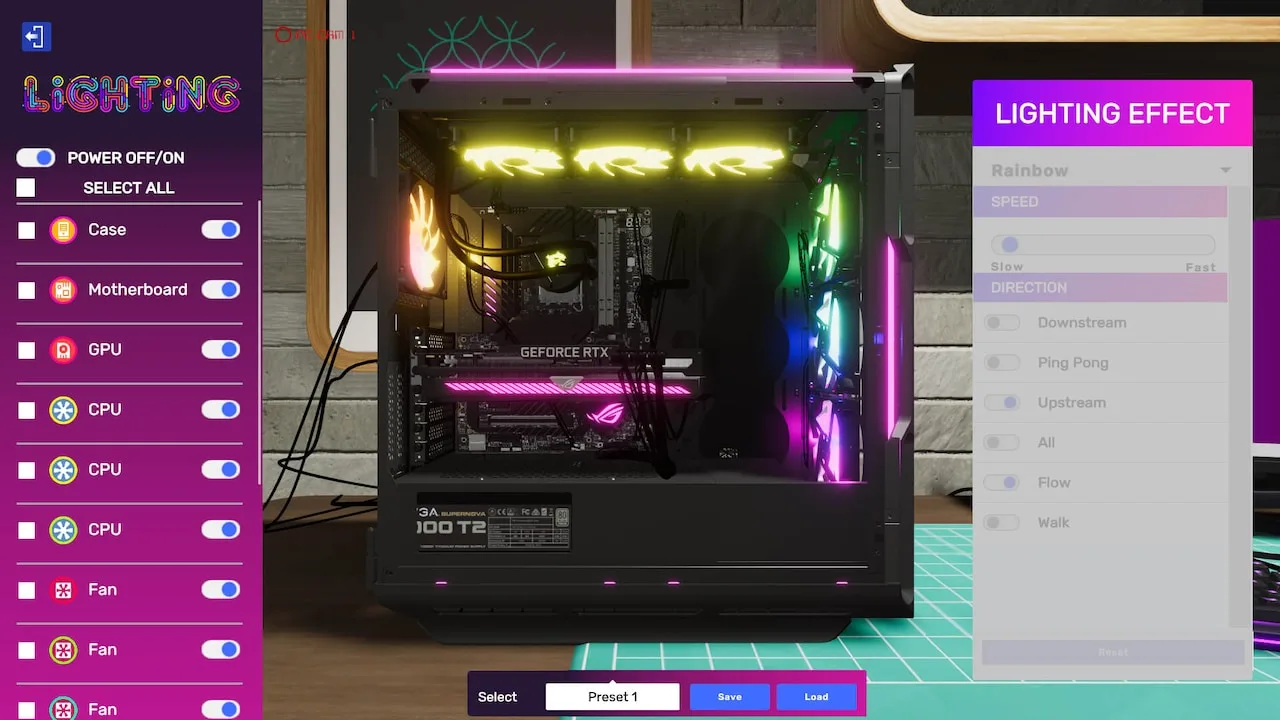
- Aesthetic Enhancements: Personalize your space with new flooring, wall art, lighting fixtures (e.g., Neon Strip Lights, Spotlights), and furniture. Don't forget the various posters and collectibles you might have unlocked throughout your career.
- New Workstations: Consider adding additional workbenches or diagnostic stations to streamline your workflow, especially if you plan on tackling multiple complex jobs simultaneously.
3. Free Build Mode Mastery
The Free Build Mode becomes your ultimate sandbox. With all components unlocked and unlimited funds, you can:
- Dream Builds: Construct the most extravagant, high-performance PCs imaginable without financial constraints. Experiment with exotic custom liquid cooling loops, multi-GPU setups, and unique case modifications.
- Benchmark Chasing: Push the limits of every component. Overclock CPUs and GPUs to their absolute maximum stable frequencies, fine-tune RAM timings, and compete for the highest scores on the in-game 3DMark leaderboards.
- Component Testing: Use Free Build to thoroughly test new components as they become available in the game, understanding their performance characteristics and compatibility before using them in Career Mode jobs.
4. Challenge Mode (If Applicable)
Depending on game updates or DLC, a dedicated Challenge Mode might become available. These are often time-limited or resource-constrained scenarios that test your building efficiency and problem-solving skills under pressure. Keep an eye on the in-game news feed for announcements regarding new challenges.
5. Community & Sharing
While not an in-game feature, the post-game experience is greatly enhanced by engaging with the PC Building Simulator 2 community. Share your most impressive builds, benchmark scores, and workshop designs on forums, social media, or dedicated fan sites. Many players find satisfaction in showcasing their creations and inspiring others.
Ultimately, the "ending" of PC Building Simulator 2 is just the beginning of your journey as a true PC building enthusiast. Enjoy the freedom, the creativity, and the endless pursuit of the perfect build!
100% Human-Written. AI Fact-Checked. Community Verified. Learn how AntMag verifies content