Maximize profits in PC Building Simulator 2 by understanding customer personalities and their specific budget constraints and hidden preferences.
Customer Personalities & Preferences
Understanding your customers in PC Building Simulator 2 is paramount to maximizing your profits and reputation. Each client comes with their own unique set of demands, budget constraints, and often, hidden preferences that aren't immediately obvious. Ignoring these nuances can lead to lower job ratings, reduced payouts, and even negative reviews that impact your shop's standing.
Decoding Customer Requests
Every job request will have a primary objective, such as "Upgrade GPU" or "Fix Virus." However, the true challenge lies in reading between the lines of their emails and job descriptions. Pay close attention to keywords and phrases, as these often hint at deeper desires.
- Budget Conscious: Customers explicitly stating "on a tight budget" or "looking for something affordable" require careful part selection. Prioritize used components from the Used Parts Market (unlocked early in career mode) or lower-end new parts from the Shop App. Avoid expensive RGB lighting or high-end cooling solutions unless specifically requested.
- Performance Enthusiasts: Phrases like "max out my FPS," "best gaming experience," or "no compromises" indicate a client willing to spend for top-tier performance. These customers expect high-end CPUs (e.g., Intel Core i9, AMD Ryzen 9), powerful GPUs (e.g., NVIDIA RTX 4090, AMD Radeon RX 7900 XTX), and often demand liquid cooling setups. Always check their desired benchmark scores or game performance targets.
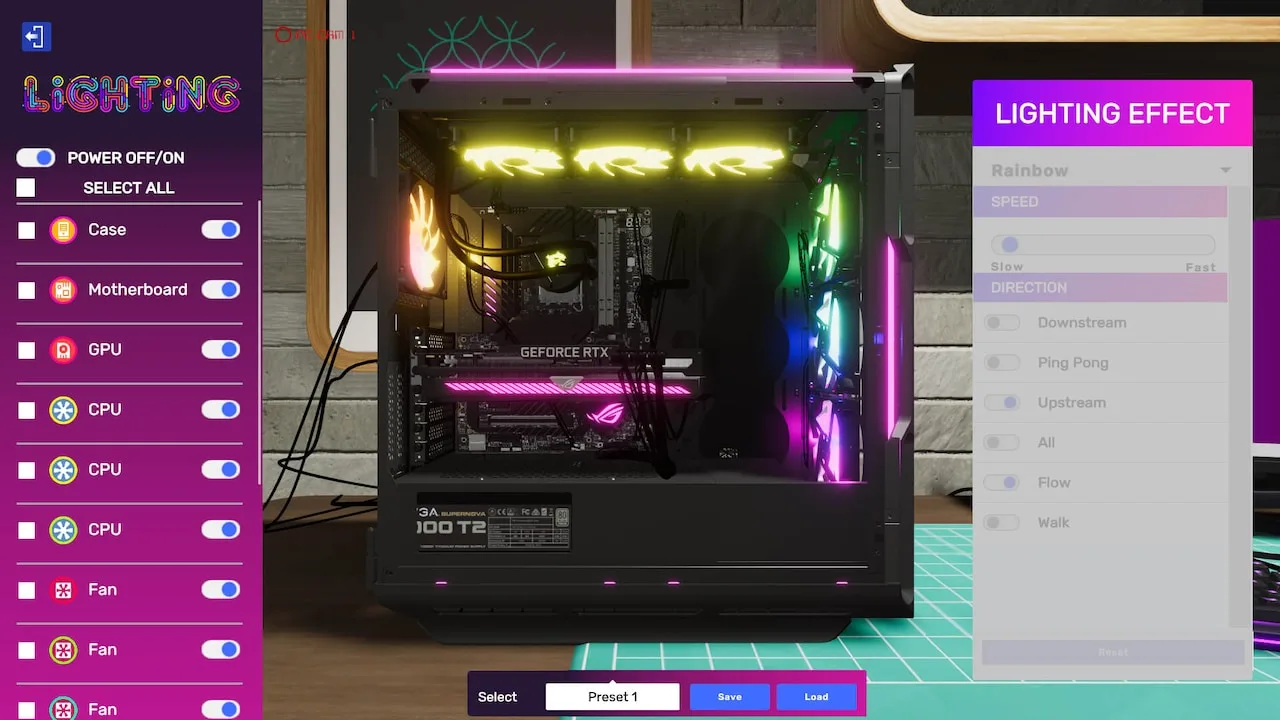
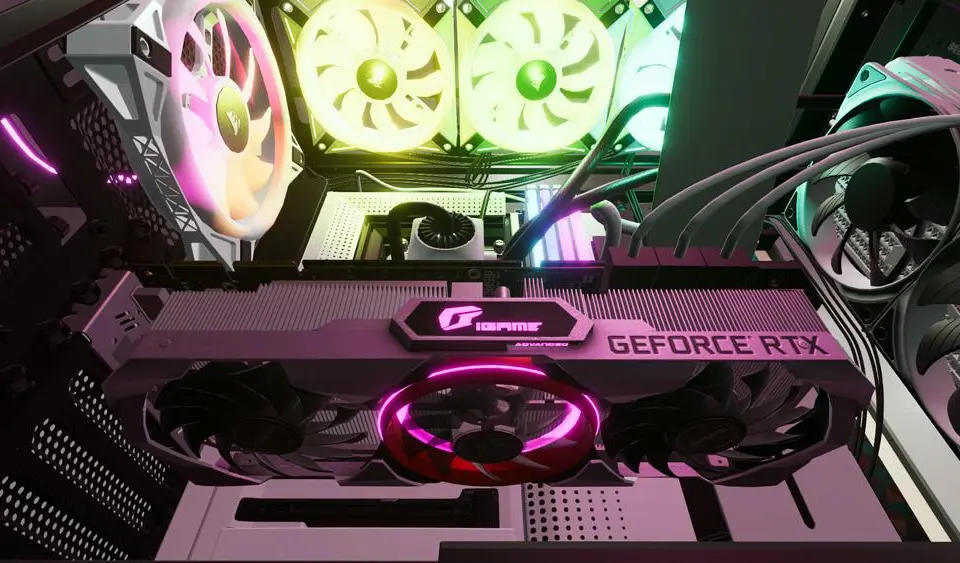
- Aesthetic Aficionados: Look for requests mentioning "clean look," "matching colors," "RGB lighting," or specific case preferences. These clients care about how their PC looks as much as how it performs.
- Color Schemes: If they mention "blue theme," ensure all visible components (RAM, fans, GPU backplates, cables) are blue or have blue RGB. The NZXT H510 Elite or Lian Li O11 Dynamic are popular choices for showcasing internal components.
- Cable Management: Always strive for immaculate cable routing. Use Cable Combs (available in the Shop App) and ensure power supply cables are neatly tucked away.
- RGB Sync: If multiple RGB components are used, ensure they are synchronized using software like Corsair iCUE, NZXT CAM, or ASUS Aura Sync (installed via the OS Installation USB).
- Quiet Seekers: "Silent operation," "no fan noise," or "quiet workstation" are clear indicators for low-noise solutions.
- Cooling: Opt for large, quiet CPU air coolers (e.g., Noctua NH-D15) or silent AIO liquid coolers (e.g., Arctic Liquid Freezer II).
- Fans: Replace stock case fans with low-RPM, high-airflow models (e.g., be quiet! Silent Wings).
- PSU: Choose power supplies with "Zero RPM" fan modes.
- Brand Loyalists: Some customers will explicitly state a preference for "Intel CPU," "NVIDIA GPU," or "Corsair RAM." Deviating from these preferences, even if a technically superior alternative exists, can result in a lower rating. Always stick to their requested brands.
Hidden Preferences & Reputation
Beyond explicit requests, customers often have unspoken preferences that contribute to their overall satisfaction. These are learned through experience and observing job feedback.
- Cleanliness: Always use the Air Duster tool on every component before returning a PC. A dusty PC, even if fully functional, will negatively impact your rating.
- Thermal Paste: Always apply fresh thermal paste to the CPU when installing or reinstalling a cooler. Use high-quality paste like Thermal Grizzly Kryonaut for performance builds.
- Operating System: Ensure the operating system is fully updated (use the Update OS option in the OS) and any requested software is installed.
- Benchmark Scores: For performance-oriented jobs, running 3DMark or Cinebench and achieving a good score (even if not explicitly requested) can often lead to bonus payments.
- Matching RAM: While not always critical, using RAM sticks of the same brand, speed, and capacity (e.g., two Corsair Vengeance RGB Pro 16GB 3600MHz modules) can subtly improve customer satisfaction, especially for aesthetic-focused builds.
Managing Expectations & Communication
Sometimes, a customer's budget simply doesn't align with their performance desires. In these situations, clear communication is key:
- Identify the Conflict: Review the job details and budget. If a client wants "max FPS" but only has $500, you have a problem.
- Suggest Alternatives: Use the Email App to politely inform the customer about the discrepancy. Propose a more realistic build within their budget or offer an upgrade path if they're willing to increase their spending. For example, "Your budget of $500 is tight for 'max FPS.' I can build a solid entry-level gaming PC with a Ryzen 5 5600G and integrated graphics, or for an additional $300, we could include a Radeon RX 6600 for significantly better performance."
- Document Everything: Keep track of all communications. If a customer agrees to a compromise, it protects you from negative feedback later.
By meticulously addressing both explicit and implicit customer needs, you'll build a stellar reputation, unlock more lucrative jobs, and truly master the art of PC building in PC Building Simulator 2.
100% Human-Written. AI Fact-Checked. Community Verified. Learn how AntMag verifies content