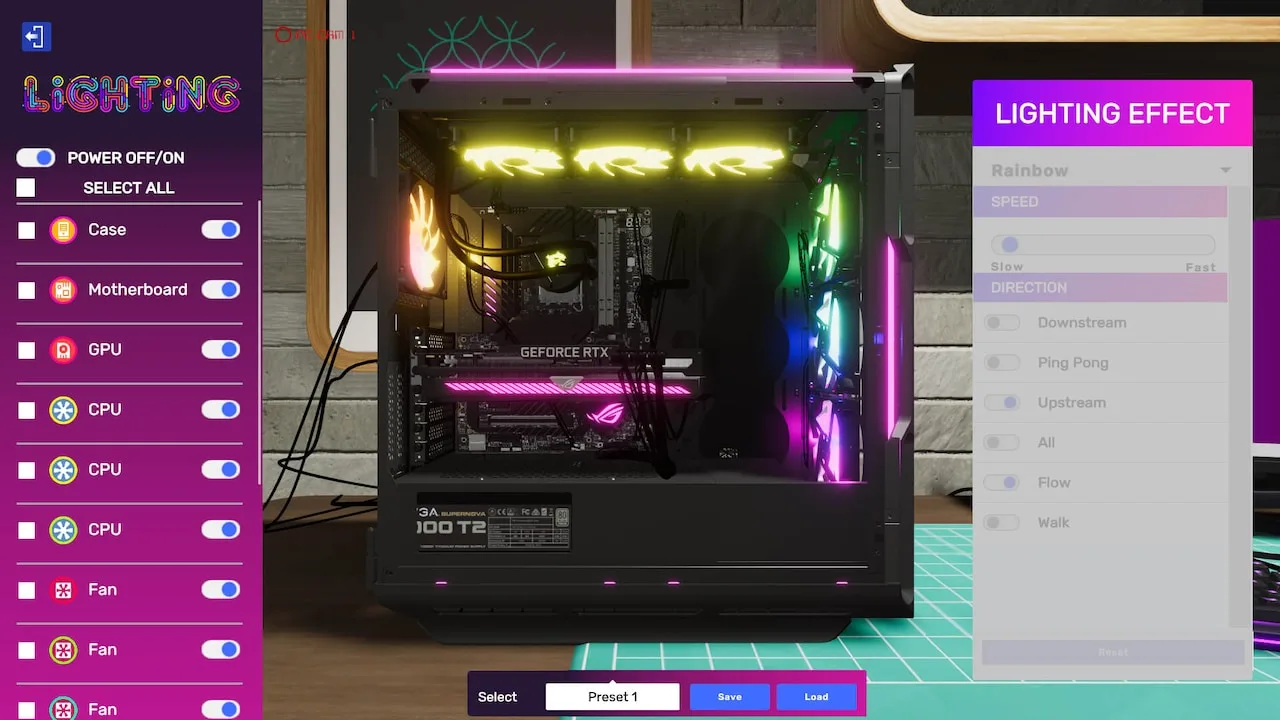
Master the 'A Simple Start' job in PC Building Simulator 2 with our comprehensive guide. Learn essential steps, tips, and rewards to excel in your early career.
Walkthrough
- 1Access your tablet (default key: 'T') and navigate to the "Jobs" app.
- 2Accept the "A Simple Start" job. The client will provide the GPU: an _NVIDIA GeForce GT 1030_.
- 3Open the PC case.
- 4Locate the PCIe slot.
- 5Install the provided GPU.
- 6Connect any necessary power cables.
- 7Close the PC case.
- 8Run 3DMark (via the "Apps" tab on your tablet) to test functionality.
Tips
- Pay close attention to the tutorial prompts as they guide you through the initial steps.
- Ensure all cables are properly connected before closing the case.
- The 3DMark test is crucial for confirming the PC is working correctly.
- Small cash injection
- XP
- Unlock of basic diagnostic tools
100% Human-Written. AI Fact-Checked. Community Verified. Learn how AntMag verifies content