Expand your PC Building Simulator 2 business with side missions. Earn extra income, unlock new parts, and gain workshop upgrades beyond the core campaign.
While the core campaign of PC Building Simulator 2 will guide you through the essentials of running your PC repair and building business, the true depth and financial rewards often lie within the various side missions and optional objectives. These tasks provide not only additional income but also opportunities to unlock new parts, expand your workshop, and gain valuable experience. Ignoring them means leaving money and progression on the table!
Understanding Optional Objectives in Core Jobs
Many standard customer jobs will feature optional objectives that, while not mandatory for job completion, offer significant bonus payouts. Always check the job details thoroughly before starting work. These can range from aesthetic choices to performance benchmarks.
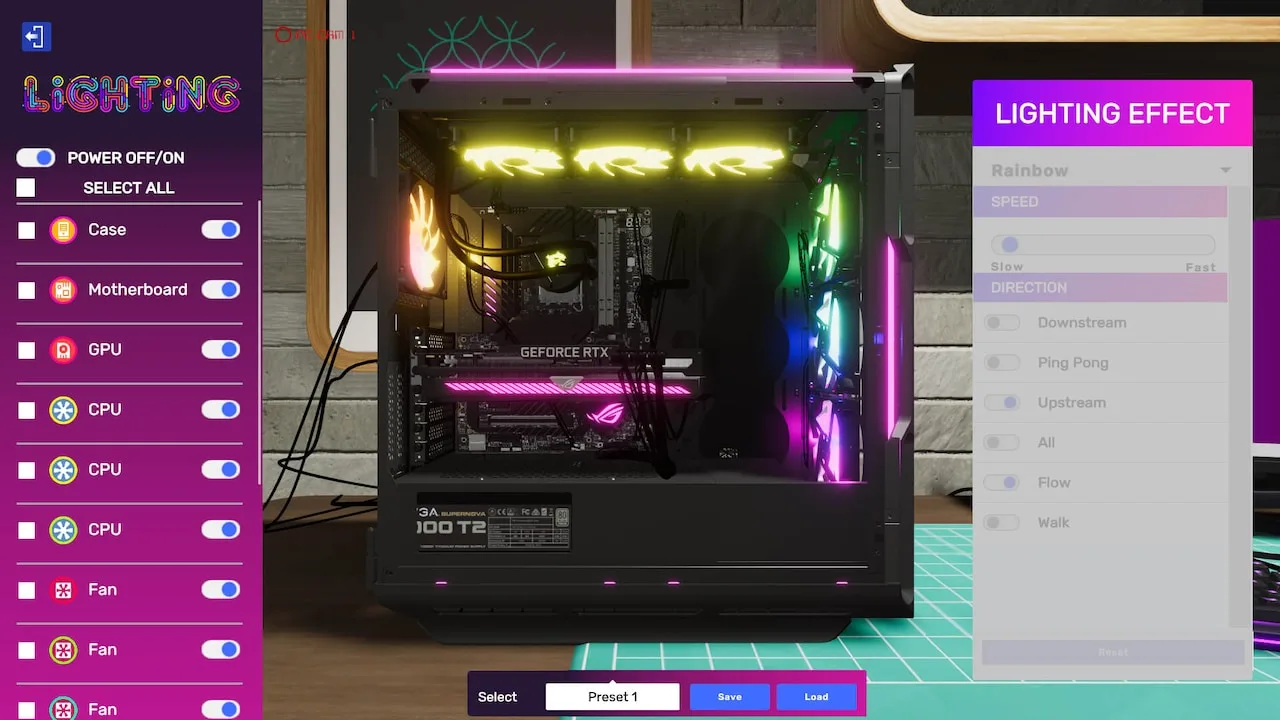
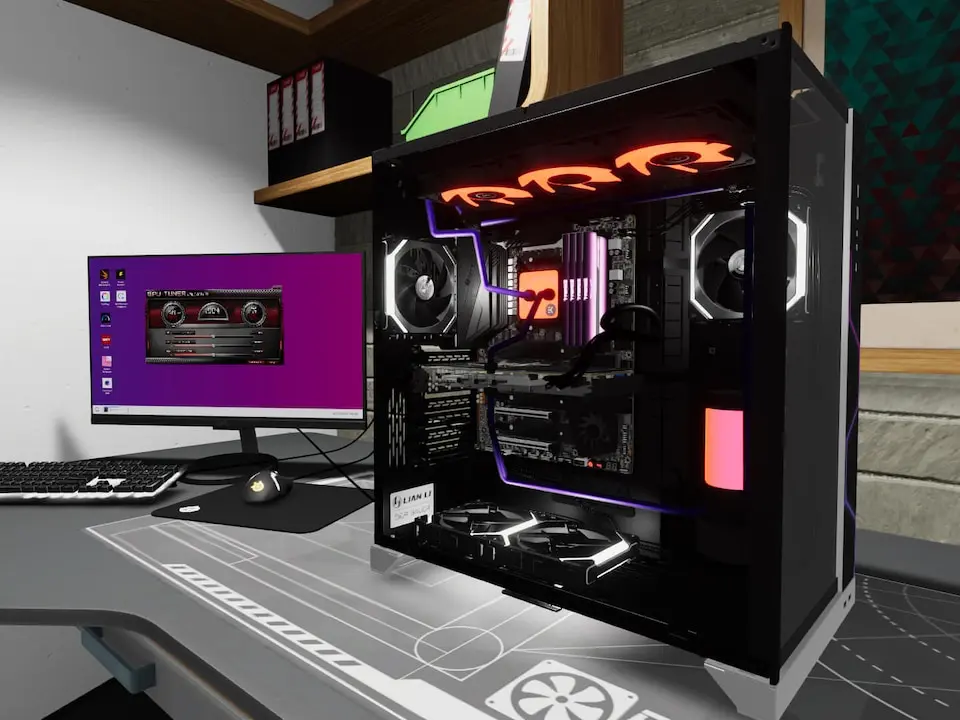
- Aesthetic Upgrades: A common optional objective is to "Improve the PC's aesthetics." This often involves installing RGB components, custom cables, or even painting case parts.
- Strategy: Keep a stock of common RGB fans (e.g., CORSAIR LL120 RGB), RGB RAM (e.g., G.SKILL Trident Z RGB), and braided cable kits (available in various colors from the Shop under the 'Cables' tab) on hand. Match colors to the customer's preferred scheme if specified, or choose a neutral popular color like white or black.
- Example: If a customer wants a "clean look," opt for white braided cables and subtle RGB lighting. For a "gaming rig," go all out with vibrant RGB fans and an RGB AIO cooler.
- Performance Benchmarks: Customers might request a specific 3DMark score or a certain FPS in a particular game.
- Strategy: This usually means upgrading the GPU, CPU, and sometimes RAM. Ensure the power supply (PSU) can handle the increased wattage. After installing new components, run 3DMark (available on the in-game PC) or the specified game benchmark. Overclocking can sometimes help reach target scores, but be mindful of cooling.
- Item Names: Look for high-end GPUs like NVIDIA GeForce RTX 4090 or AMD Radeon RX 7900 XTX. For CPUs, consider Intel Core i9-13900K or AMD Ryzen 9 7950X3D. Always ensure compatible motherboards (e.g., LGA1700 for Intel 13th Gen, AM5 for AMD Ryzen 7000 series).
- Cable Management: Achieving a "Perfect Cable Management" score.
- Strategy: After installing all components, carefully route cables behind the motherboard tray and use cable ties (found in your inventory) to bundle them neatly. The game provides visual cues for optimal routing. This objective is purely skill-based and requires patience.
"Odd Jobs" & Special Requests
Beyond the standard repair and upgrade requests, you'll occasionally receive unique "Odd Jobs" via email. These often involve more complex or unusual tasks and can be highly rewarding.
- The "Retro Build" Challenge: One recurring type of odd job involves building a PC with specific older components.
- Walkthrough: The email will specify a particular CPU generation (e.g., "Intel Core 2 Duo era") or a vintage GPU (e.g., "NVIDIA GeForce 8800 GT"). You'll need to source these parts from the Used Parts Market (unlocked later in the game) or, if you're lucky, find them in your inventory from previous jobs.
- Accept the job from your email.
- Check the exact component requirements.
- Navigate to the Used Parts Market via your in-game tablet.
- Search for the specified CPU, GPU, and compatible motherboard (e.g., an LGA775 motherboard for a Core 2 Duo).
- Purchase the parts. Note that used parts can be faulty, so consider buying spares or testing them thoroughly.
- Assemble the PC according to the customer's specifications, ensuring all parts are compatible.
- Run basic diagnostics (e.g., 3DMark) to ensure stability before delivery.
- Reward: These jobs often pay significantly more than standard repairs and can unlock unique cosmetic items for your workshop.
- Walkthrough: The email will specify a particular CPU generation (e.g., "Intel Core 2 Duo era") or a vintage GPU (e.g., "NVIDIA GeForce 8800 GT"). You'll need to source these parts from the Used Parts Market (unlocked later in the game) or, if you're lucky, find them in your inventory from previous jobs.
- "Mystery Box" Builds: Sometimes a customer will send a box of random components with a vague request, like "make it run" or "build the best PC possible from these parts."
- Walkthrough:
- Open the customer's PC case and remove all components from the "Mystery Box."
- Carefully inspect each component for compatibility and damage. Use the Part Condition app on your tablet.
- Identify the best possible CPU and GPU combination from the provided parts.
- Assemble the PC, ensuring all necessary components (RAM, PSU, Storage, Cooler) are present and functional. You may need to purchase missing or faulty parts from the Shop.
- Install the operating system and run a benchmark to confirm functionality.
- Strategy: Prioritize compatibility and functionality. If a part is broken, replace it with the cheapest functional alternative from the shop unless the customer explicitly states otherwise.
- Walkthrough:
Workshop Upgrades & Personal Goals
While not "missions" in the traditional sense, investing in workshop upgrades and pursuing personal milestones can be considered optional objectives that enhance your gameplay experience and efficiency.
- Expanding Your Workshop: Early in the game, your workshop is small. Saving up money to unlock additional workbenches, storage space, and specialized tools (like the Thermal Camera or Custom Water Cooling Kit) is crucial.
- Location: Access workshop upgrades via the 'Workshop' tab on your in-game tablet.
- Strategy: Prioritize a second workbench early on to handle multiple jobs simultaneously. Increased storage is also vital to keep a stock of common parts.
- Achieving "5-Star Ratings": Strive for perfect customer satisfaction on every job. This isn't an explicit objective but contributes to your overall reputation and unlocks higher-paying clients.
- Strategy: Always meet all primary and optional objectives. Clean the PC (use the Air Can), remove all viruses (use the Anti-Virus program), and ensure cable management is tidy. Deliver PCs on time or early.
- Collection & Customization: Collect all available case designs, custom water-cooling reservoirs, and unique workshop decorations.
- Strategy: Keep an eye on the Shop for new releases and check the Used Parts Market for rare or discontinued items. Some unique items are rewards for specific Odd Jobs.
100% Human-Written. AI Fact-Checked. Community Verified. Learn how AntMag verifies content