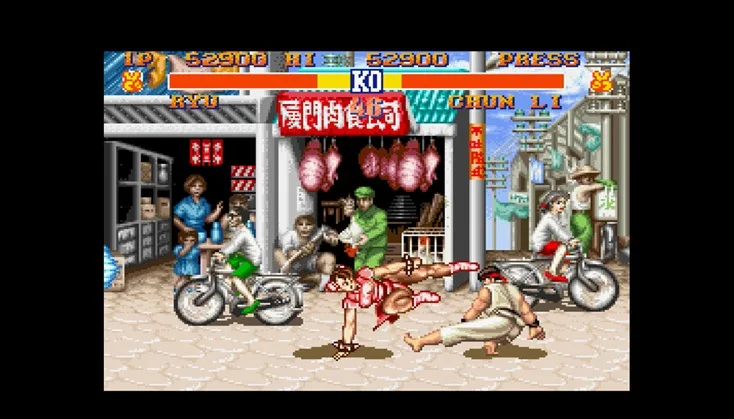
Wondering if your Street Fighter II settings stick around? We'll explain how your preferences are saved (or not saved!) across different versions of this classic fighter.
Hey there! So you're diving into the world of Street Fighter II and wondering if all those tweaks you make to the game settings actually stick around. It's a great question, and the short answer is: it depends on which version you're playing! The Arcade Experience: In the original arcade versions, like _Street Fighter II: The World Warrior_ or _Street Fighter II': Champion Edition_, your settings generally don't save automatically. Think of the arcade cabinet as a shared machine. When you finish your game, it's reset for the next player. So, any changes you made to things like button configurations or difficulty settings would be lost once the machine powers down or resets. Home Consoles and Ports: This is where things get a bit more interesting. When Street Fighter II was ported to home consoles like the Super Nintendo (SNES), Sega Genesis, or later on platforms like the PlayStation and Xbox, the ability to save settings often came along for the ride. * SNES and Genesis: Many of these ports allowed you to save your options, like controller preferences or difficulty levels, to the console's save memory or a cartridge battery. This meant your settings would be there the next time you booted up the game. * Later Collections and Remasters: For games like _Super Street Fighter II Turbo HD Remix_ or _Ultra Street Fighter II: The Final Challengers_, saving your settings is pretty standard. These modern versions are designed with player convenience in mind, so you can expect your preferences to be stored. What to Watch Out For: If you're playing on an emulator or a very early home port, there's a chance it might mimic the arcade behavior and not save your settings. Always check the game's options menu and experiment a bit. Sometimes, saving might be tied to a specific save file or require you to manually select 'Save Options' before exiting. So, while the classic arcade experience was all about the next match, playing at home usually gives you the luxury of your settings being remembered. Happy fighting!100% Human-Written. AI Fact-Checked. Community Verified. Learn how AntMag verifies content