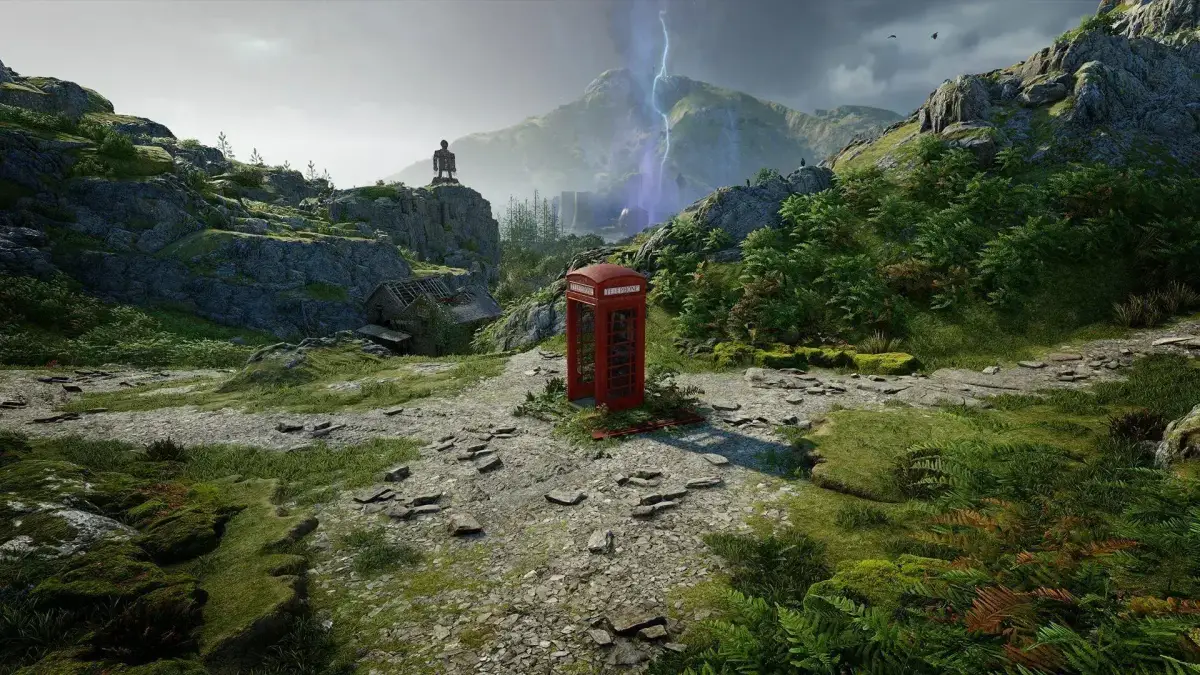
Learn how to customize your Atomfall experience by adjusting Combat, Survival, and Exploration difficulty. Master advanced options for a perfect playthrough.
Hey there! So, you're about to jump into Atomfall and want to get the difficulty just right? That's smart! When you first start up, you'll get to pick your overall difficulty. You can actually tweak three main areas: Combat, Survival, and Exploration. There are four general levels to choose from – Assisted, Casual, Challenging, and Intense. The game gives you a decent rundown of what each does, but here's a pro-tip: dive into the “Advanced Options” if you want to fine-tune things even more. This is awesome if there's just one specific thing you're not enjoying and you want to dial it back without making everything else a breeze.
Let's break down those categories a bit:
- Combat: This is where you can really get specific. Want to make stealth less of a headache? You can lower “Enemy Perception.” Not a fan of getting swarmed? Turn down “Enemy Population.” Or maybe you just want enemies to be less accurate or skilled? Adjust “Enemy Accuracy” and “Enemy Skill.” The cool part is you can mix and match. For instance, if you love the gunplay but hate stealth, you can lower “Enemy Perception,” “Threat Persistence,” “Enemy Aggression,” and “Enemy Population” to make sneaking around easier, but once the bullets start flying, the enemies will still be a serious threat.
- Survival: If you're finding the going a bit too tough, you can ease up here. Crank up “Player Resilience,” “Health Regeneration,” and “Healing Efficacy” to feel more durable and recover faster. You can leave things like “Barter Modifier” and “Loot Scarcity” as they are if you still want to find good gear, just with less risk of dying constantly.
- Exploration: This one's less about pure difficulty and more about saving you time and frustration. These options are pretty much on or off. If you enjoy meticulously searching every corner for every little clue, leave these “Off.” But if you prefer a smoother journey with helpful tools like a compass, waypoint markers, and highlighted clues (so you're not wondering if every crumpled piece of paper is important), turn these “On.”
And hey, if you start playing and decide you want to change things up, don't sweat it! You can adjust the difficulty anytime. Just pause the game, go to the Options menu, select the “Game” tab, and then pick “Playstyle” to make your adjustments.
100% Human-Written. AI Fact-Checked. Community Verified. Learn how AntMag verifies content