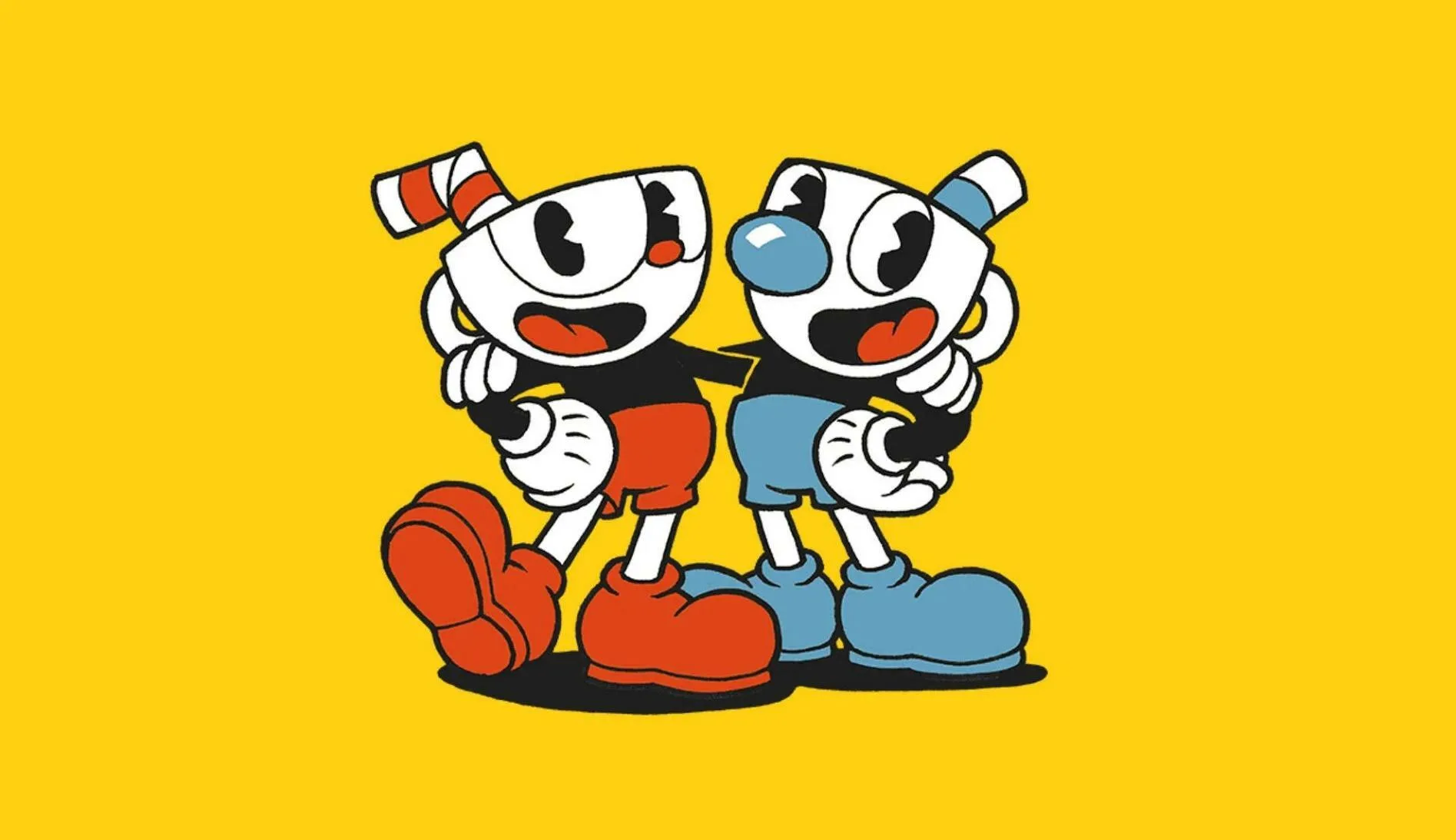
Choose your input for Cuphead. Compare controller vs. keyboard & mouse, weighing pros and cons for movement, aiming, and overall gameplay.
Choosing the right input method can significantly impact your experience with Cuphead. This section compares playing with a controller versus a keyboard and mouse, highlighting the pros and cons of each for this fast-paced platformer.
Cuphead's demanding gameplay, characterized by precise platforming and rapid-fire combat, makes the choice of input device a crucial one. Both controllers and keyboard/mouse setups offer distinct advantages and disadvantages.
Controller (Gamepad)
Pros:
- Analog Movement: Joysticks offer nuanced control over movement, allowing for smoother and more precise directional input, which is beneficial for intricate platforming.
- Ergonomics: Controllers are generally designed for comfort during extended play sessions.
- Intuitive Button Layout: Many players find the button layout of a standard controller more intuitive for action games, with dedicated buttons for jumping, shooting, and dashing.
- Vibration Feedback: Rumble features can provide tactile feedback for in-game events, enhancing immersion.
Cons:
- Limited Keybinds: Compared to a keyboard, controllers have a fixed number of buttons, which might feel limiting for players who prefer extensive customization.
- Potential for Stick Drift: Over time, analog sticks can develop 'drift,' leading to unintended movement inputs.
Keyboard & Mouse
Pros:
- Precision Aiming (Mouse): The mouse offers unparalleled precision for aiming, which can be advantageous for targeting specific weak points on bosses.
- Extensive Keybinding Options: A keyboard allows for a vast number of customizable keybinds, enabling players to ass actions to keys that feel most comfortable and efficient.
- Responsiveness: Digital inputs from a keyboard can feel very responsive for actions like jumping and shooting.
Cons:
- Less Nuanced Movement: Keyboard movement is typically digital (on/off), lacking the analog subtlety of a joystick, which can make fine-tuning movement more challenging.
- Ergonomics: Prolonged use of a keyboard and mouse setup can sometimes be less comfortable than a controller for some players.
- Learning Curve: Players accustomed to controllers may face a steeper learning curve when adapting to keyboard and mouse controls for a fast-paced action game.
Recommendation
For Cuphead, many players find a controller to be the more natural and comfortable choice due to the emphasis on fluid movement and platforming. However, players who prioritize precise aiming and extensive customization might prefer a keyboard and mouse setup. Ultimately, the best input method is the one you are most comfortable and proficient with.
100% Human-Written. AI Fact-Checked. Community Verified. Learn how AntMag verifies content