
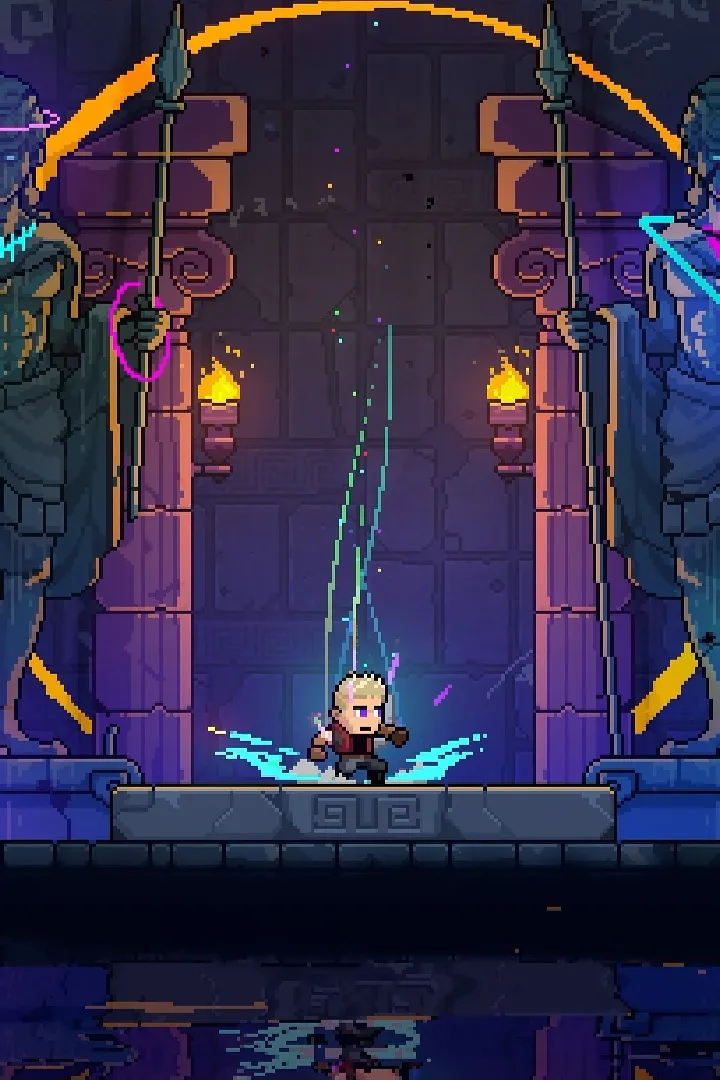
Master Neon Abyss with our comprehensive PC and Console controls guide. Learn all keybindings and button layouts to dominate the Abyss.
This guide covers the controls and keybindings for Neon Abyss on PC and Console. Understanding these inputs is crucial for navigating the game effectively and mastering its challenges.
| Action | PC (Keyboard) | Xbox | PlayStation |
|---|---|---|---|
| Move | WASD | Left Stick | Left Stick |
| Jump | Spacebar | A | X |
| Shoot | Left Mouse Button | Right Trigger | R2 |
| Dodge/Dash | Shift / Right Mouse Button | Left Trigger | L2 |
| Use Item | E | X | Square |
| Grenade | Q | Bumper Left | L1 |
| Reload | R | Bumper Right | R1 |
| Interact | F | A | X |
| Map | M | View Button | Touchpad (Left Side) |
| Pause | Esc | Start Button | Options Button |
Note: Some button prompts may vary slightly depending on controller type or in-game settings.
100% Human-Written. AI Fact-Checked. Community Verified. Learn how AntMag verifies content