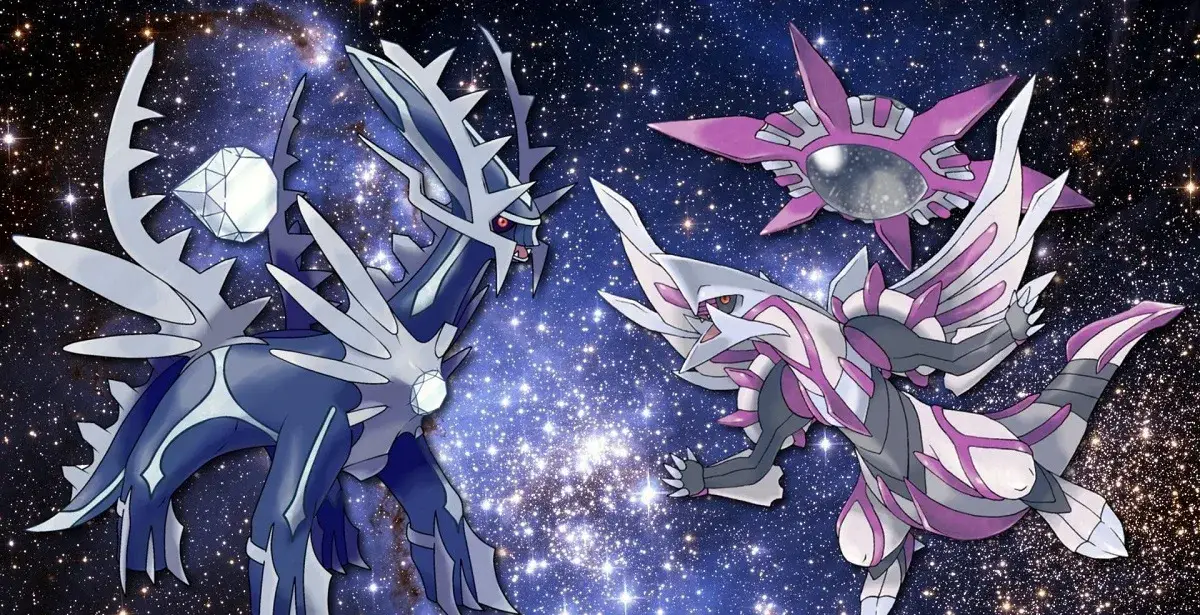
Learn how to connect with Pokémon HOME in pokemon brilliant diamond and shining pearl. Understand free vs paid plans and platform differences.
Pokémon HOME is the latest generation of online Pokémon storage, succeeding Pokémon Bank. It is a free app developed by Nintendo, available on the Nintendo Switch via the eShop and on mobile devices through their respective app stores.
- A Nintendo Account (free to create).
- 1Open the Pokémon HOME app.
- 2Link your Nintendo Account. If you do not have one, you can create one for free via your Nintendo Switch or an internet browser on your computer or mobile device.
Free Versus Paid Plan:
While Pokémon HOME is free, a subscription unlocks additional features and increases storage capacity. The free plan allows storage for 30 Pokémon, 3 Pokémon in the Surprise Box, 1 Pokémon in GTS, and only allows joining trade rooms. Paid users can store up to 6000 Pokémon, have 10 Pokémon in Surprise Box, 3 Pokémon in GTS, can host or join trade rooms, access the stats judge, and transfer Pokémon from Pokémon Bank.
Nintendo Switch Versus Mobile Devices:
Some features are exclusive to either the Nintendo Switch or mobile device versions of Pokémon HOME.
- Nintendo Switch Exclusive: Transfer Pokémon from Let’s Go Pikachu/Eevee, transfer Pokémon between HOME and Sword/Shield, exchange HOME points for BP.
- Mobile Device Exclusive: Trade Pokémon between Pokémon HOME, receive Mystery Gifts in Pokémon HOME, check Battle Data and News.
- Available on Both: Transfer Pokémon from Pokémon Bank, transfer Pokémon from Pokémon GO, use the stats judge.
- Consider upgrading to a premium account if you need to store more than 30 Pokémon or require advanced features like the stats judge.
- The Nintendo Switch version is necessary for transferring Pokémon from Let’s Go Pikachu/Eevee and Sword/Shield.
- The mobile version is required for trading directly within Pokémon HOME and receiving Mystery Gifts.
100% Human-Written. AI Fact-Checked. Community Verified. Learn how AntMag verifies content