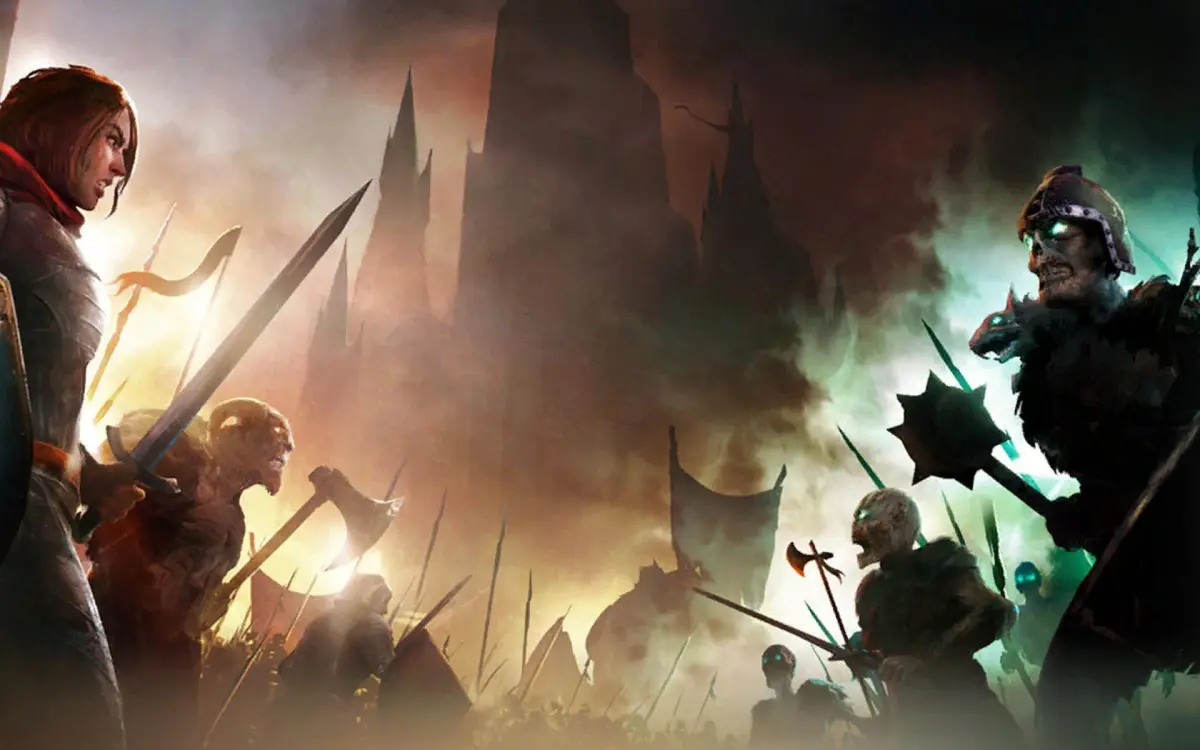
Welcome to Songs of Conquest, a turn-based strategy game where you'll lead armies, manage towns, and progress your Wielders through a rich fantasy world. It's a game that blends deep tactical combat with engaging town management, offering a compelling experience for those who love to plan their moves and see their strategies unfold across diverse maps.
This guide is here to help you master every aspect of the game. We'll cover everything from completing campaign walkthroughs and optimizing your town development to refining your combat tactics and ensuring your Wielders reach their full potential. Conquer the maps, lead your factions to victory, and achieve expert status with our comprehensive tips.
Getting Started
New to Songs of Conquest? This guide breaks down the basics of gameplay, from movement and resource management to strategic planning and building your towns. Get started today!
Getting Started
New to Songs of Conquest? This guide breaks down the basics of gameplay, from movement and resource management to strategic planning and building your towns. Get started today!
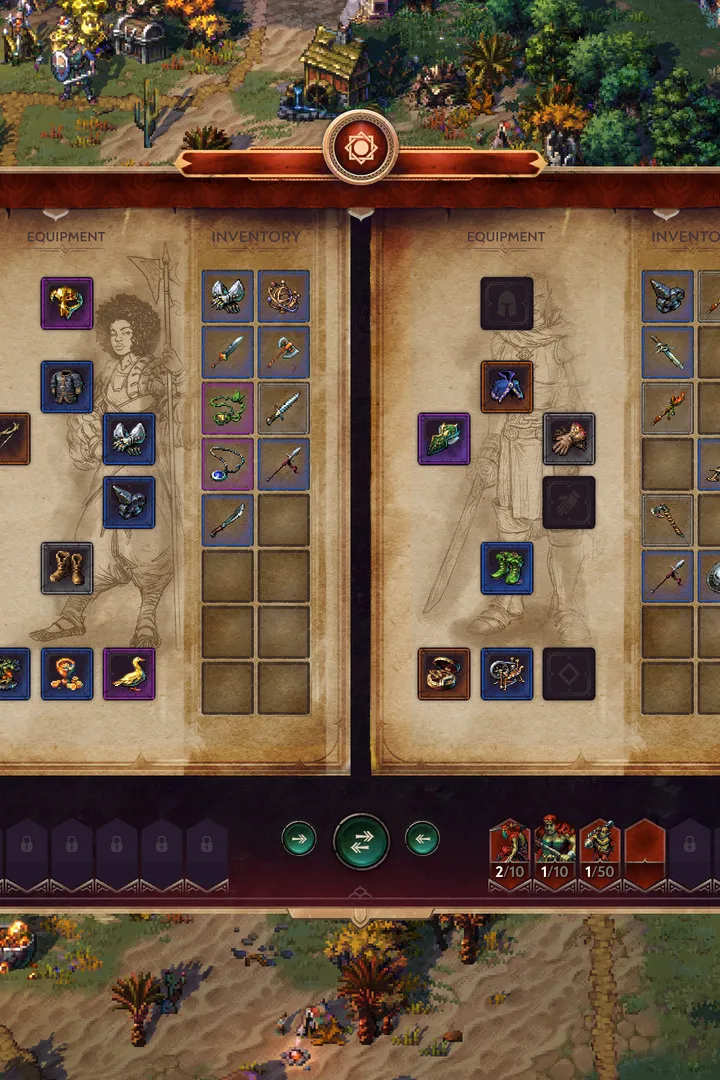
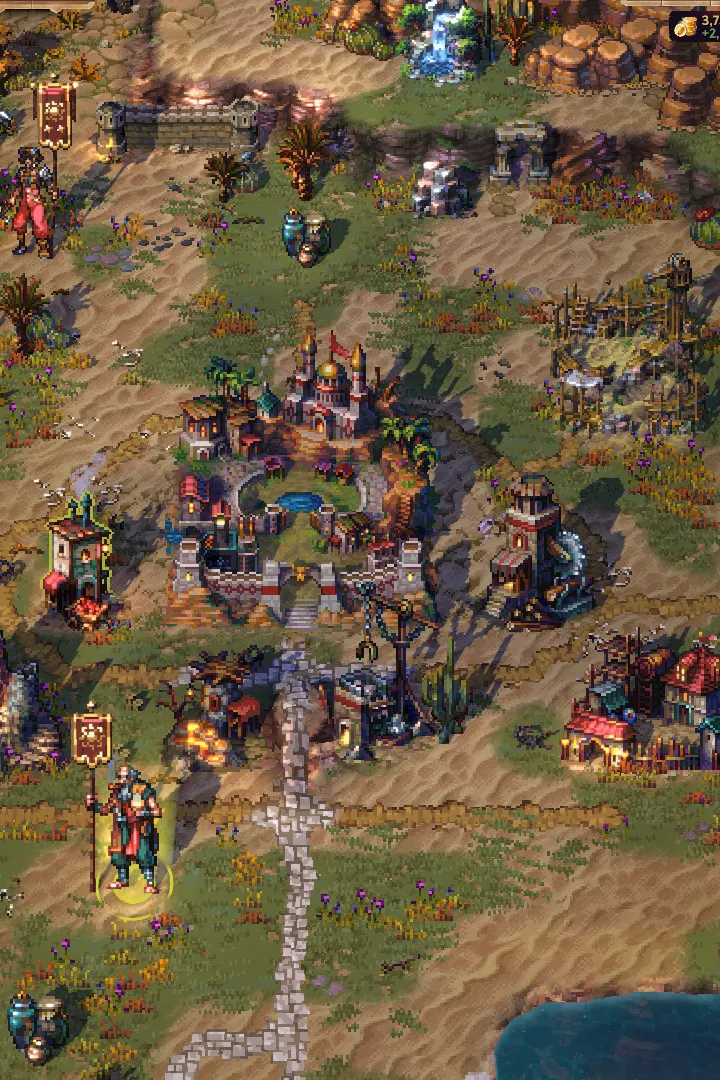
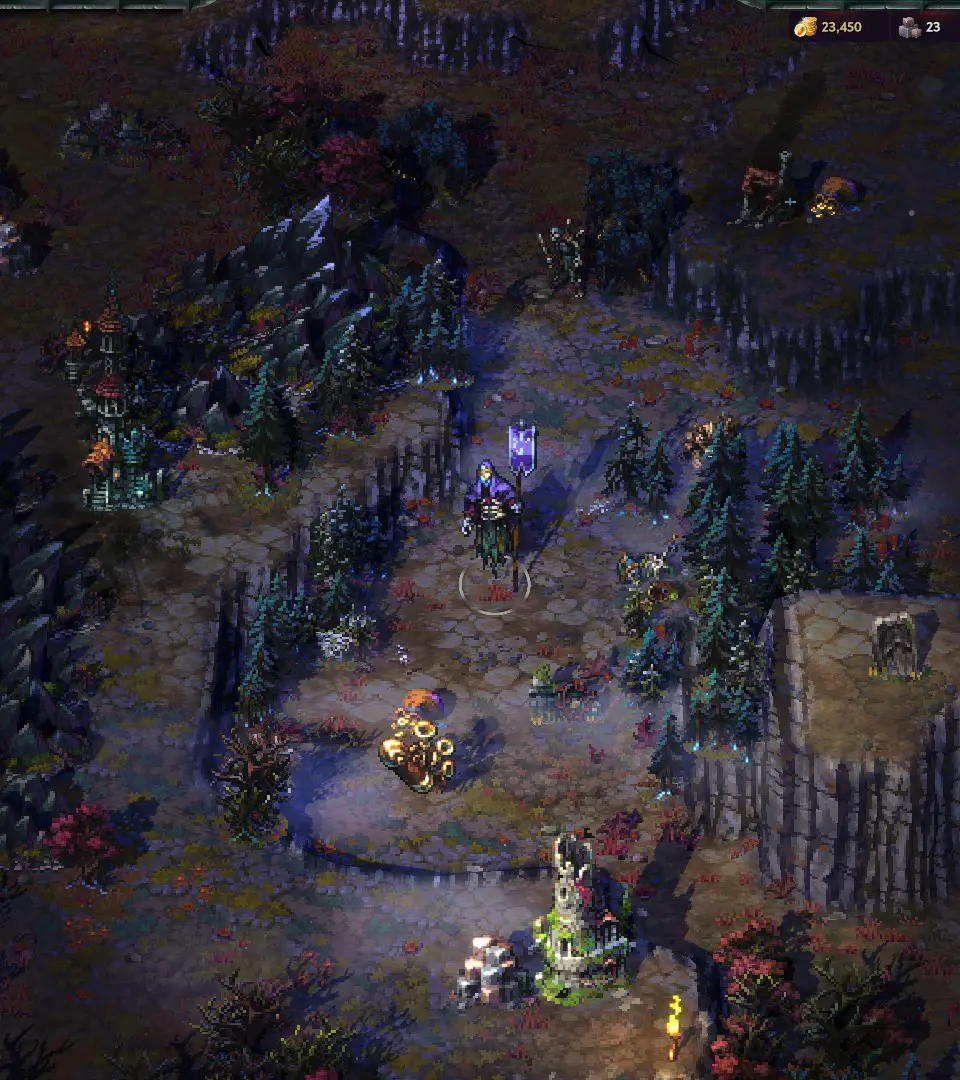
Controls & UI — Songs of Conquest Guide
Master the controls and user interface in Songs of Conquest with our comprehensive guide. Learn keybinds, UI elements, and tips for seamless gameplay.
This guide covers the controls and user interface for Songs of Conquest. Understanding these elements is crucial for effective gameplay and strategic decision-making.
| Action | Keybind / UI Element |
|---|---|
| Movement | WASD / Arrow Keys |
| Camera Rotation | Q / E |
| Camera Zoom | Mouse Wheel |
| Select Unit | Left Click |
| Deselect Unit | Right Click / Esc |
| Open Unit Panel | Click on Unit / 1-9 Keys |
| Open Building Menu | Click on Town / B Key |
| Open Spellbook | S Key |
| Open Inventory | I Key |
| Open Map | M Key |
| Open Objectives | J Key |
| End Turn | Spacebar |
| Confirm Action | Left Click / Enter |
| Cancel Action | Right Click / Esc |
| Unit Abilities | Click on Ability Icon / Number Keys (if applicable) |
| Resource Display | Top Bar (Gold, Wood, Stone, Crystal, Food) |
| Population Cap | Top Bar (Next to Food) |
| Turn Indicator | Top Bar (Current Turn Number) |
| Minimap | Bottom Right Corner |
| Quest Log | J Key / Icon on Top Bar |
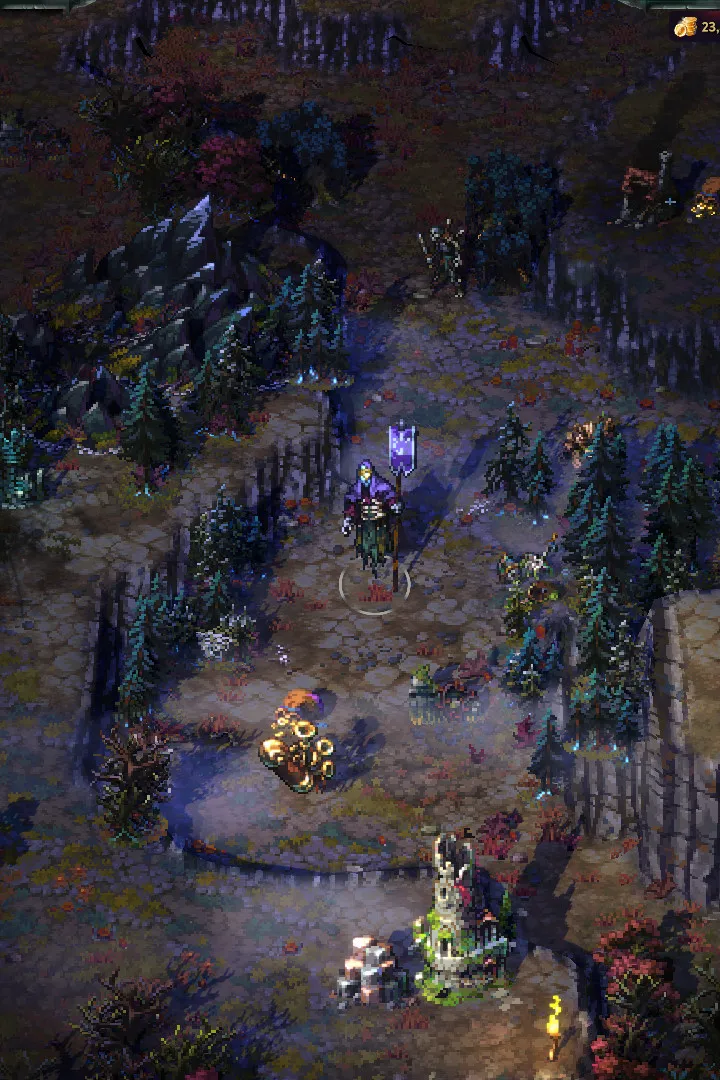
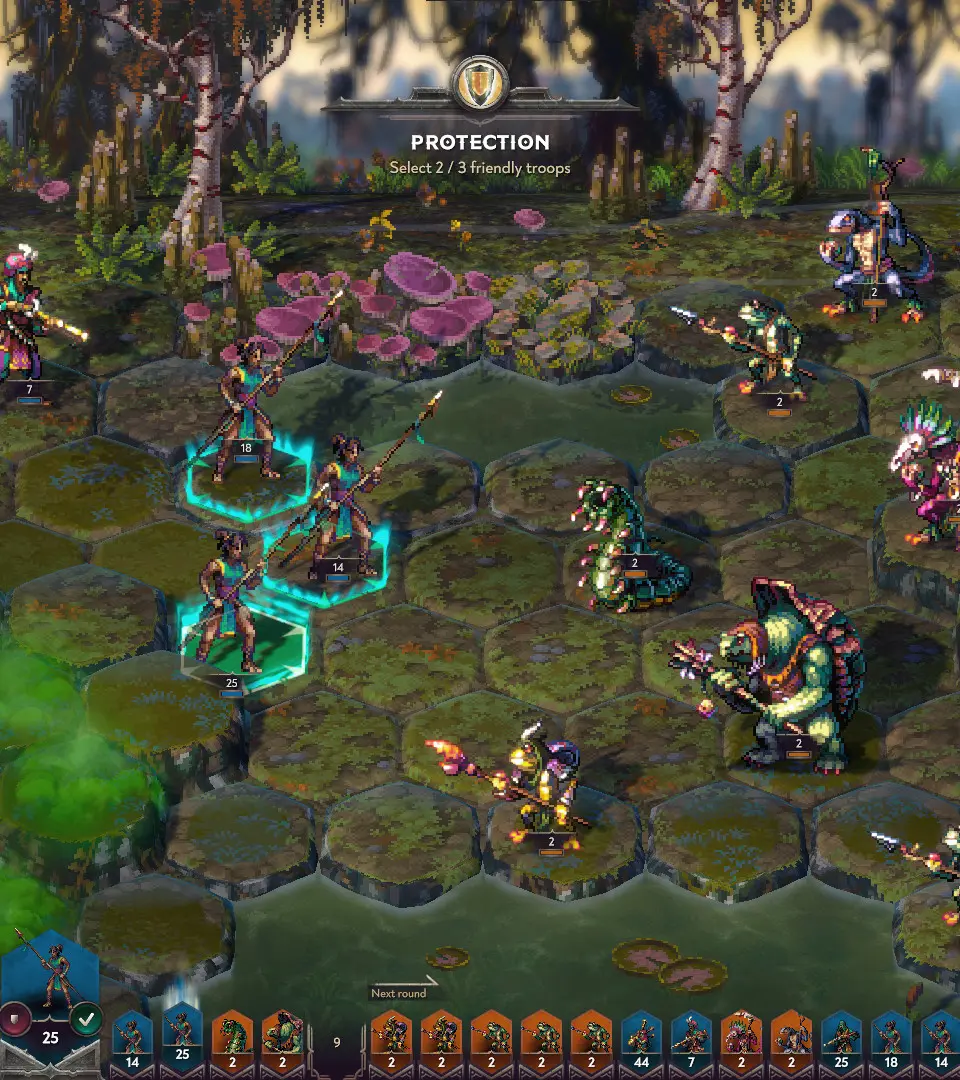
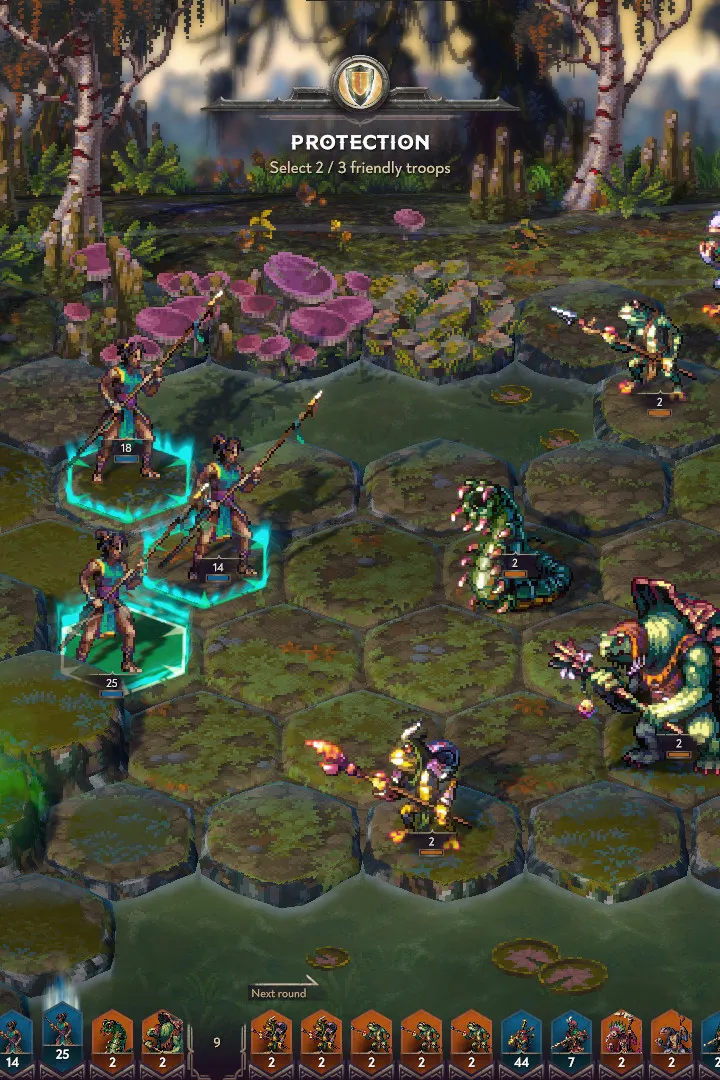
| Combat Interface | Appears during battles, shows unit stats, abilities, and turn order. |
| Town Management Screen | Shows buildings, available upgrades, and unit recruitment options. |
Mastering these controls and understanding the UI will significantly enhance your experience and efficiency in Songs of Conquest.
Controls and Interface — Songs of Conquest Guide
Navigate the world of Songs of Conquest with ease! This guide breaks down all the essential controls and interface elements to help you conquer every battle.
Hey there! So you're diving into Songs of Conquest and want to get a handle on how everything works, right? This guide is here to walk you through all the nitty-gritty of the game's controls and interface. Think of it as your friendly co-pilot, making sure you know exactly what button to press and where to look on screen so you can focus on the important stuff – winning!
We'll cover everything from basic movement and combat commands to understanding all those icons and menus that pop up. No more fumbling around; by the end of this, you'll be a pro at navigating the world of Songs of Conquest like you've been playing for ages. Let's get you up to speed!
Game Mechanics Overview
Learn the core gameplay mechanics of Songs of Conquest! Discover tips on movement, strategy, building, and artifacts to dominate your campaign and conquer your foes.
Game Mechanics Overview
Learn the core gameplay mechanics of Songs of Conquest! Discover tips on movement, strategy, building, and artifacts to dominate your campaign and conquer your foes.
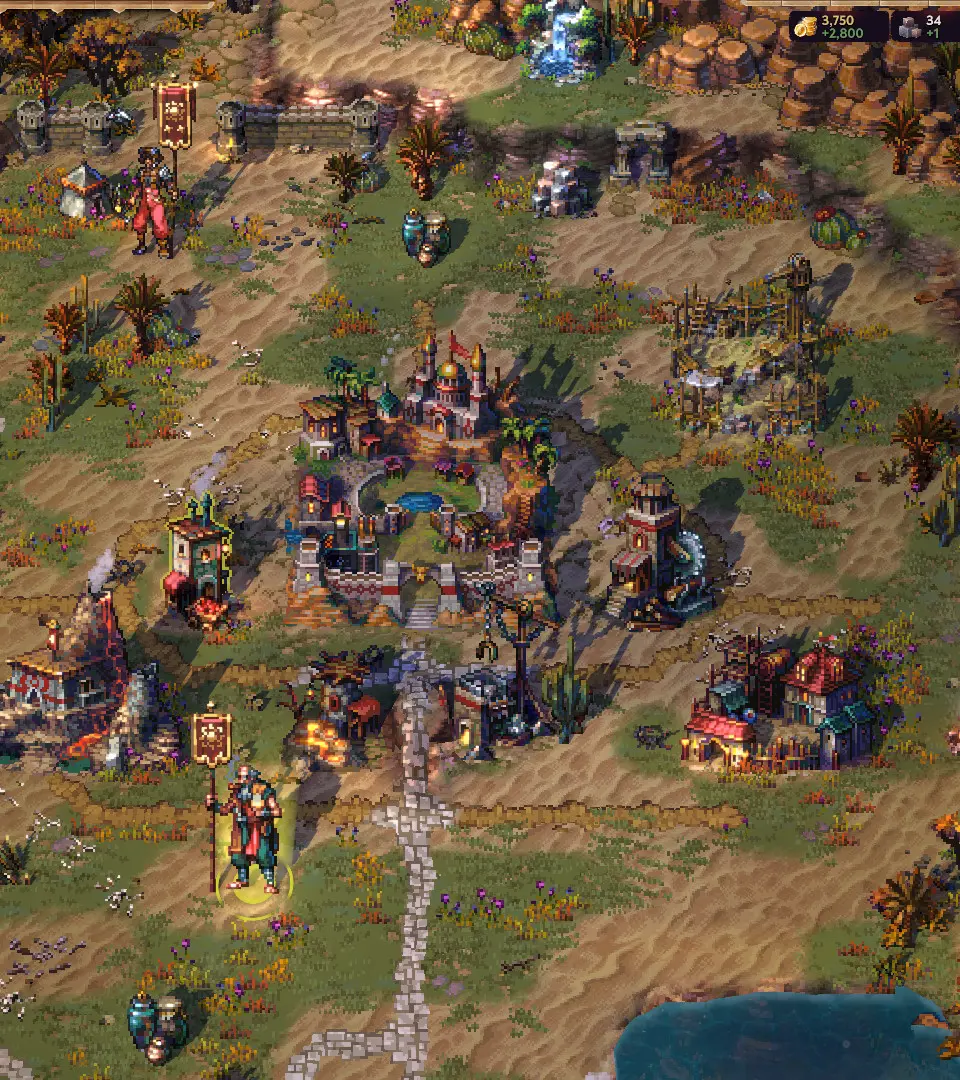
Similar guides you might like




100% Human-Written. AI Fact-Checked. Community Verified. Learn how AntMag verifies content