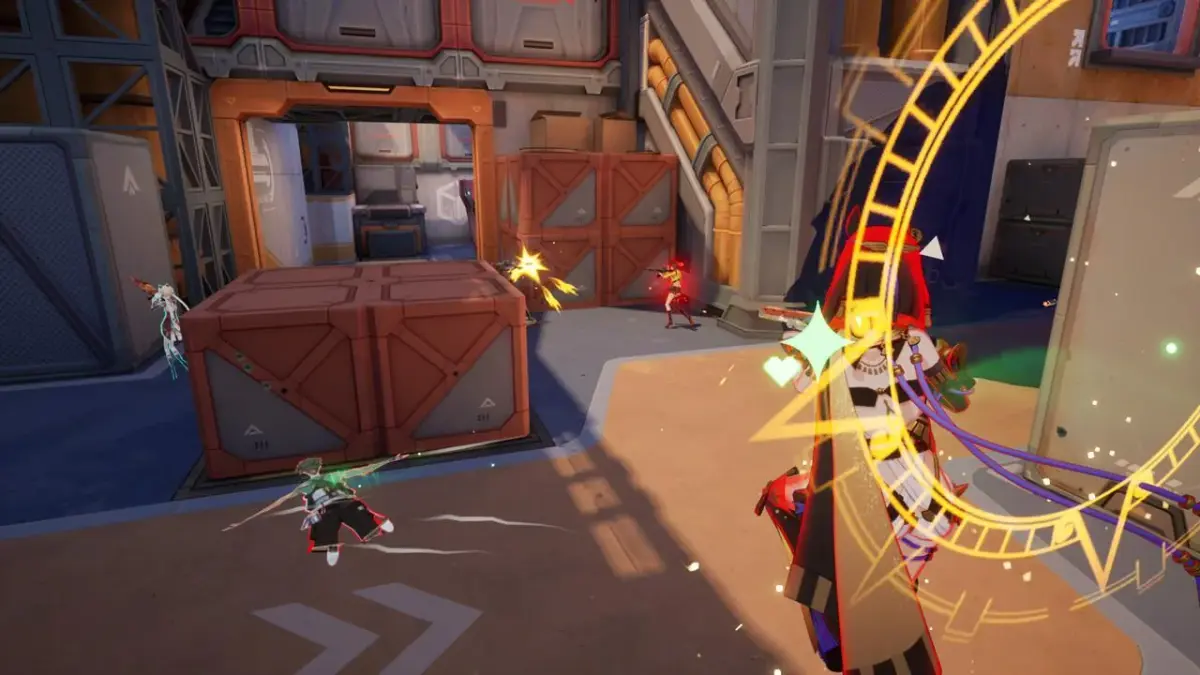
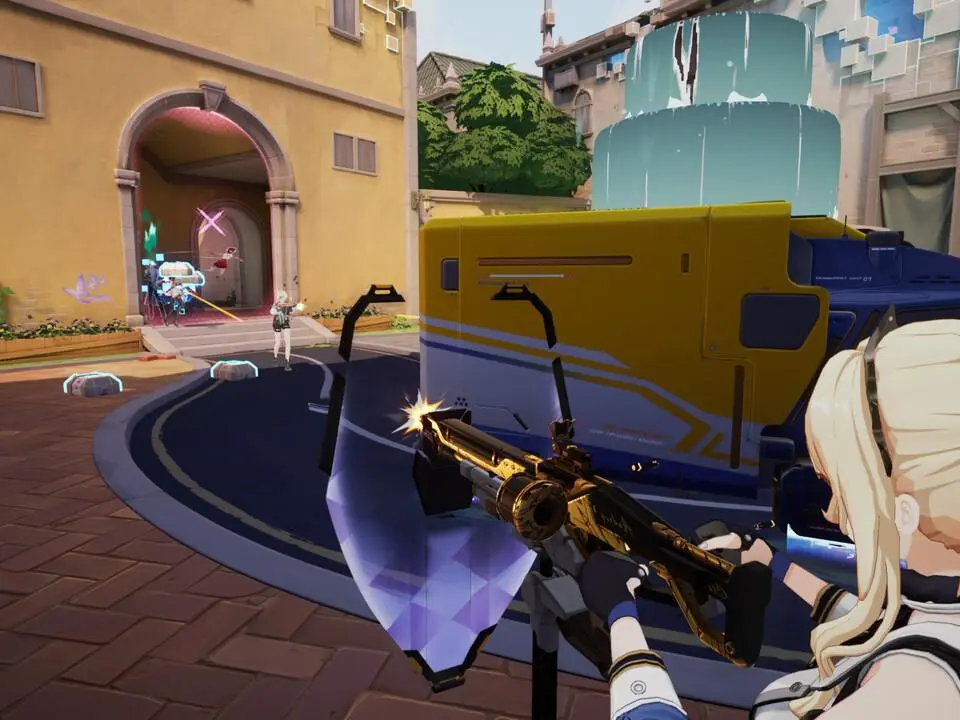
A detailed breakdown of Strinova's in-game UI, including health, mini-map, skills, and stringification gauge.
The Strinova UI provides all the essential information you need during gameplay. On the top left, you'll find your character's health bar and shield status. The mini-map, typically located in the top right, shows your position, teammates, and known enemy locations. Your current weapon, ammunition count, and available tactical skills are displayed in the bottom right. Pay close attention to the 'Stringification Gauge' which indicates your ability to switch between 3D and 2D forms. Communication pings and objective markers will appear dynamically on screen. Familiarize yourself with these elements to make quick, informed decisions in the heat of battle.
100% Human-Written. AI Fact-Checked. Community Verified. Learn how AntMag verifies content