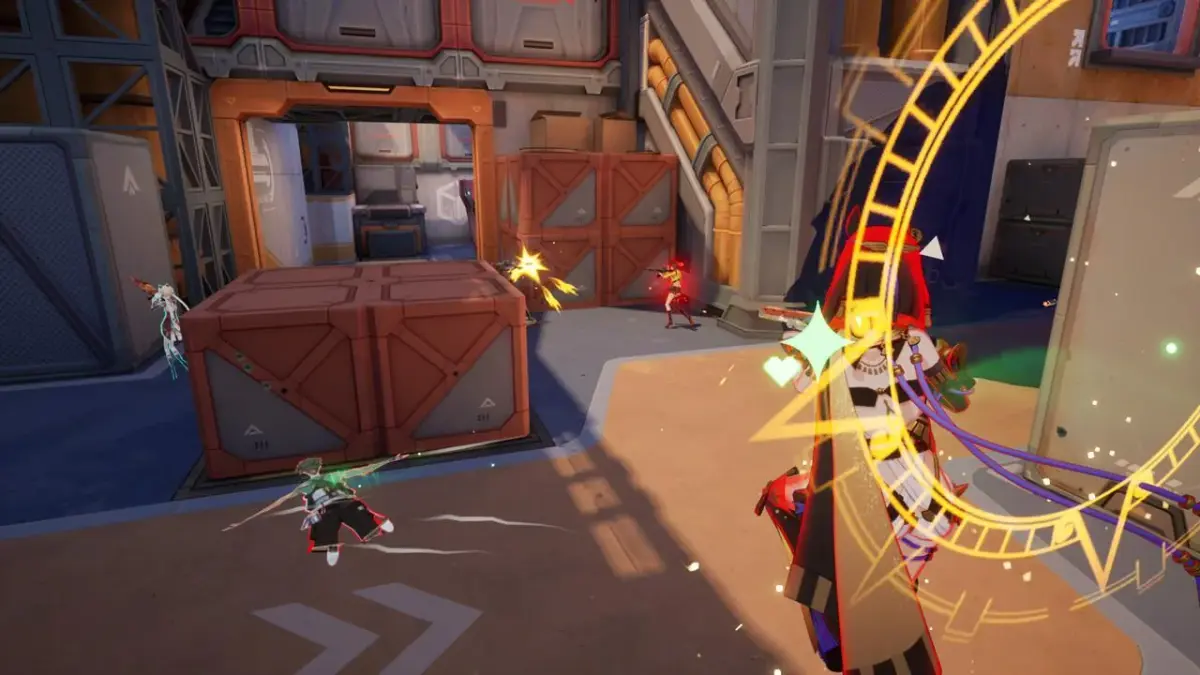
Dominate Strinova gameplay by mastering map control and efficient rotations. Dictate game flow and secure strategic positions against opponents.
Mastering map control and efficient rotations is crucial for dominating in Strinova. It's not just about winning gunfights; it's about dictating the flow of the game, denying enemy advantages, and securing strategic positions. This section will break down how to achieve this.
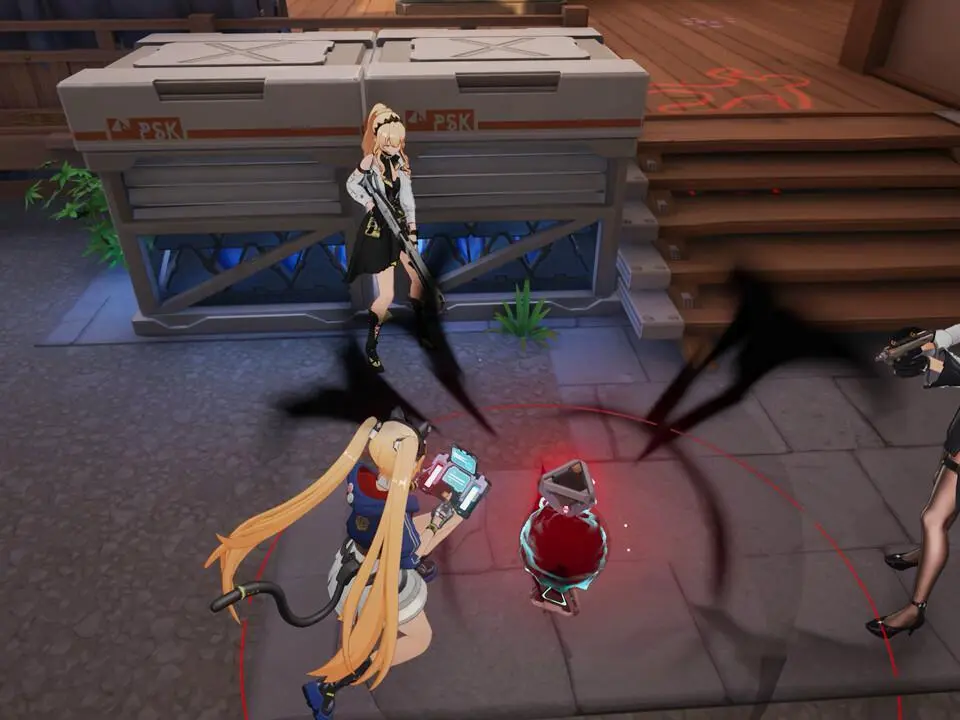
Understanding Map Control
Map control refers to the ability of your team to hold and influence key areas of the map. These areas often provide:
- High Ground: Offers superior sightlines and defensive advantages.
- Chokepoints: Areas where enemies are forced to funnel through, making them easier to defend or ambush.
- Objective Locations: The primary areas where matches are won or lost (e.g., Capture Points, Bomb Sites).
- Rotation Routes: Paths that allow your team to quickly move between different parts of the map.
Key Strategies for Map Control
- Early Game Push: On maps like "Aegis Station," a coordinated push towards the central "Control Hub" can give your team an early advantage. Use utility like "Flashbangs" or "Smoke Grenades" to breach enemy defenses.
- Holding Power Positions: Identify and secure advantageous positions. On "Crimson Canyon," the "Overlook" provides excellent sightlines onto the main pathways. A well-placed "Sentry Turret" here can deter pushes.
- Denying Enemy Rotations: If you know the enemy team is trying to flank through "The Underpass" on "Nebula City," use area-denial abilities or sustained fire to prevent them from crossing.
- Information Gathering: use "Recon Drones" or "Intel Scanners" to understand enemy movements and anticipate their rotations. Knowing where the enemy *isn't* is as important as knowing where they are.
Effective Rotations
Rotations are the movement of your team across the map to reinforce positions, attack objectives, or respond to enemy threats. Good rotations are:
- Timely: Reacting quickly to enemy movements or objective calls.
- Coordinated: Moving as a unit, not as scattered individuals.
- Safe: using less contested routes and being aware of potential ambushes.
Rotation Walkthrough Example: "Solaris Outpost"
- Scenario: Your team has secured "Alpha Site," but the enemy is pushing "Bravo Site."
- Objective: Rotate from Alpha to reinforce Bravo.
- Step 1: Assess Threat. Use your minimap and comms to confirm the enemy's push strength on Bravo.
- Step 2: Identify Safe Route. The direct path through the "Central Plaza" might be contested. Consider the "Service Tunnels" or the "Upper Walkways" for a safer, albeit potentially longer, rotation.
- Step 3: Communicate Intent. Announce your rotation plan to your team. "Rotating Bravo via Service Tunnels."
- Step 4: Move as a Unit. Stick together. If you have a "Shield Generator," deploy it for added protection during the rotation.
- Step 5: Secure New Position. Upon arrival at Bravo, don't just rush in. Use cover, re-assess the situation, and work with any teammates already there to establish a strong defensive line.
Item Synergies for Map Control
- "EMP Grenades": Excellent for disabling enemy "Sentry Turrets" or "Shield Generators" guarding key areas.
- "Healing Stations": Deploying these in contested zones or safe fallback points allows your team to sustain control.
- "Deployable Cover": Use these to create temporary strongholds or block off enemy advance routes during rotations.
By understanding and actively practicing these map control and rotation principles, you'll significantly improve your team's ability to win rounds and dominate the battlefield in Strinova.
100% Human-Written. AI Fact-Checked. Community Verified. Learn how AntMag verifies content