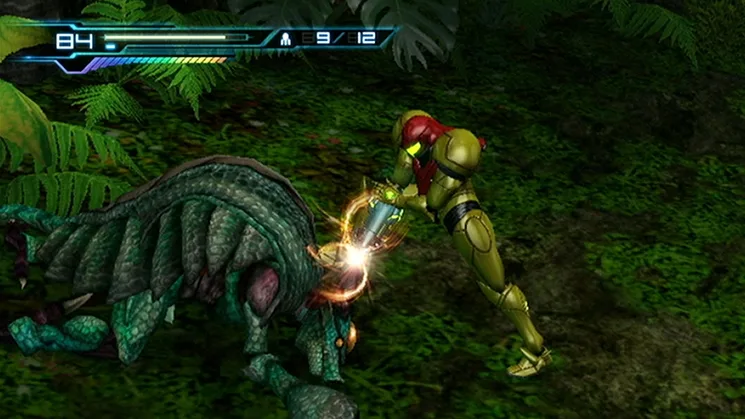
Learn how to fire Normal, Super, and Seeker Missiles in Metroid: Other M. Details on charge gauge and targeting.
Walkthrough
- 1Normal Missile: While in Search View, press and release the A button while locked onto a target to fire a missile. This can be done while in the air.
- 2Super Missile: While in Search View, press and release the A button when the Charge Gauge (a visual indicator of how much you've charged your shot) is fully charged. This consumes five missiles and fires a powerful Super Missile.
- 3Seeker Missile: While in Search View, press and hold the A button until the Charge Gauge is fully charged. This will lock onto multiple targets. Releasing the A button fires a Super Missile along with four additional missiles.
Tips
- The Normal Missile is your basic projectile, useful for standard combat.
- The Super Missile is a more powerful upgrade, ideal for tougher enemies or breaking certain barriers.
- The Seeker Missile allows for efficient targeting of multiple enemies simultaneously, making crowd control easier.
100% Human-Written. AI Fact-Checked. Community Verified. Learn how AntMag verifies content