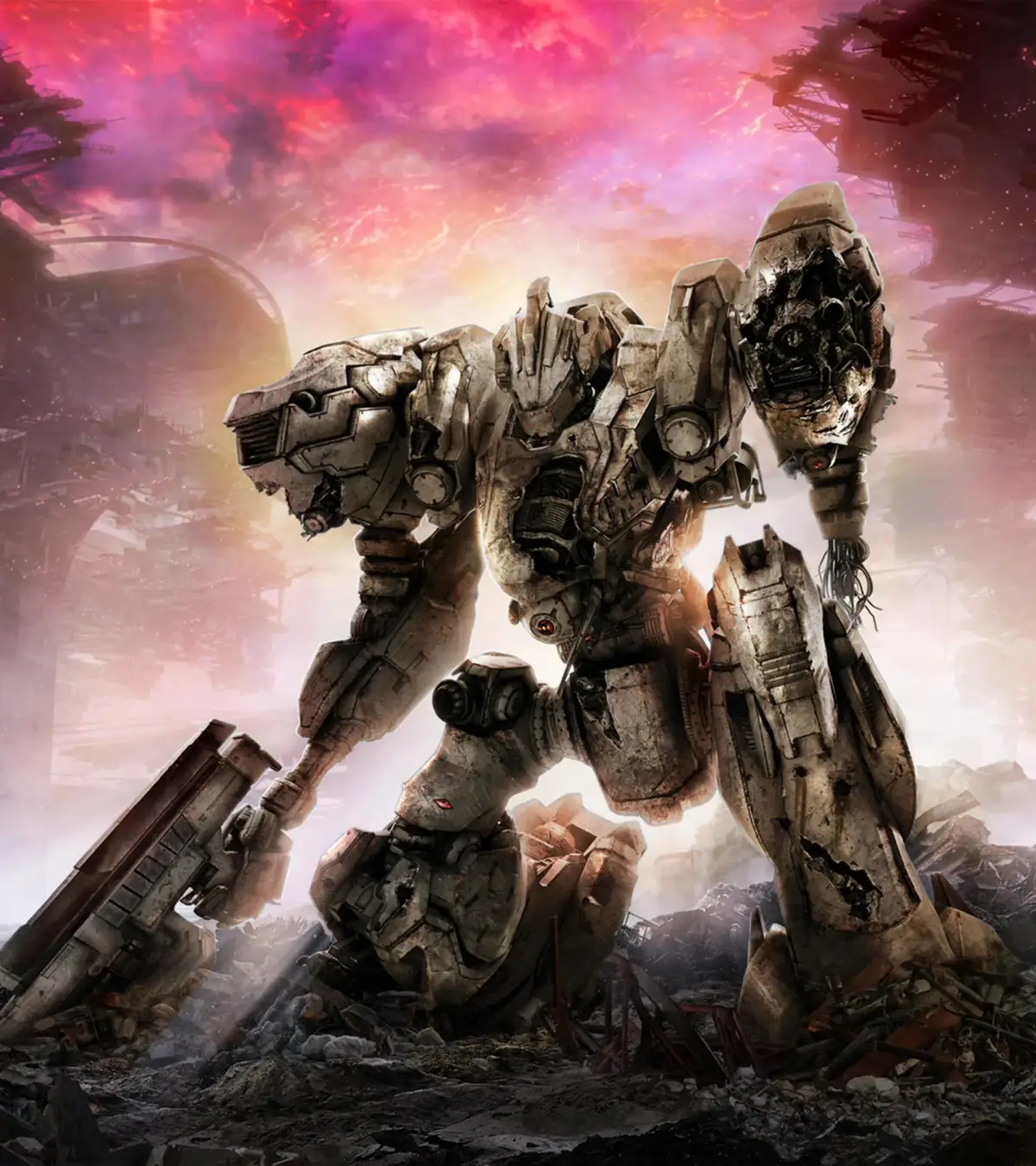
Learn how to customize your Armored Core VI: Fires of Rubicon with paint and decals. Personalize your mech's appearance and stand out on the battlefield.
Armored Core VI: Fires of Rubicon allows for extensive customization of your AC (Armored Core), including its paint and decals. This feature lets you personalize your mech's appearance to reflect your style or faction.
How to Customize:
- Access the AC Customization menu from the Hangar.
- Navigate to the 'Decal' or 'Paint' sections.
- Choose from a variety of pre-set decals or upload your own custom designs (if applicable).
- Apply colors to different parts of your AC, including the body, weapons, and boosters.
- Save your custom AC design.
Tips for Customization
- Experiment with different color schemes and decal placements to create a unique look.
- Consider using decals to represent factions or add personal flair to your AC.
- The 'Paint' section offers detailed options for primary, secondary, and tertiary colors, as well as metallic finishes and effects.
- Custom decals can significantly enhance the uniqueness of your AC, but ensure they comply with any in-game content guidelines.
100% Human-Written. AI Fact-Checked. Community Verified. Learn how AntMag verifies content