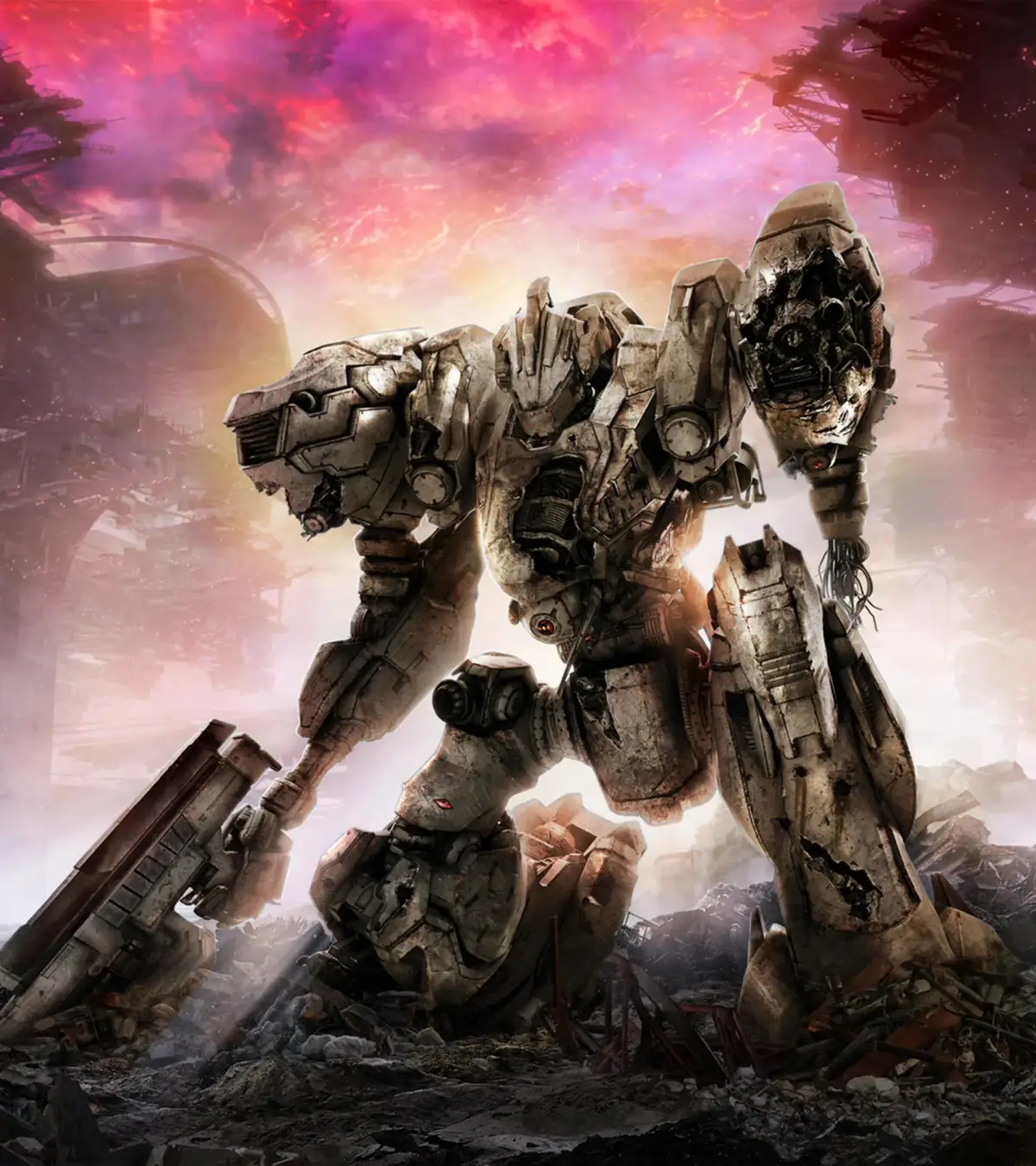
Learn how to acquire new parts and weapons for your Armored Core in Fires of Rubicon. This guide covers shop purchases, combat logs, and Arena rewards to help you customize your AC.
In Armored Core VI: Fires of Rubicon, acquiring new parts and weapons is crucial for customizing your AC and tackling increasingly difficult missions. This guide covers the primary methods of obtaining new gear, including purchasing from the shop, earning rewards from missions and the Arena, and finding hidden parts.
Shop & Part Acquisition:
- Shop Purchases: New parts and weapons become available in the AC Design shop as you progress through the game's missions. Regularly check the shop after completing missions to see new offerings.
- Mission Rewards: Some missions directly reward you with new AC parts or weapons upon completion.
- Arena Battles: Participating in and winning Arena battles unlocks new parts and weapons as rewards. The Arena also serves as a way to test your builds against various ACs.
- Combat Logs: Collecting Combat Logs scattered throughout missions can sometimes unlock specific parts or provide valuable intel.
- OS Upgrades: As you progress, you can perform OS upgrades, which enhance your AC's core functions and can be considered a form of 'acquisition' for improved capabilities.
Tips
- Experiment with different loadouts and parts to find what suits your playstyle and the mission requirements.
- The Arena is an excellent place to test new builds and earn rewards that will help you further customize your AC.
- Don't neglect OS upgrades, as they provide significant boosts to your AC's performance.
100% Human-Written. AI Fact-Checked. Community Verified. Learn how AntMag verifies content