
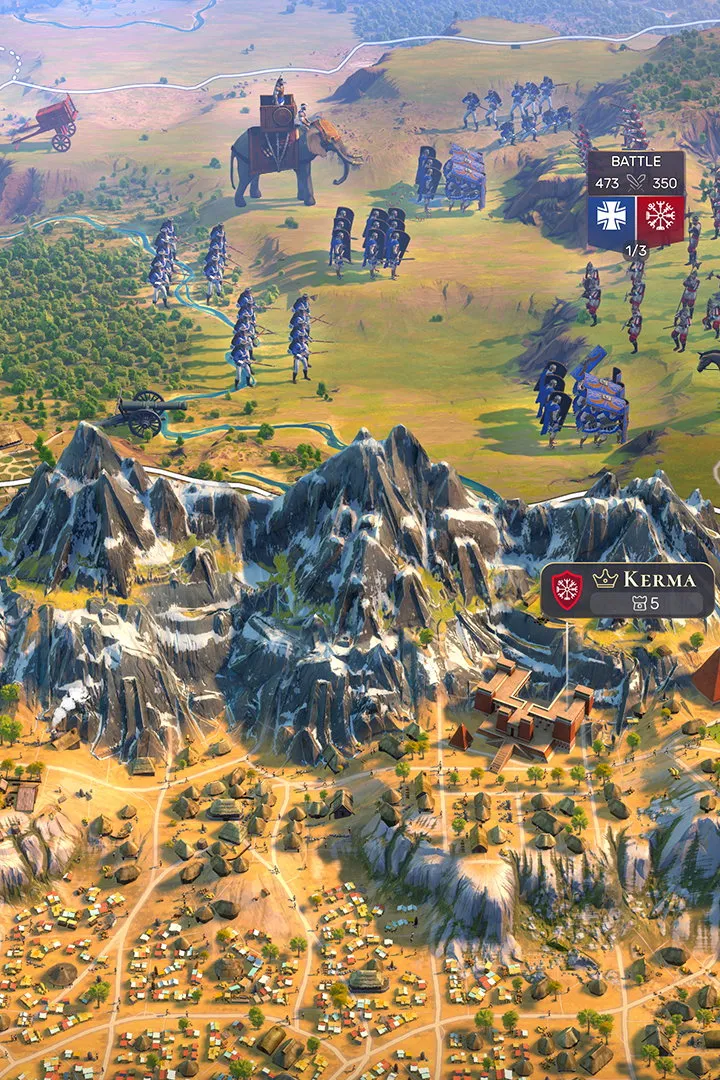
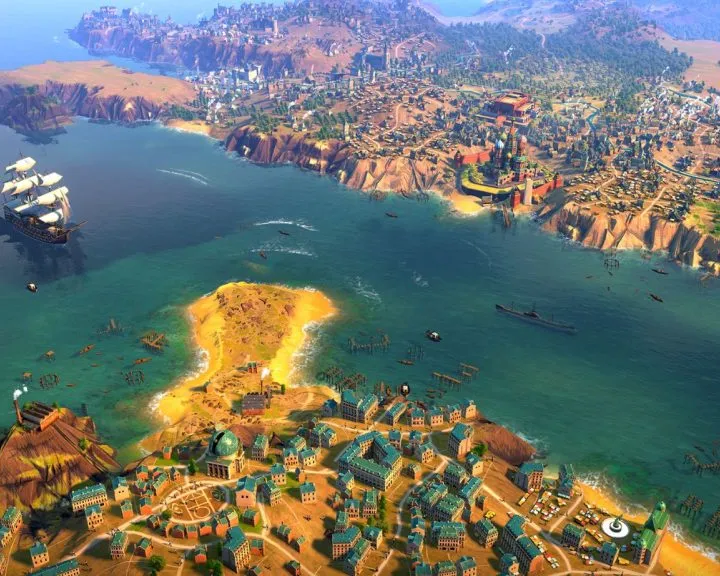
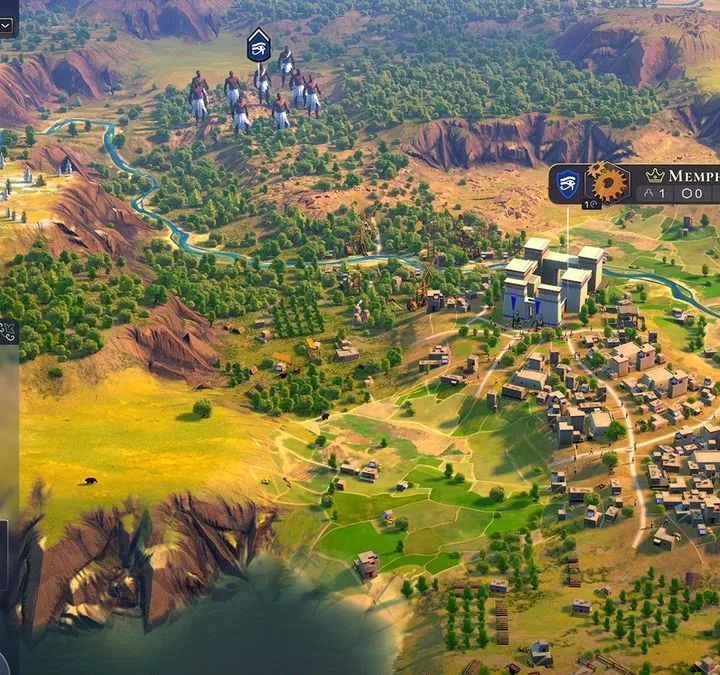
Humankind is a 2021 grand strategy game where you lead a civilization through history, blending cultures and making pivotal decisions. Unlike other empire builders, you forge your own path by creating a unique avatar rather than choosing a historical leader. This fresh take on the genre, developed by Amplitude Studios, offers a deep and engaging experience for players who enjoy shaping their own historical narrative.
This guide will help you navigate the complexities of Humankind, from understanding its core mechanics to achieving victory. We'll cover essential strategies for early-game expansion, managing your empire's growth across different eras, and making the most of the unique culture-blending system. Whether you're aiming for a specific victory condition or just want to master the game's intricate systems, this guide provides the insights you need to build an empire that truly stands the test of time.
Getting Started
Learn Humankind's core mechanics like Outposts, Districts, FIMS, and population management. Build a civilization from the Neolithic to the Contemporary Era.
Getting Started
Learn Humankind's core mechanics like Outposts, Districts, FIMS, and population management. Build a civilization from the Neolithic to the Contemporary Era.
Installation & Setup
Get Humankind up and running! This guide walks you through the installation and initial setup process, ensuring you're ready to conquer history. Learn about system requirements and more.
Installation & Setup
Get Humankind up and running! This guide walks you through the installation and initial setup process, ensuring you're ready to conquer history. Learn about system requirements and more.
PC System Requirements
Check Humankind PC system requirements for smooth gameplay. See minimum and recommended specs for CPU, RAM, GPU, and storage for this 4X strategy title.
To ensure a smooth and enjoyable experience playing Humankind on your PC, it is essential to verify that your system meets the recommended specifications. The game, developed by Amplitude Studios, is a demanding 4X strategy title that requires a capable hardware configuration to run effectively, especially at higher graphical settings or during complex late-game scenarios. Understanding these requirements will help you avoid performance bottlenecks and ensure that you can fully appreciate the intricate details of the game's historical world and strategic depth. The developers have outlined both minimum and recommended system requirements to cater to a range of PC builds.
For the minimum requirements, players will typically need a processor such as an Intel Core i5 or AMD equivalent, paired with at least 8 GB of RAM. A graphics card like an NVIDIA GeForce GTX 770 or AMD Radeon HD 7970, with 2 GB of VRAM, is generally sufficient to run the game. Storage-wise, Humankind requires a considerable amount of free space, often around 25 GB, so ensure your hard drive or SSD has ample room. The operating system requirement is usually Windows 7 64-bit or later. These minimum specifications will allow you to launch and play Humankind, but you may need to adjust graphical settings for optimal performance.
For a more robust experience, the recommended system requirements suggest a more powerful processor, such as an Intel Core i7 or AMD Ryzen equivalent, and 16 GB of RAM. A higher-end graphics card, like an NVIDIA GeForce GTX 1060 or AMD Radeon RX 580 with 4 GB of VRAM, will provide better visual fidelity and smoother frame rates. The storage requirement remains similar, emphasizing the need for a fast SSD for quicker loading times. Running the game with these recommended specifications will allow for higher graphical settings, more detailed unit models, and a more fluid experience during large-scale battles and city management, particularly when dealing with numerous units and complex city districts. Always ensure your graphics drivers are up to date for the best compatibility and performance.
macOS System Requirements
See Humankind macOS system requirements. Verify your Mac's specs for CPU, RAM, GPU, and OS to run this historical 4X strategy game.
For macOS users looking to embark on their historical empire-building journey with Humankind, understanding the system requirements is just as crucial as for their PC counterparts. The game's demanding nature extends to Apple's ecosystem, and meeting the specified hardware and software configurations will be key to a stable and enjoyable gameplay experience. Amplitude Studios has provided specific guidelines to help macOS users determine if their machines are capable of running the game, ensuring that the intricate details of civilization development and strategic warfare can be rendered without significant performance compromises. check these requirements before purchasing or attempting to install the game.
The minimum system requirements for macOS typically involve a processor such as an Intel Core i5, coupled with a minimum of 8 GB of RAM. For graphics, a dedicated GPU is often recommended, with specifications similar to an AMD Radeon M290 or NVIDIA GeForce GT 750M, usually requiring at least 2 GB of VRAM. The operating system requirement is generally macOS 10.13 High Sierra or later. Storage space is also a significant factor, with Humankind requiring approximately 25 GB of free space on your hard drive or SSD. Meeting these minimums will allow the game to run, but players may need to lower graphical settings to achieve playable frame rates, especially in later game stages with many units and extensive city development.
To achieve a more optimal gameplay experience on macOS, the recommended system requirements suggest a more powerful configuration. This often includes a faster processor, such as an Intel Core i7, and 16 GB of RAM. For graphics, a more capable GPU is advised, such as an AMD Radeon Pro 570 or NVIDIA GeForce GTX 1060 (Mac version), with 4 GB of VRAM or more. These recommended specifications will enable players to enjoy Humankind with higher graphical fidelity, smoother animations, and a more responsive interface, particularly during intense strategic moments involving multiple armies and complex city districts. Ensuring your macOS is up-to-date and that you have sufficient storage space on an SSD will further enhance performance and reduce loading times, allowing for a more immersive historical simulation.
100% Human-Written. AI Fact-Checked. Community Verified. Learn how AntMag verifies content