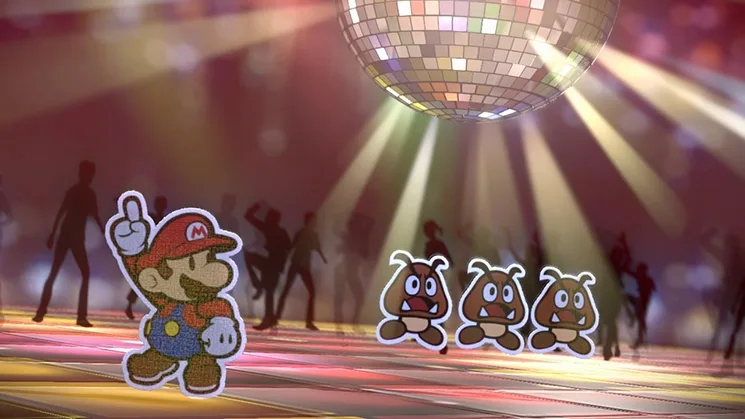
Navigate Paper Mario: Color Splash with ease! This guide details all button controls for overworld exploration, Sticker Album management, and intense battles.
Hey there! So, you've made it to Part 4. This section is all about getting a handle on the game's controls. Think of it like learning the basic moves before a big dance – knowing what button does what will make your adventure through Prism Island SO much smoother. We'll break down how to move around, manage your stickers, and even how to fight!
Controls Overview:
Let's get you familiar with how to actually play the game. It's pretty intuitive once you get the hang of it, but knowing these upfront will save you a lot of fumbling.
Overworld Controls
This is how you'll get around Prism Island, explore new areas, and interact with the world outside of battles.
| Button | Function |
| Circle Pad | Move |
| A | Jump |
| B | Hammer |
| X | Open Menu |
| L | Talk to Kersti |
| Start | Leave a cleared course |
| Touch Screen | Engage Menu |
Sticker Album Controls
Your Sticker Album is super important – it's where you keep all your battle cards. Here's how to manage it when you're not in a fight.
| Button | Function |
| Circle Pad | Navigate |
| Y | View Details |
| X/B | Close Menu |
| L/R | Change Page |
| Touch Screen | Navigate |
Battle Controls
When enemies show up, you'll need to use your stickers effectively. These buttons help you select and use them.
| Button | Function |
| Circle Pad | Navigate Sticker Album |
| A | Select Sticker / Execute Action Command |
| X | Start Battle Spinner |
| L/R | Change Album Page |
| Touch Screen | Navigate Sticker Album |
- Don't be afraid to experiment! The best way to learn is by doing. Try out different buttons when you're in a safe spot.
- Pay attention to the on-screen prompts. The game often tells you exactly which button to press for specific actions.
- Remember that some actions have timed button presses (Action Commands) during battle. Practice these to deal extra damage or defend better!
100% Human-Written. AI Fact-Checked. Community Verified. Learn how AntMag verifies content