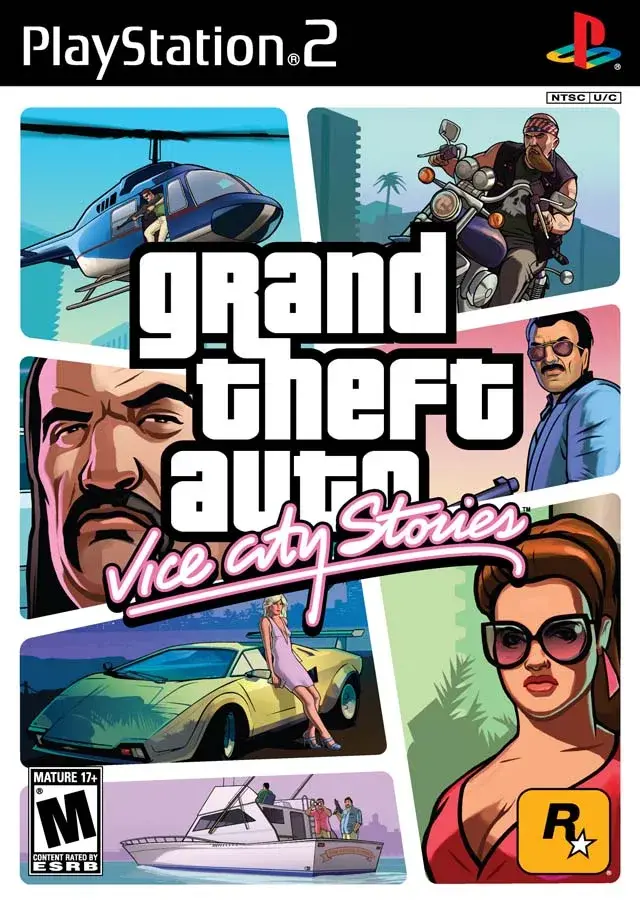
Learn how to install and configure Grand Theft Auto: Vice City Stories on your PS2 HDD using HDLoader and Open PS2 Loader for faster loading and compatibility.
This section covers technical aspects of running Grand Theft Auto: Vice City Stories on a PlayStation 2, specifically focusing on hard drive installation and display adapters.
HDLoader
HDLoader is a freeware program that allows installation of PS2 games onto a hard drive, offering faster loading times and reduced wear on the DVD-ROM drive. It is best used with the Free McBoot memory card exploit. While earlier versions of HDLoader and HDAdvance were incompatible with VCS, the latest version, .8c, works. Installing VCS on an HDD significantly speeds up loading for initial loads, memory card transfers, entering/exiting buildings, changing outfits, mission loads, and transitions between Vice City halves.
A known issue with HDLoader is that game saves will have an incorrect timestamp of 1/1/2000 00:00:00. However, this does not corrupt saves and the game will always load the latest save correctly. This timestamp issue can be fixed by adjusting settings within HDLoader.
To configure HDLoader for VCS:
- Install the game onto the HDD.
- Highlight GTA:VCS on the Game List menu and press SELECT to access Game Compatibility Settings.
- Change the following settings from 'No' to 'YES':
- Kill HDL After launch
- Date/timefix 2
The 'Date/timefix 2' setting is crucial for correcting the timestamp issue. 'Kill HDL After launch' is a precautionary measure.
Open PS2 Loader (OPL)
Open PS2 Loader (OPL) is a more robust alternative to HDLoader. It recognizes installed games and has its own compatibility modes. OPL runs VCS just as smoothly as HDL, and importantly, it does not have the timestamping issues found with HDL.
HDMI Adapters
With the prevalence of widescreen HDMI TVs, analog video consoles like the PS2 often require adapters. Many of these adapters are designed for 720p widescreen output and can stretch the PS2's native 480i/480p 4:3 fullscreen signal to fit the screen. While some TVs can force a 4:3 aspect ratio, many cannot.
Fortunately, Grand Theft Auto: Vice City Stories includes a 'Wide Screen' option in its Display settings. Enabling this option allows the game to display correctly when using HDMI adapters and widescreen TVs.
Game Structure Differences
Unlike Grand Theft Auto: Liberty City Stories on PS2, which had minimal differences from its PSP version besides controls, Grand Theft Auto: Vice City Stories on PS2 featured several notable differences beyond just control improvements when it was released.
100% Human-Written. AI Fact-Checked. Community Verified. Learn how AntMag verifies content